


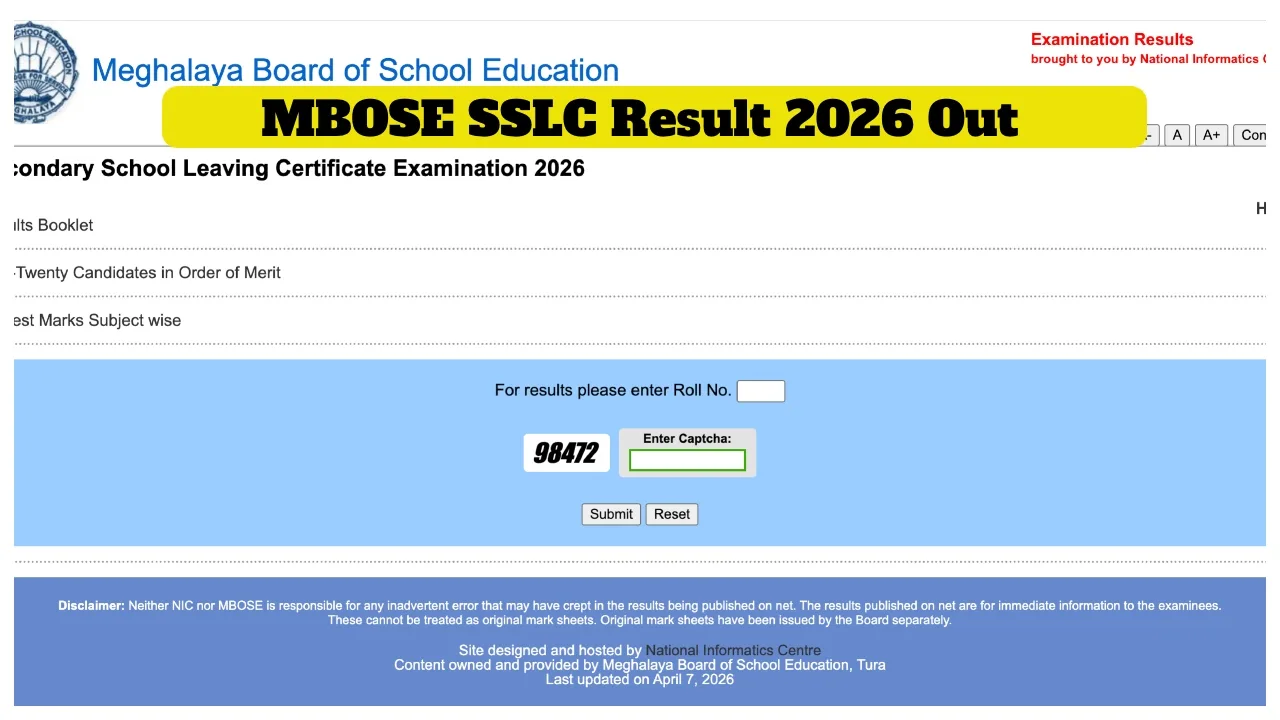
Meghalaya Board 10th Result 2026 OUT: The Meghalaya Board of School Education (MBOSE) released the Class 10 results on April 7, 2026. Students who appeared for the Secondary School Leaving Certificate (SSLC) Examination 2026 under the Meghalaya Board can check their results via the official MBOSE website. Students can access their results using their roll numbers.
Along with the results, the Meghalaya Board has also released the list of toppers and data regarding the pass percentage. To check their results, students will need to use their credentials (roll number and date of birth). This year, 86.84% of students have successfully cleared the examination. The MBOSE SSLC topper is Wangaal Lama; he secured 585 marks.
MBOSE SSLC Topper List
Rank 1 – Wangaal Lama
Rank 2 – Vishal Kumar
Rank 3 – Prajukta Roy
How to check MBOSE Result 2026 at indiaresults.com:
Click on the MBOSE SSLC (Class 10) exam scorecard PDF link at indiaresults.com.
Enter your roll number and date of birth as the required login credentials.
The MBOSE SSLC scorecard will appear on the screen.
Save the MBOSE SSLC scorecard PDF file.
How to Check MBOSE SSLC Result 2026?
Students should visit the official website of the Meghalaya Board.
Students must click on the link designated for the Meghalaya Board Class 10 results.
Students will be required to enter their credentials (such as their Roll Number and Date of Birth).
Once the requested details are entered and submitted, the result will appear on the screen.
Students can now view and download their results.
Finally, students should take a printout of their results for future reference.
How to check the results on DigiLocker?
Students should visit the DigiLocker website at digilocker.gov.in.
They must log in to DigiLocker using their mobile number, email ID, and password.
Students should click on the link labelled “Class 10 Marksheet.”
Students should navigate to the section dedicated to MBOSE results.
Students should click the link to the MBOSE Class 10 results and enter the requested details.
The result will then appear on the screen.
Students, finally, check your results and download the scorecard.