


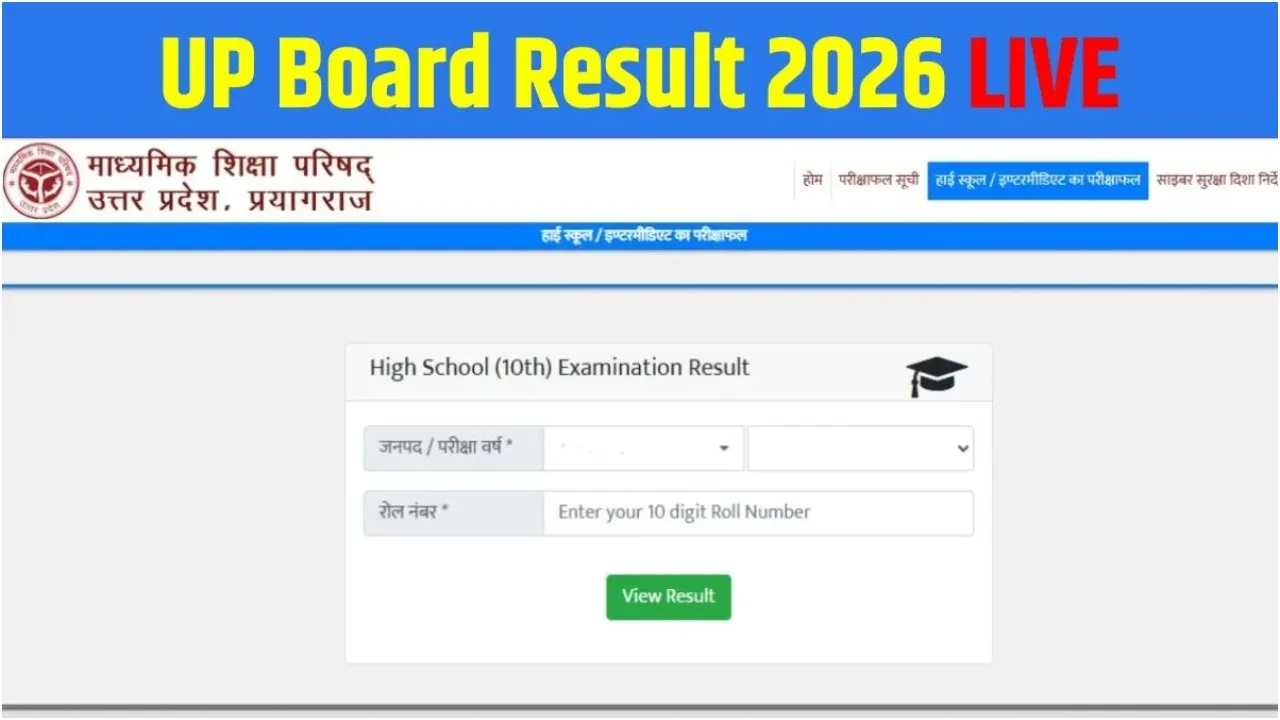
New Delhi: The wait for the results of UP Board Class 10 and 12 students is drawing to a close. It is expected that the results may be released by April 22, 2026. The evaluation of answer sheets has been completed, and the process of compiling the results is currently underway. The finalisation of the result process is expected to take place very soon.
To check their Class 10 and 12 examination results, students will need to visit the official website, where they should not encounter any technical difficulties. If a student fails, they will have the option to appear for a compartment examination. Although an official date for the results has not yet been formally announced, media reports are making these claims.
Read More: Monsoon Update – Heavy Rain and Thunderstorm Warning in These States, Power Cut Likely
Read More: Skoda Deals 2026: Huge Discounts on Kushaq, Slavia & Kylaq in India, Save Up to ₹3.5 Lakh
The Countdown to Results Begins
Over 5 million students appeared for the Uttar Pradesh Board’s Class 10 and 12 examinations. The evaluation of answer sheets was completed in record time. According to sources, the Board is likely to announce the results during the third week of April. The Education Minister is expected to release the list of toppers and the overall passing percentage via a press conference.
Check Your Results Here
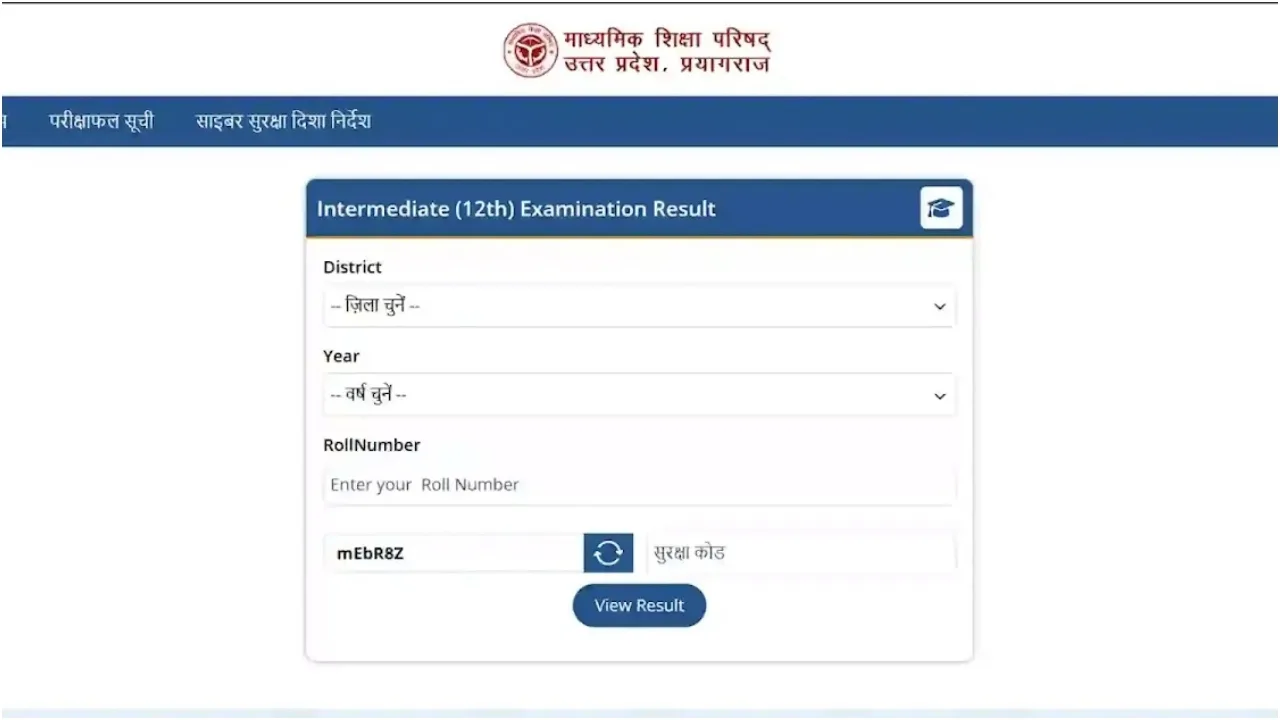
Do not be anxious about checking your UP Board Class 10 and 12 results. Occasionally, heavy web traffic causes the website to slow down. In such instances, you may utilise these alternative links. Students can check their scores by visiting upresults. nic.in, upmsp.edu.in, and results.upmsp.edu.in.
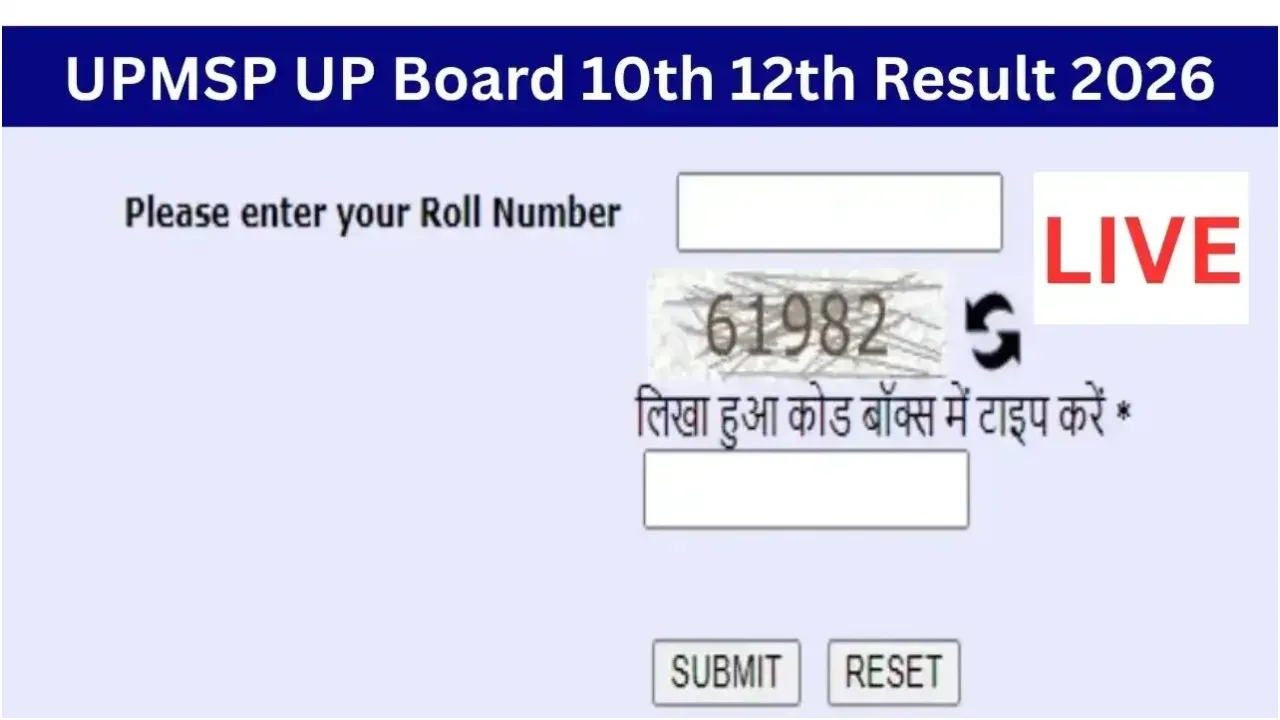
Check Your Results Here
To do this, you must first visit the official UP Board website: upresults.nic.in.
Next, click on the ‘UP Board Class 10th Result’ or ‘UP Board Class 12th Result’ link located on the homepage.
You will then need to enter your 7 or 10-digit Roll Number and your School Code.
After entering the Captcha code, click on the ‘Submit’ button.
Your result will then appear on the screen. You should download it in PDF format for future reference. Find Out: You Can Also Check Your Results via SMS
In the absence of an internet connection, you can check your examination results simply by sending a text message.
For Class 10: Type UP10 <Roll Number> and send it to 56263.
For Class 12: Type UP12 <Roll Number> and send it to 56263.