
GSEB SSC Result 2026 Declared – 83.86% Pass – Check Class 10 Score at gseb.org
GSEB Gujarat Board SSC Class 10th Result 2026 Out: The Gujarat Secondary and Higher Secondary Education Board has released the Class 10th results. Students who appeared for this examination can now check their results via the official website, gseb.org. The link to view the results

 Join Us
 Add as a preferred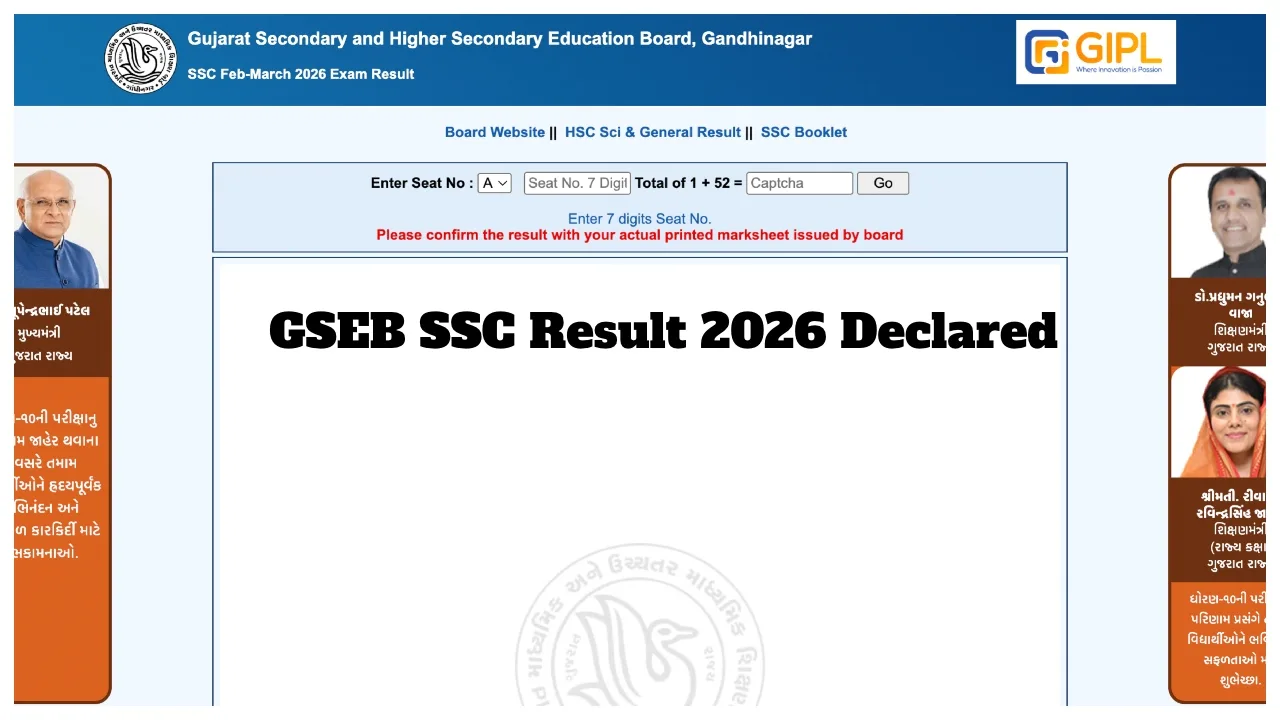
GSEB Gujarat Board SSC Class 10th Result 2026 Out: The Gujarat Secondary and Higher Secondary Education Board has released the Class 10th results. Students who appeared for this examination can now check their results via the official website, gseb.org. The link to view the results has been activated. Students and their parents can check their results using their Seat Number. In addition to the official website, students can also check their results through digilocker.gov.in.
How were the Class 10th Results 2026?
The overall pass percentage stood at 83.86%. Girls performed exceptionally well across all categories—Regular, Repeater, and Gujarat State Open School. Of the more than 6 lakh students who appeared for the GSEB SSC examination, over 600,000 opted for the Gujarati medium, while approximately 100,000 chose the English medium.
How to Check the GSEB SSC 2026 Online Marksheet?
Visit the official website at gseb.org.
Enter your 6-digit Seat Number in the “SSC-2026 Exam Result” window.
Click on the ‘Submit’ button.
Your scorecard will appear on the screen.
Download and save it for future reference.
In the Gujarat State Open School (GSOS) category, girls achieved a pass percentage of 36.25%, while boys’ pass percentage was 23.23%. A total of 8,945 girls appeared for the GSOS examinations, while 14,408 boys took the exam. This year, 35,508 students secured an A1 grade. Over 1,600 schools achieved a 100% pass rate in this year’s examinations. Additionally, the pass percentage for the Gujarat State Open School exams stood at 28.22%.
How to Check Gujarat Board Results via DigiLocker?
First, download or open the DigiLocker app/website.
Visit the website digilocker.gov.in.
Log in using your mobile number or Aadhaar number.
Navigate to the ‘Education’ section.
After logging in, tap on ‘Issued Documents’ or search within the ‘Browse Documents’ section.
Select ‘Gujarat Secondary and Higher Secondary Education Board’.
Enter your details, such as your Seat Number/Roll Number and the Year (2026).
Provide any other required information.
View your result.
Your Class 10 marksheet will be displayed on the screen.
How to Check Gujarat Board SSC Result 2026 via SMS?
Open the ‘Messages’ app on your mobile phone.
Type ‘SSC’ followed by your Seat Number (e.g., SSC B123456).
Send this message to 56263.

Priyanka Singh
Next Article
HBSE 10th Result 2026 – How to Check the result Via Roll Number, Direct Link bseh.org.in
Haryana Board 10th Result 2026: The Haryana Board is likely to release the Class 10 examination results this week. Students of the Haryana Board will be able to check their results by visiting the Board’s official website, bseh.org.in. To pass the examination, students must secure 33 percent marks.
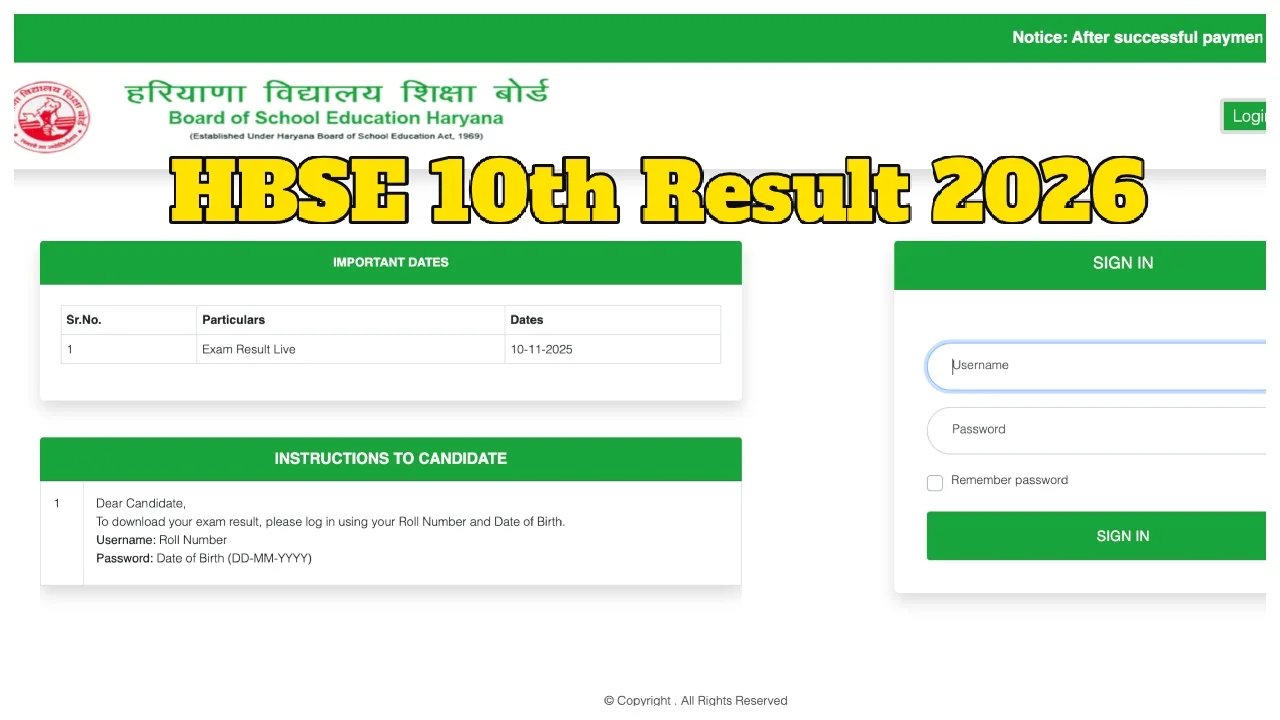
Haryana Board 10th Result 2026: The Board of School Education, Haryana (BSEH) has already released the Class 12 results, and Class 10 students are now eagerly awaiting their own. According to various media reports, the HBSE Class 10 Result 2026 is expected to be released sometime this week. The results will be published on the official Haryana Board website, where students can check their scores by entering their roll numbers. Students who appeared for the examination are advised to keep their roll numbers ready in advance to check their results promptly.
Check Your Result on These Websites:
bseh.org.in
results.bseh.org.in
digilocker.gov.in
Write a Comment