
CBSE Class 12 Result 2026 Expected in Third Week of May – Direct Link at cbse.gov.in
CBSE 12th Results 2026 Out Soon: The wait is finally coming to an end for the approximately 18.5 lakh students who appeared for the CBSE Class 12 examinations. The CBSE Class 12 results are expected to be released during the third week of May. In

 Join Us
 Add as a preferred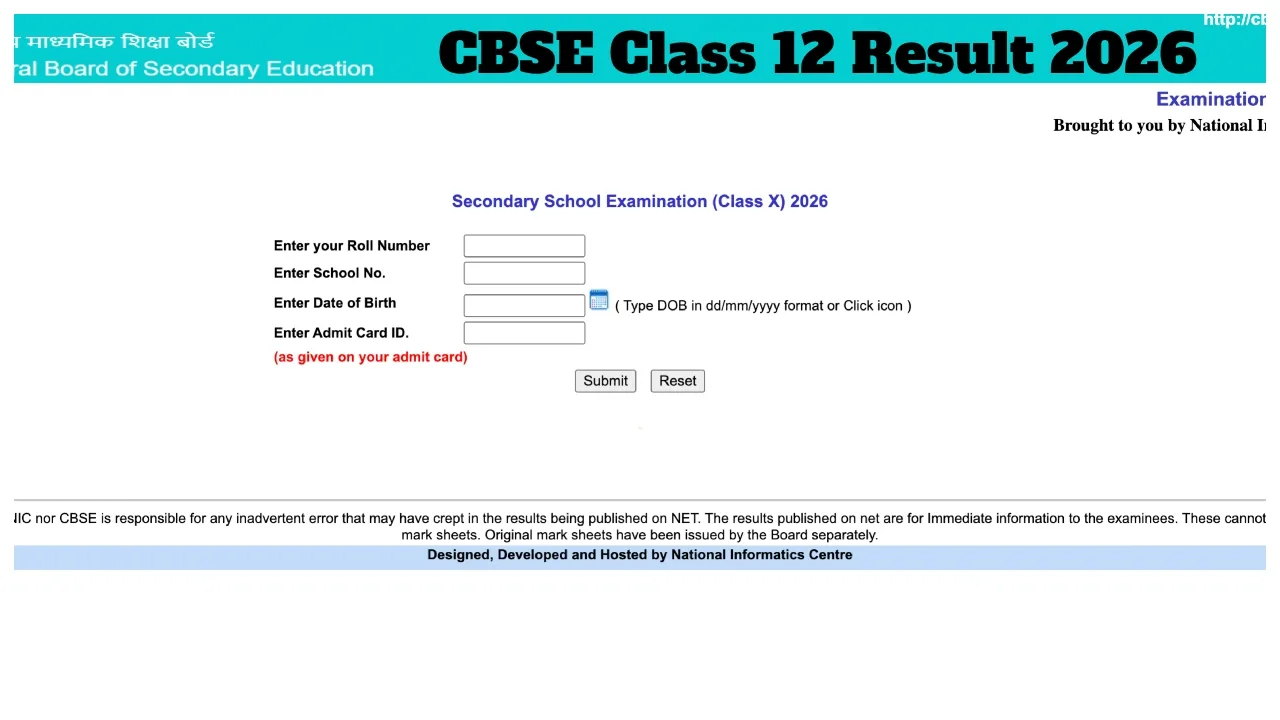
CBSE 12th Results 2026 Out Soon: The wait is finally coming to an end for the approximately 18.5 lakh students who appeared for the CBSE Class 12 examinations. The CBSE Class 12 results are expected to be released during the third week of May. In addition to the official CBSE website, students can access their results via DigiLocker and SMS. All students and parents are advised to keep their login credentials ready in advance.
The examinations were conducted by the CBSE between February 17 and April 10. The exams were held in a single shift, from 10:30 AM to 1:30 PM. In addition to the official website, students can check their results via SMS, DigiLocker, and the UMANG App.
Check Results via Phone Call?
You can also check your CBSE Class 12 examination results by making a phone call. If you are a student from Delhi, call 24300699; if you are a student from outside Delhi, call 011-24300699.
Check Results on These Websites:
cbse.gov.in
cbseresults.nic.in
cbse.nic.in
digilocker.gov.in
results.gov.in
What Marks Are Required to Pass?
To pass the CBSE Class 12 examination, students must secure a minimum of 33 per cent marks in each individual subject.
How to Check Results via SMS?
First, open your message box and send the following details—`cbse12`, your Roll Number, School Number, and Centre Number—to the number 7738299899. Your result will be delivered to your inbox within a few minutes.
Steps to Download Your Result Online:
1. First, visit the official website: cbse.gov.in.
2. Click on the active link for the ‘CBSE 12th Result 2026’.
3. Enter your Roll Number and Date of Birth.
4. Once you have entered your login details, your result will appear on the screen.
5. Finally, take a printout of the result for your records.
How to Check Results via DigiLocker
visit digilocker.gov.in or open the DigiLocker app.
need to log in using your registered mobile number or Aadhaar number.
Navigate to the ‘Issued Documents’ section.
From there, select the ‘CBSE’ option.
Click on ‘Class 12 Marksheet 2026’.
Enter your Roll Number and the Year of Passing.
You will then be able to download your digital marksheet
Keep visiting cbse.gov.in and results.cbse.nic.in for official updates.

Priyanka Singh
Next Article
HBSE 10th Result 2026 – How to Check the result Via Roll Number, Direct Link bseh.org.in
Haryana Board 10th Result 2026: The Haryana Board is likely to release the Class 10 examination results this week. Students of the Haryana Board will be able to check their results by visiting the Board’s official website, bseh.org.in. To pass the examination, students must secure 33 percent marks.
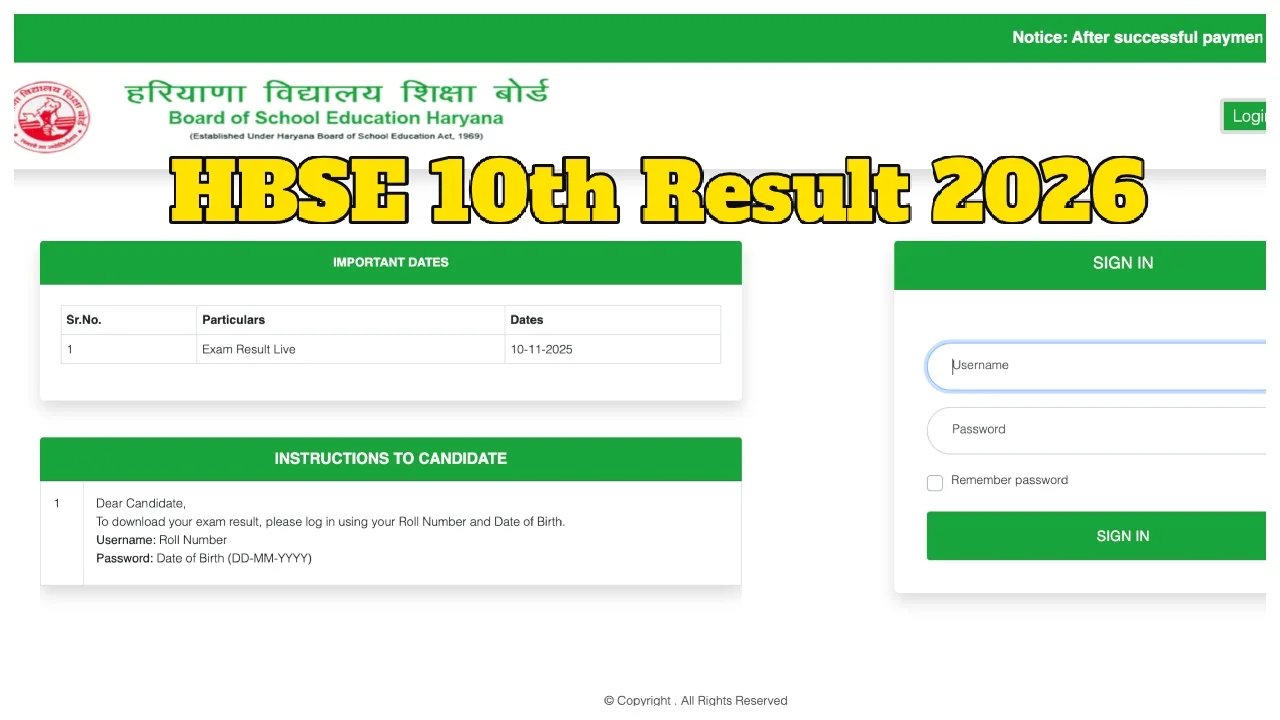
Haryana Board 10th Result 2026: The Board of School Education, Haryana (BSEH) has already released the Class 12 results, and Class 10 students are now eagerly awaiting their own. According to various media reports, the HBSE Class 10 Result 2026 is expected to be released sometime this week. The results will be published on the official Haryana Board website, where students can check their scores by entering their roll numbers. Students who appeared for the examination are advised to keep their roll numbers ready in advance to check their results promptly.
Check Your Result on These Websites:
bseh.org.in
results.bseh.org.in
digilocker.gov.in
Write a Comment