

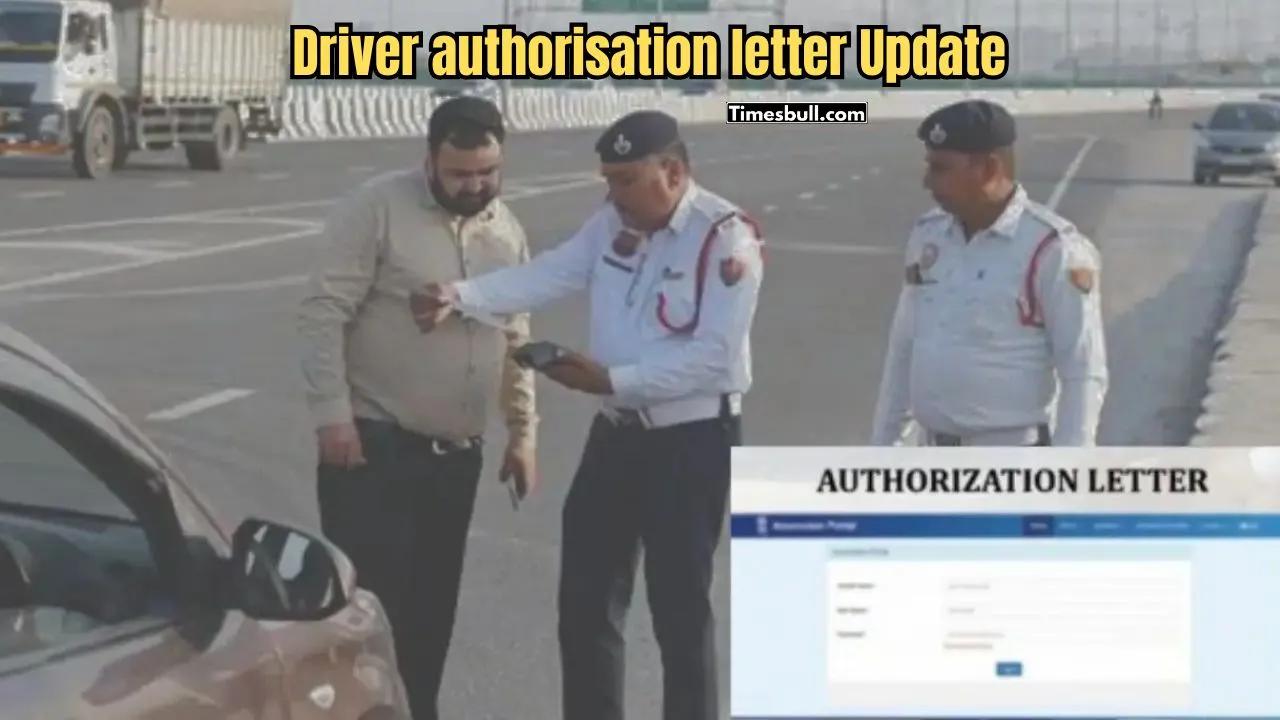
If you take a relative or friend’s car on the road without your own car, you often have to face legal complications. Especially if during the traffic police check, if the owner of the car is not present in the car and the driver’s name does not match the owner’s name, you may have to face a large fine. To solve this problem, a ‘Driver Authorization Letter’ is needed. Today’s report discusses in detail how to easily create this important document online in accordance with the new rules and procedures of 2026.
Why is a Driver Authorisation Letter so important?
Generally, according to the traffic law, if someone else drives a car in the absence of the owner of the car, it is advisable to have a valid permission letter from the owner. Suppose, the car is registered in the name of Amal Babu, but his friend Bimal Babu is driving it. If the police catch you on the road and the owner is not in the car, the police may assume that the car is stolen or being used illegally. In this situation, a ‘Driver Authorization Letter’ acts as a safeguard. This is an official permit through which the vehicle owner grants someone else the legal right to drive their vehicle.
Application Information at a Glance
Before starting the application, it is important to have some basic information and necessary documents at hand. Below is a list of them:
| Description | Details |
|---|---|
| Portal Name | Anumodan Portal |
| Application Fee | 100 Taka |
| Validity of the Letter | 1 Year |
| Required Documents | Owner’s Aadhaar Card, Driver’s Driving License, Passport Size Photograph |
Step-by-step procedure to apply online
As per the 2026 update, generating this letter from the Anumodan portal is very easy. Follow the steps below:
1. Registration on the portal
First, you have to go to the ‘Anumodan’ (https://anumodan.wb.gov.in/) portal. There, click on the ‘Register’ option and complete the OTP verification by entering the Aadhaar Business Idea: Start These 4 Businesses With Low Investment, Then Earn Big Every Month”/gas-cylinder-why-was-the-number-of-subsidized-cylinders-reduced-government-explains-the-reaso-750917.html" class="tb-related-post-link" rel="bookmark">Gas Cylinder: Why Was the Number of Subsidized Cylinders Reduced? Government Explains the Reaso of the original owner of the vehicle. Then, register the profile using the mobile number.
2. Login and Generation
Once the registration is done, login with the owner’s Aadhaar and OTP. You will see the ‘Generate Driver Authorization Letter’ option on the dashboard, click there. If you authenticate the owner’s Aadhaar again, the name and address information will be automatically entered.
3. Fill in the vehicle and driver information
In this step, select the name of your RTO or district. If you click on ‘Get RC Details’ with the vehicle number, some parts of the vehicle’s engine and chassis number will be shown for verification. Then type the driving license number, name, address and date of birth of the person who will drive the vehicle, i.e. the driver. Finally, you have to upload a passport size photograph of the driver (in JPG format, below 500 KB).
4. Fee Payment and Submit
Complete all the information carefully and click ‘Submit’. Then click on the ‘Pay Rs 100’ button to deposit the fee of 100 taka. Payment can be made easily by scanning the QR code using UPI (PhonePe/Google Pay) or QR code using SBI ePay or GRIPS gateway.
Download and Letter Validity
After successful payment, do not refresh the page. After waiting for a while, the option to download the authorization letter will appear. The downloaded letter will contain the photo and detailed information of both the owner and the driver. Remember, the validity of this letter is only up to one year from the date of issue. After the expiry, you will have to generate a new letter again using the same method. Follow this method today to collect the authorization letter for your vehicle to avoid traffic fines and legal troubles.





