

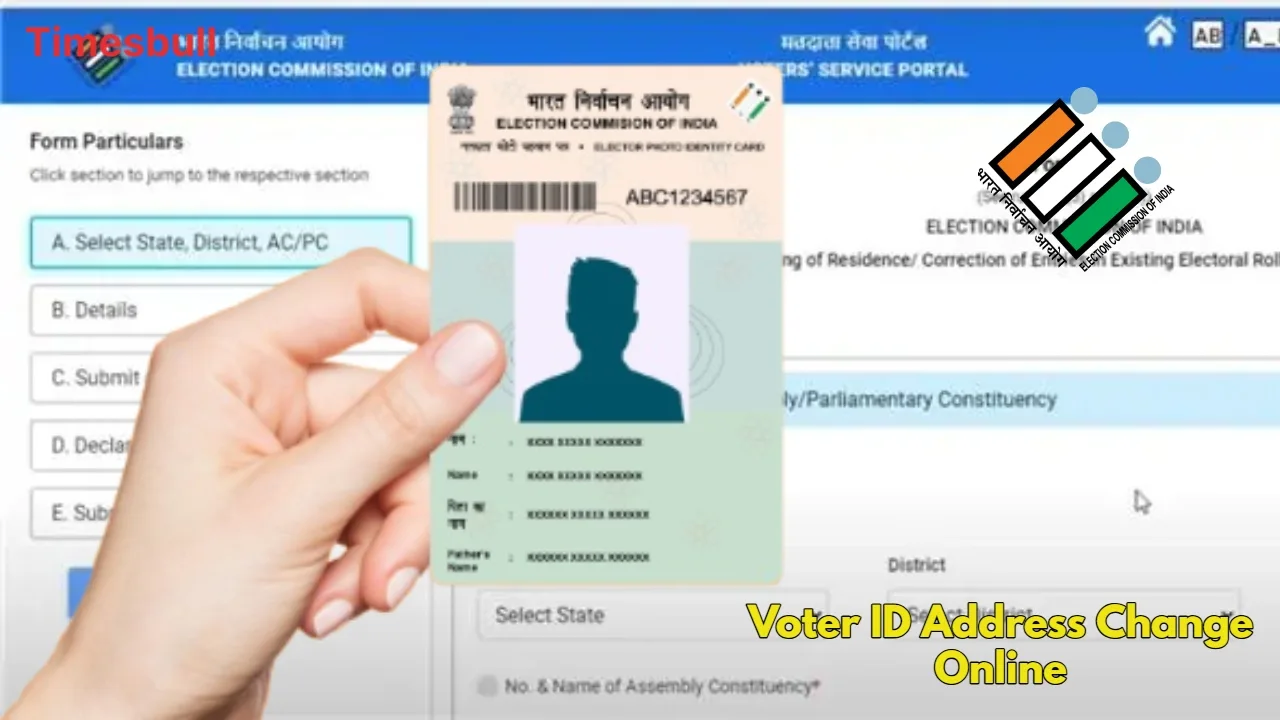
Voter ID Address Correction: In India, a Voter ID card (Voter ID) is not only required for voting, but also serves as an important form of identification and address proof. If you’ve moved or the address on your card is incorrect, updating it has become incredibly easy.
The Election Commission (ECI) has digitalized the entire process, eliminating the need to visit government offices or stand in long queues. Indian citizens who have attained the age of 18 can now make address corrections by filling out Form 8 from their mobile or laptop. Let’s learn more about this latest online process and the required documents for 2026.
Documents Required for Voter ID Address Change
To correct or change your address on your Voter ID, you’ll need to upload scanned copies of certain supporting documents. Please note that these documents must be clear and verify your new address.
Options for proof of identity and address:
- Aadhaar Card
- Indian Passport
- Driving License
- Bank or Post Office Passbook
- Utility Bill
- Registered Rent Agreement
- Passport-Size Photograph
Process for Changing Address Online
- You can apply in just a few minutes using the Election Commission’s Voter Service Portal. Follow the steps below:
- First, log in to the official website voters.eci.gov.in. If you don’t have an account, sign up using your mobile number and OTP.
- On the homepage, click on Form 8 under the “Correction of Entries in Existing Electoral Roll” or “Shifting of Residence” option.
- If you are changing your address, select ‘Self’ or ‘Other Elector’ and tick ‘Shifting of Residence’. Here, you must indicate whether you have shifted within or outside your current Constituency.
- Carefully fill in your new house number, street, area, pin code, and district.
- Upload your address proof (such as Aadhaar or electricity bill) in JPG or PDF format in the ‘Document for proof of residence’ section.
- Accept the declaration, enter the captcha code, and click ‘Preview and Submit’.
Post-Application Verification Process
Once your online application is submitted, the relevant election officer begins the physical verification process of the information you provided and the uploaded documents. The Booth Level Officer (BLO) can verify your address and submit the report to the ERO. If all the information and documents you provide are found to be correct, your application is approved, and your new address is updated in the Voter ID database.
This entire process typically takes a few weeks, after which you can download your new digital e-EPIC card from the portal. The physical Smart Voter ID card is delivered securely to your new registered address via postal mail within approximately 15 to 30 days.
Latest News
- Weather warning – Heavy Rain, thunderstorms, lightning Alerts for 13 States Over Next 3 Days

- UP TGT Exam City Slip 2026 Released – Download at upessc.up.gov.in, Exam June 3-4

- ATM Alert: एटीएम में फंस जाए डेबिट कार्ड तो घबराएं नहीं, फटाफट यह काम करने से होगा समाधान

- Post Office Scheme – 7.5% Interest Rate, ₹5 Lakh Becomes ₹7,24,974 in 5 Years, Start with Just ₹1,000

- Best AI Video Editing Laptops Under 60,000 INR: Top Picks Her

- Best CNG Cars: पेट्रोल के बढ़ते दाम के बीच ये सीएनजी गाड़ी खरीदकर खर्च करें कम, माइलेज भी जबरदस्त

- Samsung Stable One UI 8.5 Update to Galaxy Tab S10 FE and Tab S10 FE+

- बुढ़ापे की लाठी बनेंगी ये तीन स्कीम्स, निवेश से पहले जानिए कितना मिल रहा ब्याज

- OnePlus Nord CE 6 vs Samsung Galaxy A57: Which Mid-Range 5G Phone Wins?

- Lenovo LOQ 15 Gen 11 Review: Best Budget Gaming Laptop?

