These days, the Aadhaar card is no longer just a piece of paper, but has become the foundation of our digital identity. But what if you lose your Aadhaar card and your mobile number isn’t linked to it? Without a mobile number, it’s impossible to receive an online OTP, making downloading your Aadhaar card a significant challenge. Don’t worry. We’ll explain two of the most effective and foolproof methods you can use to recover your Aadhaar card in any situation. Whether you have an Aadhaar number or not, following these simple steps will solve your problem.
What to do if your mobile number isn’t linked to your Aadhaar card
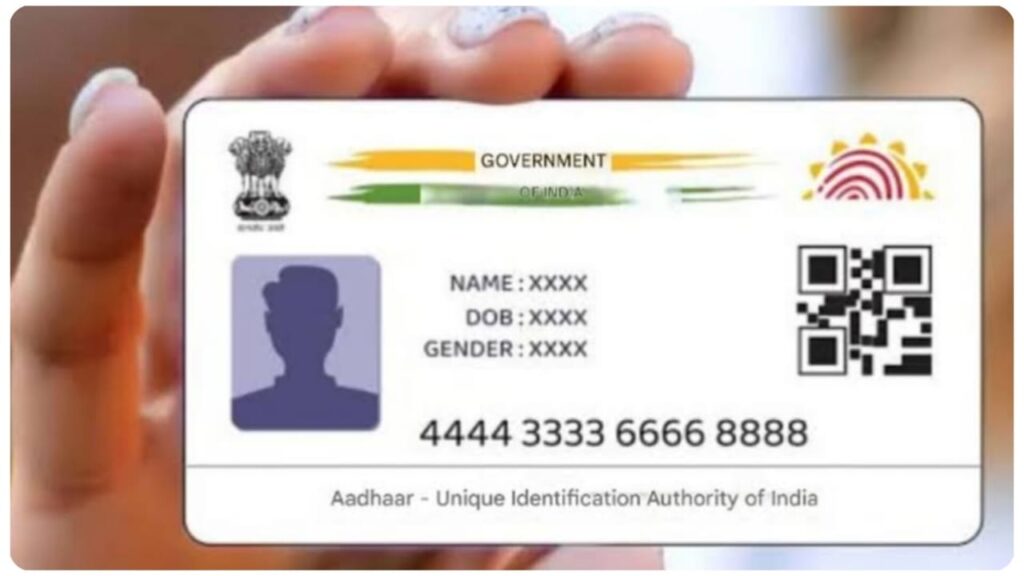
If your mobile number isn’t linked to your Aadhaar card, you can’t download it from home for security reasons. In this case, you’ll need to follow the UIDAI’s prescribed offline process, which is highly reliable:
First, visit your nearest Aadhaar Enrollment Center. You can find the nearest authorized center on the UIDAI portal.
When you first applied for your Aadhaar, you received a 28-digit Enrollment ID (EID). If you have it, the process will be done quickly. But if you’ve lost it, don’t worry. The staff there can help you find your EID in the system using your name, full address, and date of birth.
Since you don’t have a mobile number to receive an OTP, you will be identified using your body parts. The center staff will use your fingerprint or iris scan to match your data with the system. This is a foolproof security process that ensures no one else can access your Aadhaar.
Once the verification is successful, the staff will provide you with a digital copy of your Aadhaar. You’ll need to pay a nominal government fee of ₹30 for this simple service. After that, you can receive your new Aadhaar copy.
What to do when your mobile number is linked
If your mobile number is registered with Aadhaar, the process is very easy, and you can do it for free from home. Follow the steps below:
First, visit the official UIDAI website, uidai.gov.in.
Under the ‘My Aadhaar’ tab, you will find the ‘Retrieve Lost or Forgotten UID/EID’ option. Click on it.
Enter your full name, date of birth, and registered mobile number or email ID.
An OTP will be sent to your registered number. Submit it carefully.
Once you enter the OTP, your Aadhaar number will be sent to your mobile via SMS.
After receiving your Aadhaar number, you can download your steel Aadhaar card by going back to the ‘Download Aadhaar’ section.