

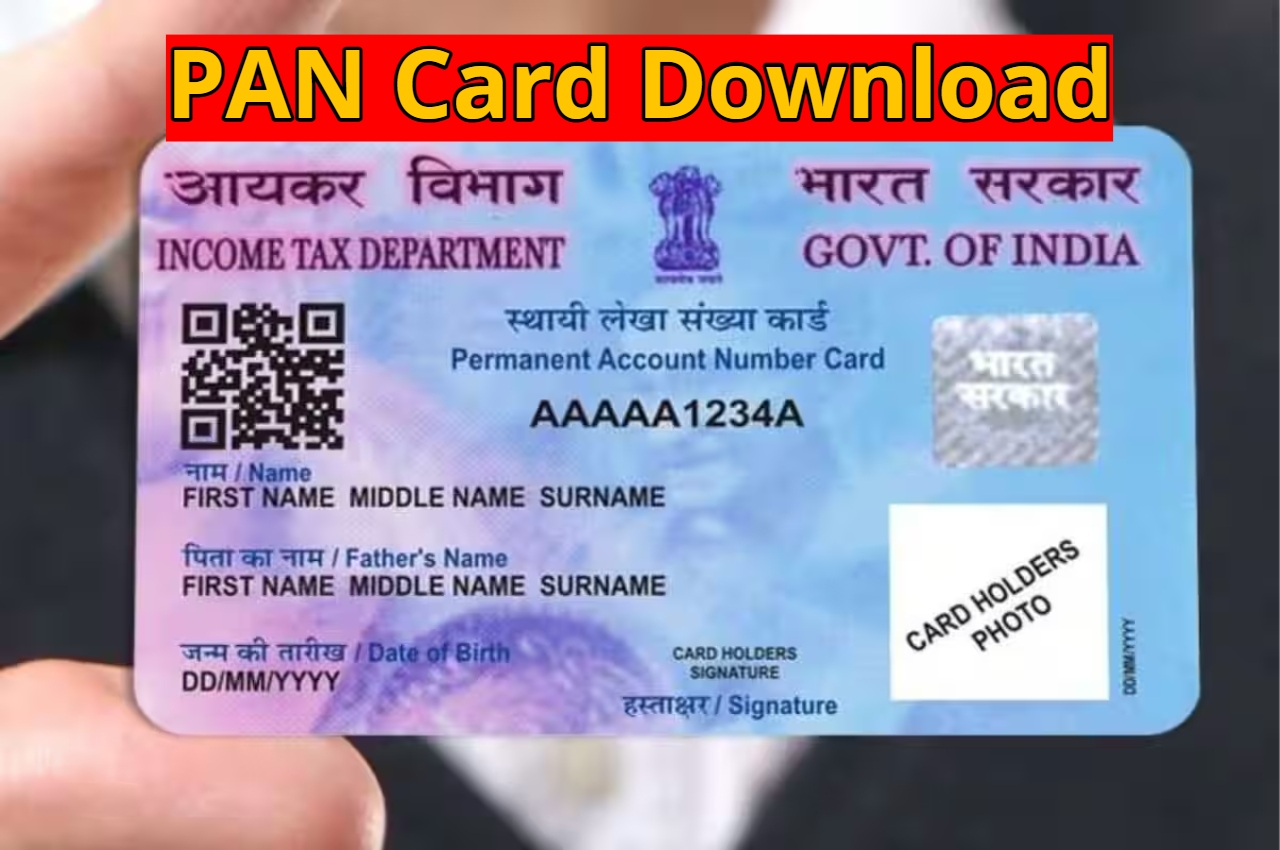
e-PAN Card Download: A PAN card is mandatory today for banking,investments,ITR filing,or any major financial transaction. Previously,PAN cards were only available in physical form,and it was essential to keep them safe. Now,the Income Tax Department has made this process digital and easier. e-PAN is the digital version of the PAN card,which you can download online anytime,anywhere. It is completely valid and accepted by the government and private institutions. You can save your e-PAN on your mobile,laptop,or email,eliminating the worry of losing or damaging your card.
Read Here: Tata Sierra ICE vs Mahindra Scorpio N – Powertrain,Space & Road Presence Compared
Read Here: Samsung Galaxy A07 5G- it will come with 6000mAh battery has been confirmed to launch in India
What are the advantages of e-PAN?
The biggest advantage of e-PAN is its convenience. It can be downloaded instantly,and there is no need to carry the physical card around. If your physical PAN card is lost or you need a PAN urgently,e-PAN becomes a reliable option. It also has a lower fee and is available through a completely paperless process. Being digital,it can be used online at any time and can also be saved offline in PDF format.
Who can download e-PAN?
To download an e-PAN,you must already have a PAN issued in your name or have applied for one. The PAN number or the Acknowledgment Number received at the time of application is used for this purpose. Additionally,an Aadhaar number is required for ID verification to ensure your information is verified correctly.
Read Here: Mahindra XUV300 New-Gen 2026 – Design Evolution,Safety & Engine Choices
Read Here: Pension Update – Benefits for the Elderly,Widows,and Persons with Disabilities
e-PAN Download Process
To download an e-PAN,you need to visit the Protean Income Tax Information Portal. On the portal,you need to enter basic information such as your PAN number,date of birth,and Aadhaar number. This is followed by OTP verification. After the verification is complete,you need to make an online payment of the fee. Upon successful payment,the e-PAN is downloaded in PDF format,which you can save on your computer or mobile and use offline.