

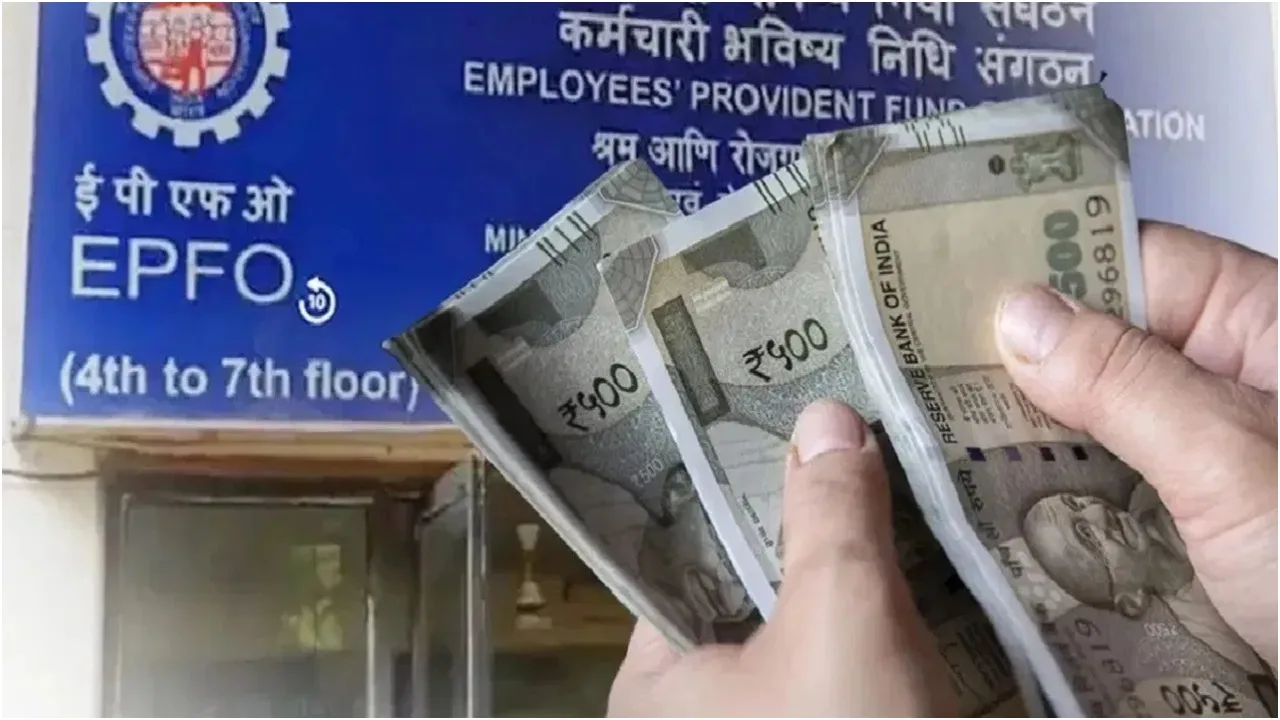
EPFO: When you switch jobs, it’s common to find that you have several Employees’ Provident Fund (EPF) accounts associated with the same UAN. While your Unique Universal Account Number (UAN) typically stays the same throughout your career, each new employer can set up a distinct PF account under it. These accounts do not merge automatically, so employees need to ask the Employees’ Provident Fund Organisation (EPFO) to transfer the balance from the previous account to the currently active one. Merging your PF accounts helps keep all your retirement savings consolidated in one location. This also resolves issues such as inactive accounts, delays in withdrawals, or challenges in tracking contributions.
What is EPF?
EPF is a government-backed savings program designed to offer financial security to salaried workers post-retirement. This scheme, managed by the EPFO, requires both employees and employers to contribute 12% of the employee’s basic salary and dearness allowance to the EPF. For the financial year 2025-26, the EPF interest rate is set at 8.25% per annum, applicable to all contributions made from April 1, 2025, to March 31, 2026. Interest is calculated monthly based on the closing balance of the EPF account but is credited annually at the end of the financial year. Generally, the interest earned is tax-exempt.
Process to merge PF account
In recent years, the transfer process has become more straightforward, as the EPFO now enables members to submit transfer requests online via its member portal, as long as their UAN is active and linked to Aadhaar.
Step 1: Go to the official EPFO website and log in using your UAN and password. If you can’t remember your password, click on the reset option.
Step 2: Click on the ‘One Member – One EPF Account’ link found under the ‘Online Services’ tab; this will take you to a new window showing your personal information and the EPF account of your current employer where the transfer will occur.
Step 3: Fill in the necessary details, including your registered phone number and UAN number.
Step 4: Click on ‘Generate OTP.’ Once you receive the one-time password on your registered mobile number, enter it on the portal for verification.
Step 5: A new window will open where you will have to enter details about your previous EPF accounts that you want to merge.
Step 6: Finally, before clicking on Submit, tick the declaration box.
Next, your current employer will need to approve the merger request submitted on the portal. Once approved, the EPFO will process the request and merge the previous EPF accounts with the current one.
What to do if you have two UANs?
Employees also have the option to merge EPF accounts via email. This is only applicable to those who have two UANs. In such cases, you can request the EPFO to deactivate the previous UAN. To do so, simply send an email to uanepf@epfindia.gov.in and provide your current and previous UANs, along with other necessary information. Once the EPFO verifies and accepts the request, the previous UAN will be blocked, while the current UAN will remain active. Once this is done, the employee will need to submit a new claim on the EPFO portal to transfer the funds to the current UAN.
Latest News
- Weather warning – Heavy Rain, thunderstorms, lightning Alerts for 13 States Over Next 3 Days

- UP TGT Exam City Slip 2026 Released – Download at upessc.up.gov.in, Exam June 3-4

- ATM Alert: एटीएम में फंस जाए डेबिट कार्ड तो घबराएं नहीं, फटाफट यह काम करने से होगा समाधान

- Post Office Scheme – 7.5% Interest Rate, ₹5 Lakh Becomes ₹7,24,974 in 5 Years, Start with Just ₹1,000

- Best AI Video Editing Laptops Under 60,000 INR: Top Picks Her

- Best CNG Cars: पेट्रोल के बढ़ते दाम के बीच ये सीएनजी गाड़ी खरीदकर खर्च करें कम, माइलेज भी जबरदस्त

- Samsung Stable One UI 8.5 Update to Galaxy Tab S10 FE and Tab S10 FE+

- बुढ़ापे की लाठी बनेंगी ये तीन स्कीम्स, निवेश से पहले जानिए कितना मिल रहा ब्याज

- OnePlus Nord CE 6 vs Samsung Galaxy A57: Which Mid-Range 5G Phone Wins?

- Lenovo LOQ 15 Gen 11 Review: Best Budget Gaming Laptop?

