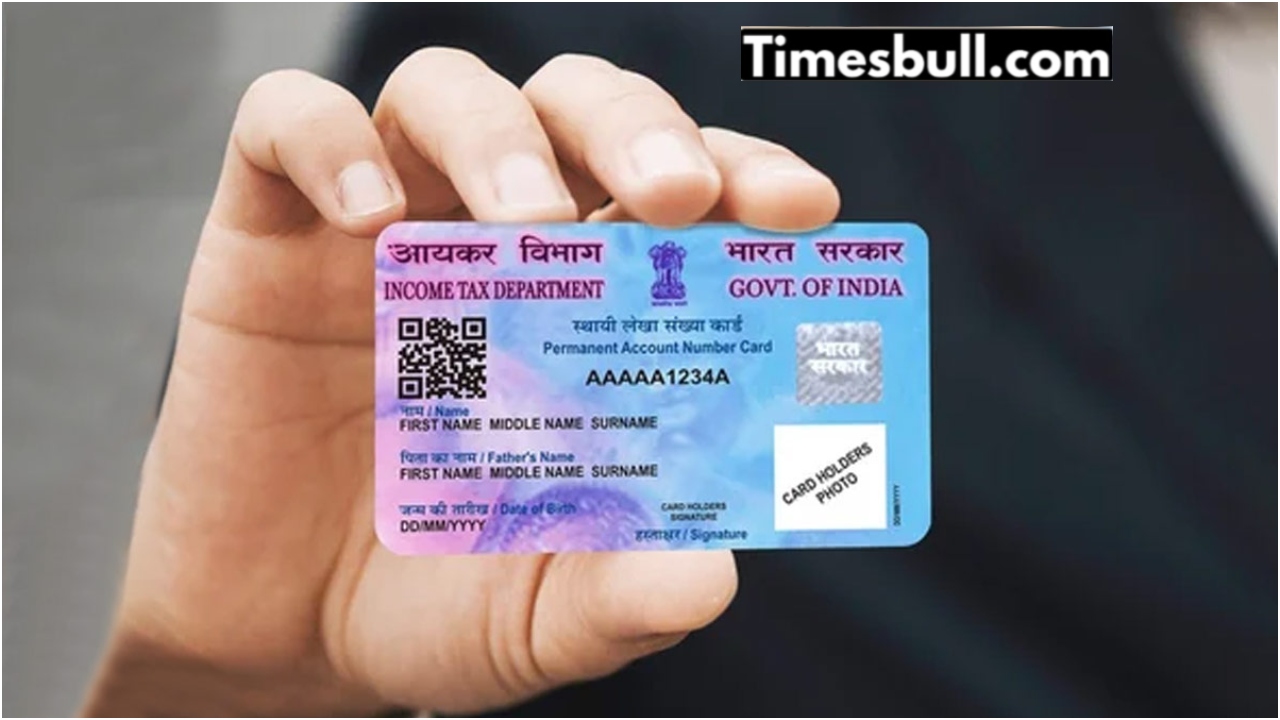
If the name on the PAN card is wrong, or there is a mistake in the father’s name, mother’s name or date of birth, then there is no need to worry anymore. You can correct the PAN card online using your mobile phone from home. Not only that, you can also change the old photo on the PAN card and add a new photo and update the signature online from home.
Once the application for online correction of PAN card is completed, a new revised PAN card will be sent to your home address through the post office. In addition, an e-PAN Card will be sent very quickly to the Gmail ID that you mention while applying. As a result, you can download and use the e-PAN card from the Gmail ID before the card reaches the post office.
It is to be noted that after online correction of PAN card, no documents will have to be sent or submitted anywhere. The entire process will be completed online. However, to avail this service, it is mandatory to have a mobile number linked with an Aadhaar card. Otherwise, you will have to send the documents. So, let’s find out step by step in today’s report – how to correct all the mistakes in the PAN card online from home.
1) First of all, you have to come to the official portal of Protean Pan Service. You can also go directly to the official portal by clicking on the link below.
2) Then click on Apply For Pan at the bottom of the Protean Pan Service portal.
3) Then on the next page, select Change Or Correction from Application Type. And select Individual from Applicant Category.
4) Then submit by mentioning the correct name, mobile number, Gmail ID, date of birth and PAN card number below.
5) You can see the Token Number on the next page. Then click Continue to go to the next step.
6) On the next page, select PAN Application with supporting documents (Scan, Upload and eSign) from Applicant Documents.
7) Then select Physical copy to your home + soft copy on your email ID and mention the last 4 digits of the Aadhaar card below and mention the correct name and father’s name and the rest of the information and click Next.
8) Then on the next page, upload documents and upload photos and make a payment. Once the payment is made, complete the Aadhaar Authentication and submit the application.
Pan Card Correction Status Check Online Step By Step
1) Once the PAN card is corrected, you will get an Acknowledgement Number, with which you can check the status. For this, you have to come to the PAN card portal. You can also click on the link below to come directly to the official portal.
2) Then click on Know Status Of Pan Application here on the home page.
3) On the next page, click on Pan New/Change Request from Application Type. Then mention the ACKNOWLEDGEMENT NUMBER below.
4) After mentioning the ACKNOWLEDGEMENT NUMBER, click on I am not Robot and submit.
5) Now check whether the PAN card has been corrected or not. You can also know if the PAN card has been sent through the post office.