

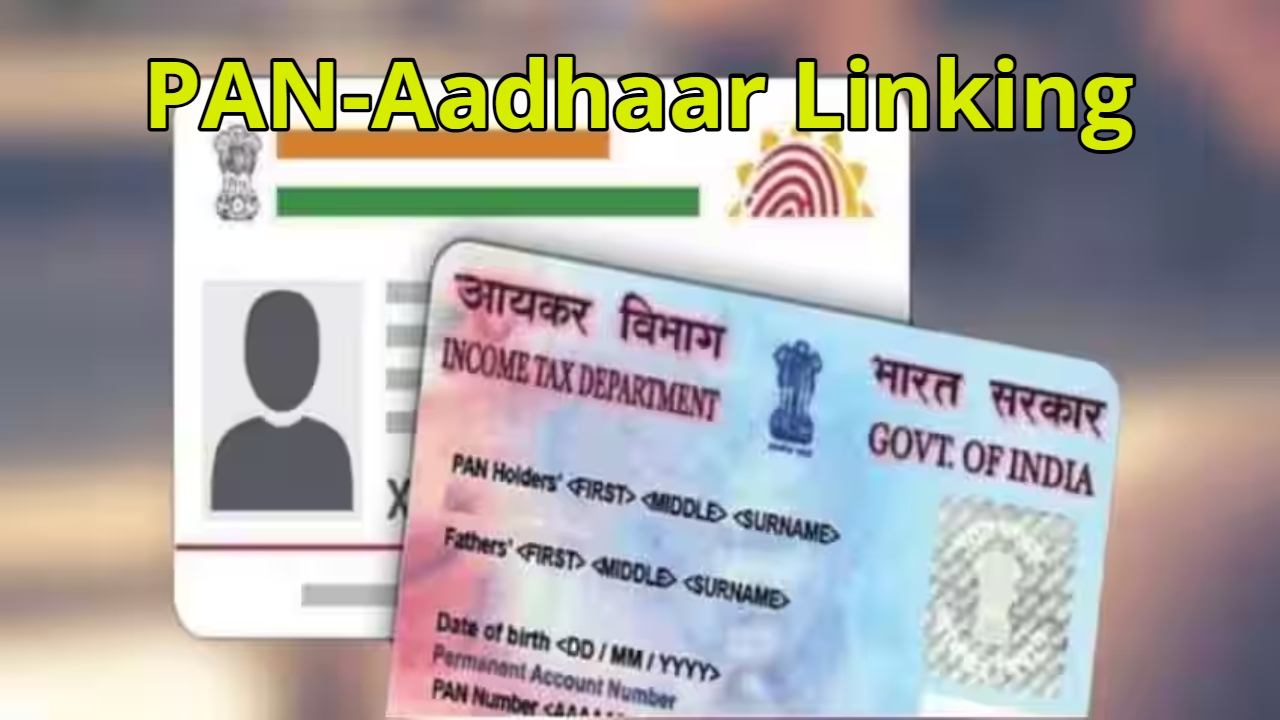
PAN Aadhaar Link: Under the Income Tax Department’s strict guidelines and Section 139AA, if your PAN card is not linked to Aadhaar, it will become “inoperative.” This will directly impact your bank accounts, mutual funds, and tax refunds. In this article, we’ll explain the easiest way to link your PAN and Aadhaar and everything you need to know about the new rules of 2026. Be sure to read this information to the end to maintain your financial independence!
Why is it necessary to link your PAN with Aadhaar
Under Section 139AA of the Income Tax Act, 1961, linking your PAN with Aadhaar is no longer just an option but a mandatory legal requirement. The government has clarified that anyone who has been allotted a PAN and is eligible for an Aadhaar card must link the two documents.
If you fail to do so, your PAN card will become inoperative, which is technically known as “inoperative.” Once your PAN card is blocked, you won’t be able to open a new bank account or make high-value transactions. Even your TDS will be deducted at a much higher rate than normal, which will directly burden your pocket.
Also Read:-What Is Rajiv Yuva Vikas Scheme? Check Eligibility Criteria and Application Process
How to Check Your Status Without Logging In
Checking your status is very simple and doesn’t require expert advice. First, you need to visit the Income Tax Department’s e-portal. On the homepage, you’ll see the “Link Aadhaar Status” option under “Quick Links.” Clicking on it will open a new page where you’ll need to enter your 10-digit PAN and 12-digit Aadhaar number. Once you click “View Link Aadhaar Status,” the system will immediately tell you whether your PAN is already linked. If the message “Already Linked” appears, you can rest assured; otherwise, you should immediately initiate the linking process.
Penalty Payment and Online Linking
If your PAN is not linked, you will have to pay a penalty of ₹1, 000. To do this, go to the e-filing portal and use the ‘e-Pay Tax’ feature. Enter your PAN there and complete the verification via mobile OTP. Next, click the Proceed button under the ‘Income Tax’ tab. Select 2026-27 as the assessment year and select Other Receipts (500) as the payment type.
You will be able to submit the linking request only after the payment is completed. Keep in mind that sometimes the data is not updated immediately after making the payment, so be patient and complete the linking process by visiting the portal again after a few hours.
How to Link Aadhaar by Logging in to the Portal
Those who wish to do this with greater security through their profile can log in to the portal. After logging in with your user ID (PAN number) and password, you will see a large “Link Aadhaar” button on the dashboard. If you don’t see this option, you can find it under “Personal Details” in the “My Profile” section.
Enter your Aadhaar number there and click “Validate.” After successful verification, your request will be sent to UIDAI. This process usually takes 7 to 30 days, after which your PAN card is fully activated, and you can handle your banking without any fear.
Also Read:-NPS New Rules: 80% withdrawal possible, Big relief for everyone
Resolving the “Details Not Found” issue after payment
Sometimes, people pay the fine but continue to receive the “Payment Details Not Found” message. There’s no need to panic, as it can sometimes take 4 to 5 working days for the data to reach the portal from the bank. However, in most cases, it updates within 30 to 60 minutes.
If you’ve made the payment, keep the receipt or challan number. Once the system accepts the payment, you can simply enter your name and mobile number and submit the final linking request via OTP. Ensure that the name and date of birth in your PAN and Aadhaar match exactly; the verification may fail.