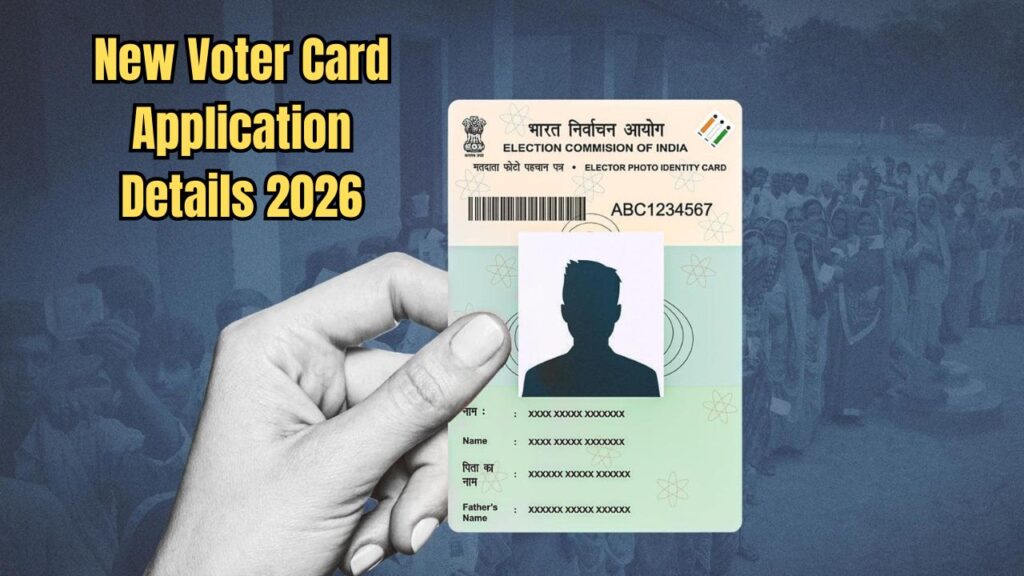
Keeping in mind the 2026 election process and citizen rights, the process of making a new voter card has now been made completely digital and easier. If you are 18 years or above and your name is not yet in the voter list, then now is the right time to apply. You can do this from the comfort of your home using the official portal of the Election Commission. However, it is important to have a clear idea about the correct documents and procedures before starting the application.
Document Preparation Before Applying
It is necessary to have certain scanned documents handy before starting the online application. This will not face any hurdle while filling the form.
Photo: One passport size color photo (JPG format, maximum 2 MB).
Age Proof: Birth Certificate, Admit Card or Certificate of Secondary Education, Passport, PAN Card, Driving License or Aadhaar Card (any one of PDF or JPG, maximum 2 MB).
Address Proof: Aadhaar Card, Passport, Bank Passbook, or Water/Electricity/Gas Bill.
Special Note (for married women): If you do not have any address proof in your name to get a voter card at your in-laws’ address after marriage, you can collect a ‘Residential Certificate’ from the Gram Panchayat and upload it.
Portal Registration and Login Process
To apply, you first need to create an account on the Election Commission portal.
1. Registration: Go directly to voters.gov.in website and click on ‘Sign Up’ option. After entering your mobile number and captcha code, the registration will be completed only after completing the OTP verification with your name and surname.
2. Login: After registration, login using your mobile number and password. Then select the ‘Fill Form 6’ option under the ‘New Voter Registration’ section from the dashboard.
Important steps to fill Form 6
While filling Form 6, you should not rush and carefully verify each information.
Personal and Aadhaar information: First, you have to select the state, district and assembly constituency. If you type your name in English, it will automatically be converted to Bengali. If there is a spelling mistake, correct it using the on-screen keyboard. If you have Aadhaar number, put it in the specified place, if not, tick the check box.
Family and contact information: Mention the name and relationship of any one of the guardians – father, mother or husband. It is better to provide your own mobile number, but if necessary, you can select the ‘Relative’ option by using the number of a relative.
Address and declaration: Enter your current or permanent address accurately. You must mention how long you have been living at that address in the ‘Declaration’ section.
Submission and next steps
After filling the form completely, click on ‘Preview and Submit’ to check all the information for the last time. Then, by clicking on the submit button, you will have to complete the e-sign process through Aadhaar OTP.
If the application is submitted successfully, you will receive a Reference Number. Write down this number carefully, because it will be required to check the status of your card later by going to the ‘Track Application Status’ option. After submitting the application, the BLO of your area may contact you for document verification, or may call you for a hearing. After proper verification, your voter card will be generated.