New Aadhaar App – Now Entire Family’s Aadhaar Cards Can be Managed on Single Phone, Know How to Add Profiles
New Aadhaar App – Now Entire Family’s Aadhaar Cards Can be Managed on Single Phone, Know How to Add Profiles
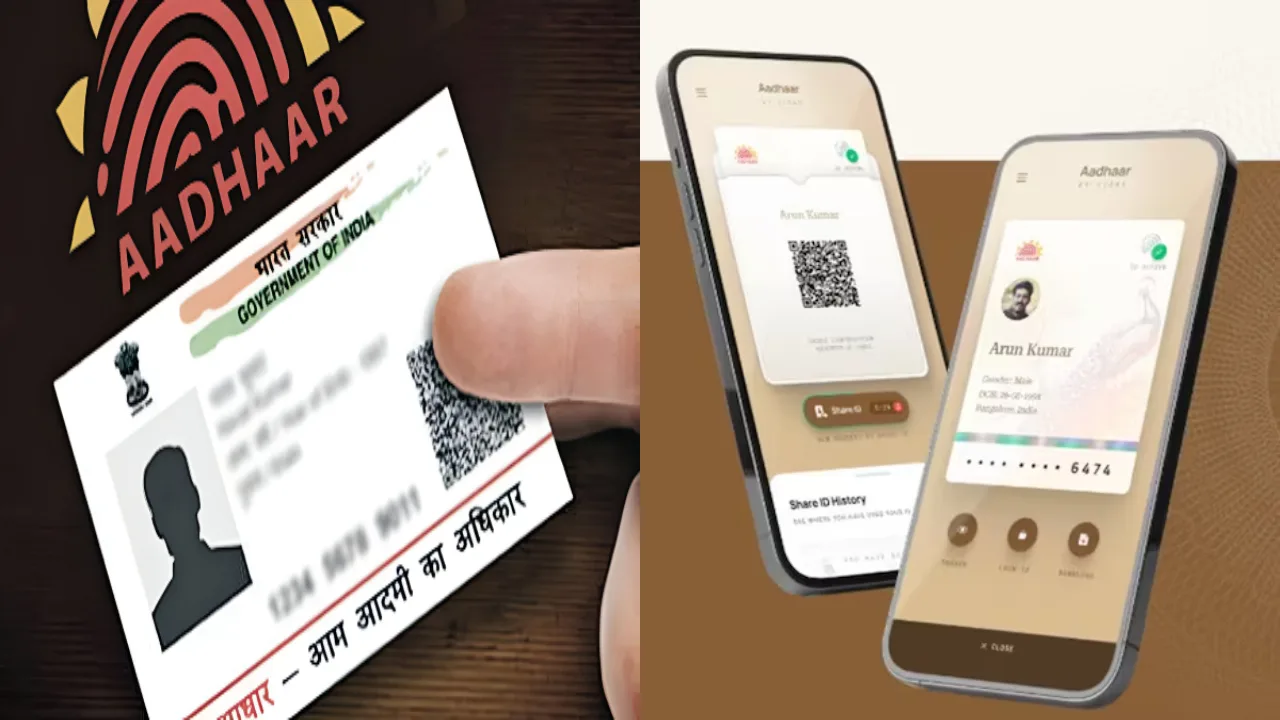
The new Aadhaar mobile app is considered a significant initiative towards strengthening digital services in India. This app is an upgraded and modernized version of the old mAadhaar app, with a focus on enhancing its security, speed, and user-friendliness. The app is available on both Android and iOS platforms, enabling wider access.
The primary objective of this new app is to provide people with a secure digital identity option so they don’t need to carry physical Aadhaar cards everywhere.
Managing the entire family’s Aadhaar on a single phone
A key feature of the new Aadhaar app is that a user can add the profiles of other family members to their own account. The app allows for up to five additional profiles to be added to a single mobile device.
This feature will be especially beneficial for the elderly, children, and those who do not use smartphones. In such cases, one family member can manage everyone’s Aadhaar digitally.
Travel and Hotel Check-In Made Easy
The new app can reduce the need to show a physical Aadhaar card during travel or hotel check-in. The QR code in the app can be used as a digital identification. This reduces the risk of lost or stolen documents and speeds up the identification process.
Password and Biometric Security
Any profile added to the app is protected by a password and a biometric lock. Users can also lock individual profiles to reduce the risk of misuse. It also utilizes advanced technology like face authentication, making the security level even stronger.
Process of Adding a Profile in the New Aadhaar App
Adding a profile in the new app has been simplified. After opening the app, users will need to go to the Add Profile option. Then, they will need to enter the 12-digit Aadhaar number of the person whose Aadhaar is to be added.
An OTP is sent to the registered mobile number for verification. After entering the OTP, you may need to complete a face authentication process. The new profile is then added to the app, and the user can easily switch between different profiles.
Keep these important things in mind when using the app
Only a maximum of 5 family members’ profiles can be added to this app. To add a profile, the person’s mobile number must be linked to Aadhaar to receive the OTP. The name and date of birth must be entered exactly as per the Aadhaar record.
Latest News
Must Read
Pensioners Portal: A Major Relief for Pensioners, All Work Can Now be Completed Within Minutes
Most Viewed
Vande Bharat Sleeper Ticket Cancellation Rules: No Refund If You Cancel – Know the Details
Most Viewed
Bihar Board 12th Result 2026 – Check Expected March Date and Past 5 Year Trend
Most Viewed
IRCTC App – Book and Cancel Train Tickets from Comfort of Your Home, Know the Easy Way
Most Viewed
Silver Price Down – Rate Crash ₹2,949 Today, Check 18K, 22K and 24K Gold Rates With GST
Most Viewed
Trending Now
Bhojpuri Song – Nirahua & Aamrapali Dubey Sizzling Hot Chemistry “Raja Jaan Mare” Viral On Internet, Watch Now
How Much Arrears Will Come in 8th Pay Commission? Know Update
HBSE Class 10, 12 Exam 2026 – Check Full Subject-Wise Date Sheet & Shift Timings at bseh.org.in
Maruti Suzuki Swift Mileage 2026 – 23.76 kmpl, Price and Features Explained
5 Best Phones with AI Features Under ₹25,000 in 2026
Income Tax Refund Warning: Last Date Approaching, Act Now to Save Your Money
Lava Bold N2 phone launched for just Rs 7,499 With 5,000mAh battery and dual rear camera
Post Office Scheme: How to Earn Rs 20,000 Per Month and Secure Your Retirement
Vande Bharat Sleeper and Amrit Bharat Trains- Indian Railways Changes Booking Rules, Confirmed Tickets More Accessible
📁 CATEGORIES