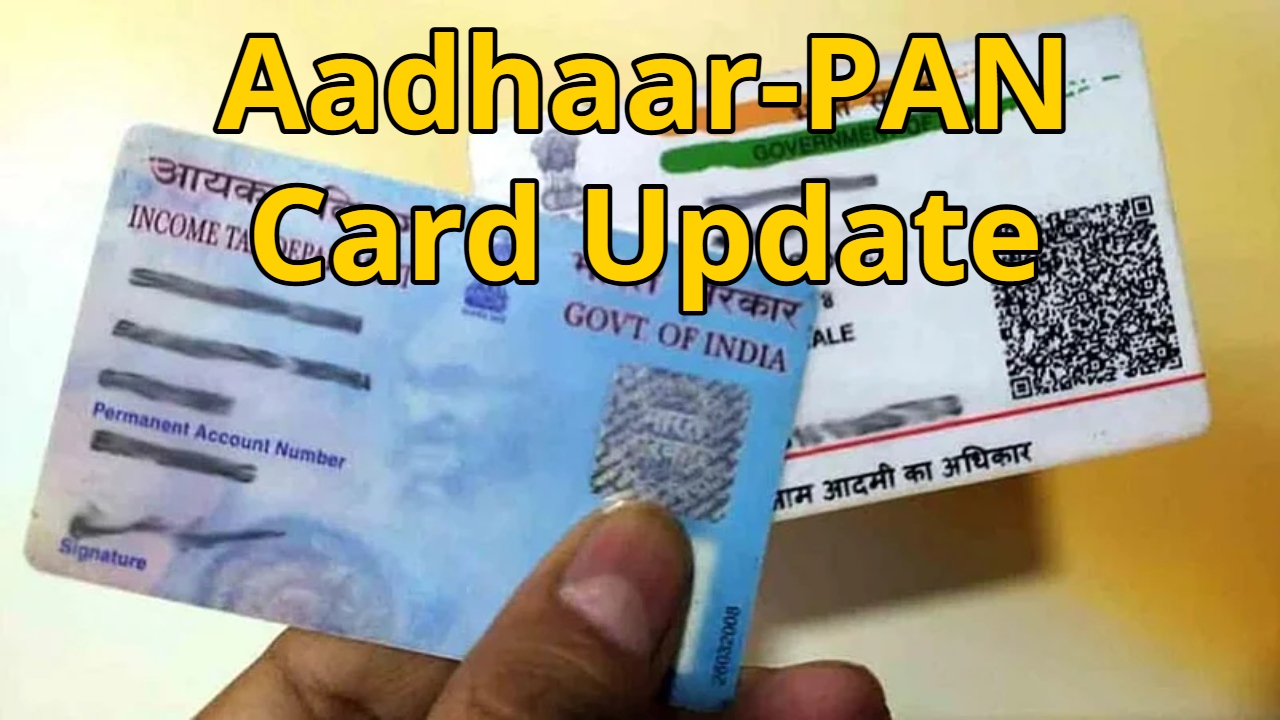
Aadhaar-PAN Card Update: Currently, PAN cards and Aadhaar cards are essential for everyone. Aadhaar and PAN serve as crucial documents. If you don’t have them or if any information is incorrect, it becomes difficult to perform many banking and non-banking transactions. It also makes it difficult to handle income tax-related matters.
Many married women want to change their surname and add their husband’s name to their PAN and Aadhaar cards, but they often face difficulties. Now, these women don’t need to worry. You can fill in the information from the comfort of your home using your mobile phone. In this article, we will tell you how to change your name on your Aadhaar and PAN cards. Let’s learn about it in detail.
Read Here: 8th Pay Commission: When Will It Be Implemented, How Much Arrears Will Level-1 Employees Get?
Process to Change Name on PAN Card
First, you need to visit the official website of NSDL or UTIITSL.
Then, click on the “Change/Correction in PAN” option.
Now, you will have to fill in some basic details such as PAN number, name, date of birth, and email address.
A 15-digit token number will be generated for you.
After that, select the details you want to change.
Then, upload the necessary documents such as address proof, date of birth proof, photo, etc.
Finally, you will have to pay the fee and submit it.
After that, download the slip. You can check the status using this slip.
How to Change Name on Aadhaar Card
First, visit the official website of UIDAI.
Then, go to the “My Aadhaar” option, enter your number and OTP, and log in.
After that, you will find the “Update Aadhaar” option.
Read Here: Bangladeshi cricketer in ‘Boycott’, tension again before T20 World Cup
Here, you will find the “Name Update” option, on which you have to click.
Now, submit the requested details and documents, such as your marriage certificate.
Now, you will have to pay a non-refundable fee of Rs. 50. Non-refundable means you will not get this money back. Finally, you need to review all the entered details and documents and click on the submit button.
After that, carefully note down the SRN (Service Request Number) on a piece of paper. This number will help you check the status later. Checking the status here means that you can find out when the information you submitted will be reflected in your Aadhaar card.