
LPG Subsidy Update – How to Complete LPG eKYC on Mobile Before June 30
LPG Subsidy Alert – Complete eKYC Before June 30, 2026 via Mobile App & UMANG; How to Check Subsidy Status on Your Phone.

 Join Us
 Add as a preferred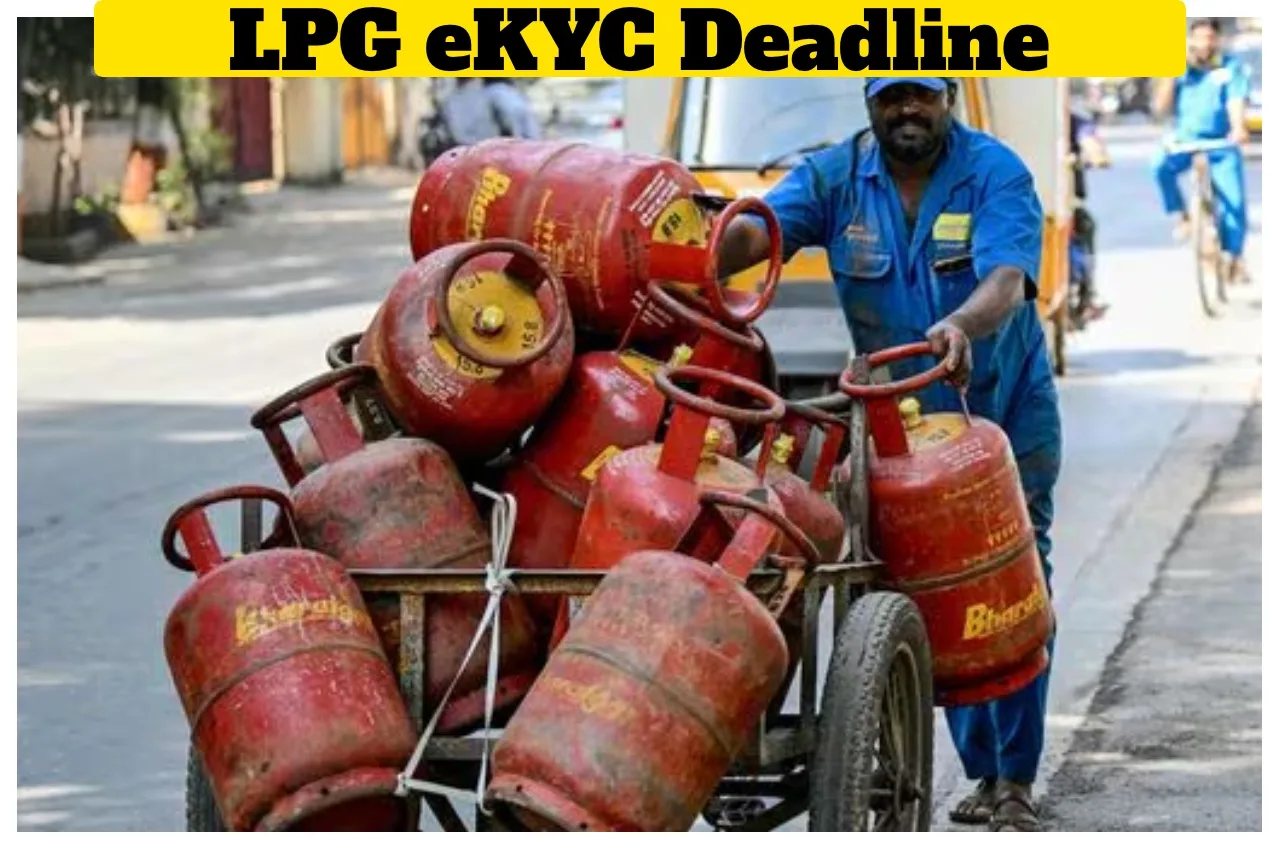
Lpg Ekyc Deadline
LPG Subsidy: Rising tensions in the Middle East are impacting several countries. Recently, there was a sharp increase in the prices of LPG cylinders. However, today—Friday—there has been no change in LPG cylinder prices in India. Millions of people across the country are currently benefiting from the subsidy provided on LPG gas cylinders. However, if you do not complete your eKYC within the stipulated time, your gas subsidy may be discontinued. The deadline for completing the eKYC process has been set for June 30, 2026. Therefore, individuals are advised to ensure they complete their eKYC well in advance of the deadline.
It is worth noting that you do not need to visit any physical location to complete your eKYC. You can complete the entire eKYC process from the comfort of your home using your mobile phone. Furthermore, you can also check the status of your subsidy payment—specifically whether the funds have been credited to your bank account—directly via your mobile number. Consequently, there is no longer any need to make repeated trips to the gas agency.
How to complete eKYC on your mobile phone?
First, download your gas provider’s official mobile app.
Next, log in to the app using the mobile number linked to your gas connection.
Navigate to the ‘My Profile’ section within the app.
There, you will find the eKYC option under ‘LPG Details’.
Complete the identity verification process via a face scan or OTP.
Once you have filled in all the required details, submit your application.
The entire process is completed within 24 to 48 hours.
How to complete eKYC via the UMANG App?
Open the UMANG app.
Navigate to the ‘Gas Services’ option and select ‘eKYC’.
Log in using your mobile number and MPIN.
Complete the eKYC process by following the simple steps provided.
How to Check Subsidy Status Using a Mobile Number?
First, open your gas company’s website.
Most people use Indane, Bharat Gas, or HP Gas.
Click on “Check Subsidy Status”.
Enter your registered mobile number in the designated field.
Once you receive the OTP, you will be logged in. You will be able to view your complete subsidy record.

Priyanka Singh
Next Article
Cockroach Janata Party – Official Website Launched in 1 Hour Using AI, Who Can Join?
Cockroach Janata Party: The 'Cockroach Janata Party' has created quite a stir on Instagram. Currently, the 'Cockroach Janata Party' has become a hot topic on social media. The 'Cockroach Janata Party' has now launched its official website, allowing people to connect with this organisation through
Cockroach Janata Party: The ‘Cockroach Janata Party’ has created quite a stir on Instagram. Currently, the ‘Cockroach Janata Party’ has become a hot topic on social media. The ‘Cockroach Janata Party’ has now launched its official website, allowing people to connect with this organisation through digital channels. This satirical group has recently garnered immense popularity on social media platforms. Meanwhile, Congress MP Shashi Tharoor has offered his initial reaction to the phenomenon; he likened it to a pressure cooker’s safety valve, stating that attempting to suppress such an outlet in a democracy would be folly.
The rapid surge in the Instagram handle’s follower count—dubbed the ‘Cockroach Janata Party’—has created a global sensation. Various arguments are currently being put forward both in support of and in opposition to this movement.
Write a Comment