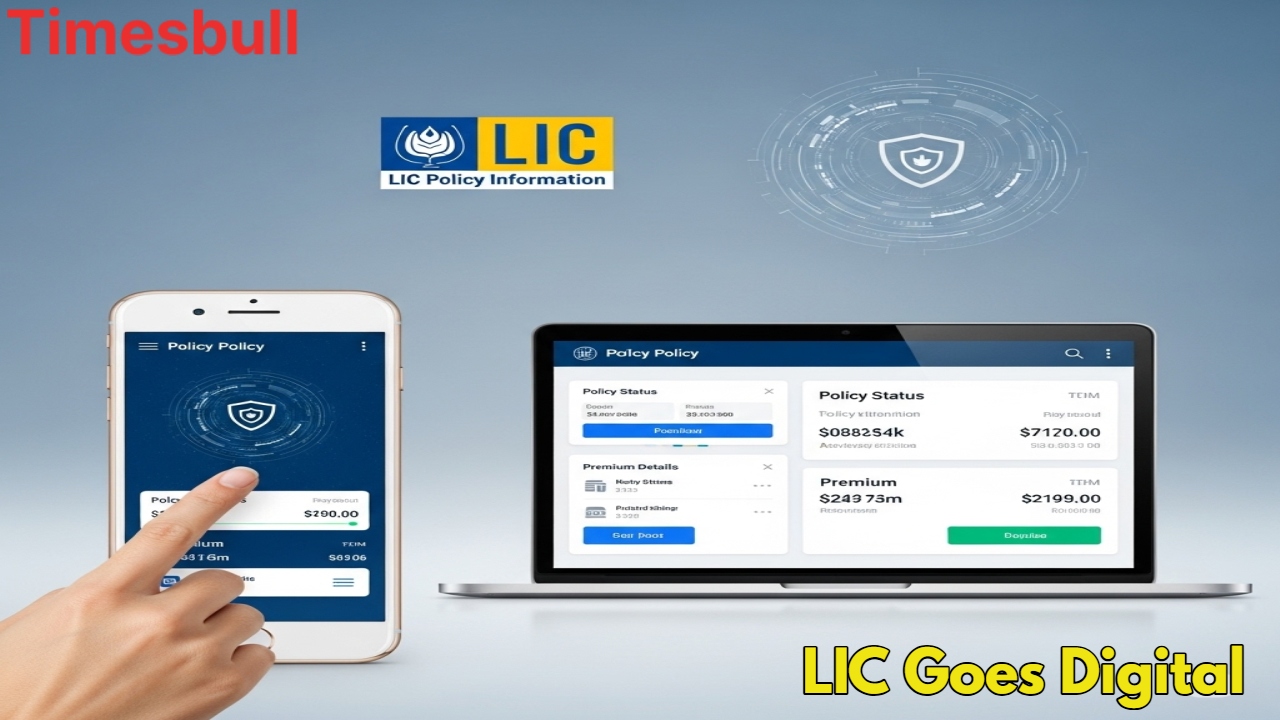
LIC POLICY STATUS: If you have also taken a policy with the Life Insurance Corporation of India (LIC), then this news is very special for you. Now you will not have to visit the LIC office again and again to get any information related to your policy. You can quickly know the status of your policy, premium date, bonus information, maturity date, and even loan facility from home. LIC has started a great digital portal for the convenience of its customers, through which you can get all the information about your policy anytime, from anywhere in just a few seconds.
How to check LIC policy status online
If you are already a member of LIC. If you are registered on the LIC Customer Portal, then this process is very easy:
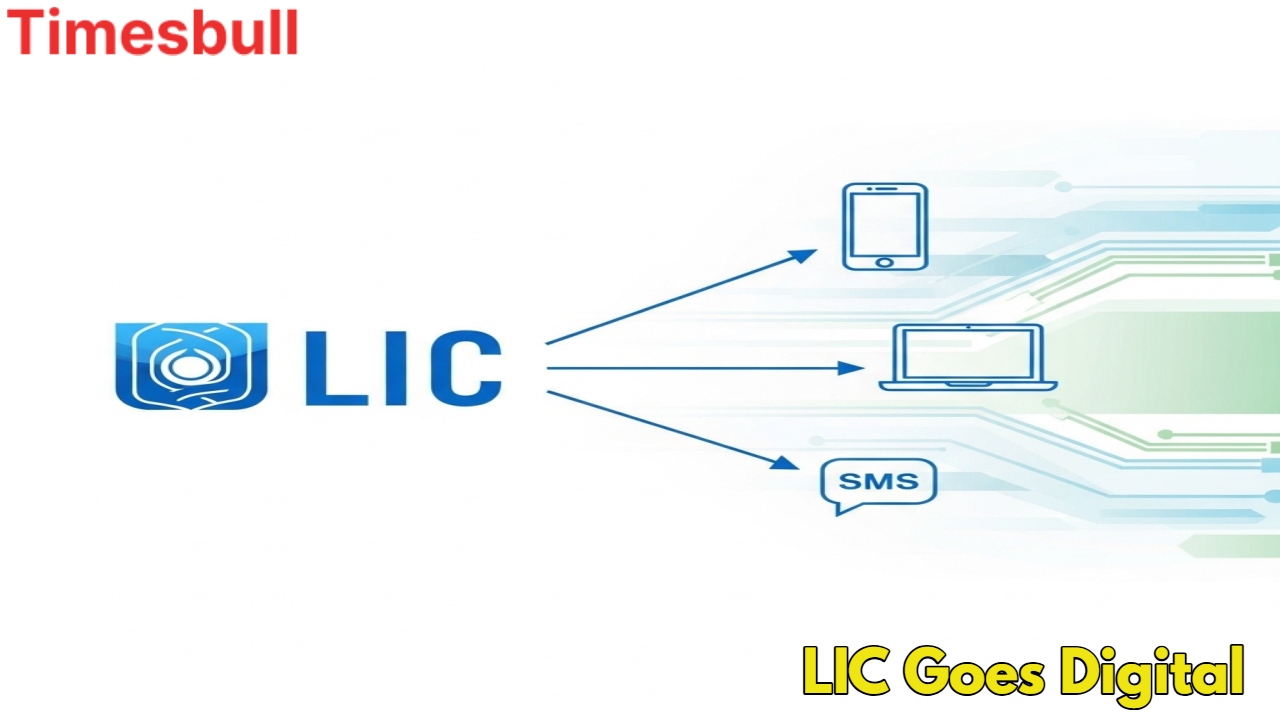
- First of all, go to the official website of LIC www.licindia.in.
- On the homepage of the website, you will find the option of ‘Login to Customer Portal’, click on it.
- Now login by entering your User ID and Password.
- After logging in, go to the ‘Customer Services’ section and click on ‘Policy Status’.
- As soon as you do this, information about all your registered policies will appear on your screen. From here you can easily see the premium date, bonus, loan details, and complete policy details of your policy.
- This online facility gives you complete control over your policy so that you can access important information at any time.
Are you using the portal for the first time
If you are using the LIC portal for the first time, you will first have to complete a small registration process. This too is very simple:
Go to the LIC portal and click on the ‘New User’ or ‘Sign Up’ option.
Now, you will be asked for some important information, fill it in carefully:-
- Enter your correct policy number.
- Write the correct amount of premium you pay.
- Enter your date of birth in the correct format.
- Enter the mobile number that is linked to your policy.
- Enter your active email ID.
Now, create a user ID and password of your choice.
You will receive an activation link or OTP on your registered email ID or mobile number. Activate your account by clicking on that link or entering the OTP.
Your registration is complete and now you can check your policy status online by following the procedure mentioned above.
You can get information through SMS too
LIC has also provided a facility for those customers who don’t have internet facilities or who want information immediately. You can also get information about your LIC policy by just sending an SMS:
- Go to the message box on your mobile.
- Type ‘ASKLIC (space) your policy number’.
- Send this message to 9222492224 or 56767877.
You will immediately get information about the premium date and policy status through an SMS.
LIC All these digital services are completely safe and available 24/7. These make it very easy for customers to manage their policy.
Latest News
- Cheapest Available 5G Smartphones in India Under 10000

- UPSC Prelims Answer Key 2026 – How to Download UPSC Prelims Answer Key at upsc.gov.in

- 8th Pay Commission: एनपीएस और पुरानी पेंशन में कौन सी बेहतर, जानिए बड़ा अपडेट

- Xiaomi 17T Launching With Leica 5x Zoom and Huge 6,500mAh Battery Under ₹60,000

- NEET UG 2026 – Haryana & Bihar Announce Free Bus Service for Candidates on June 20-21

- PM Kisan 23rd Installment: Farmers to get Rs 2000 in June? Know Here

- Best Premium Smartwatches Under ₹10,000: Upgrade to Luxury Metallic Builds, AMOLED Screens, and In-Built GPS

- Maruti Dzire CNG Continues Dominance – Fuel Efficient Sedan Wins Indian Families

- Vivo Y600 Turbo Set to Debut: Featuring a 165Hz Display, Dimensity 8500, and a Massive 9,020mAh Battery

- HMD Vibe 2 5G Debuts in India with 6000mAh Battery & 50MP Camera: Get It For Just ₹9,499 With Launch Offers