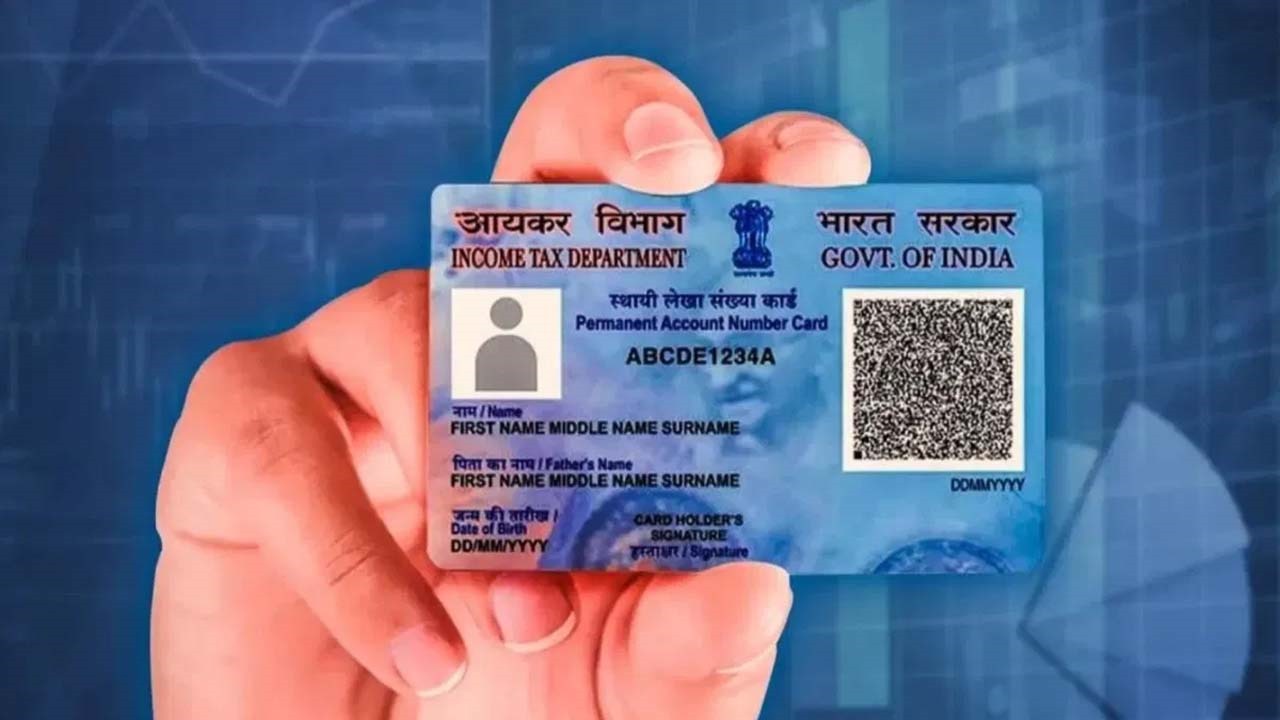
How to Update Your PAN Card Address Online: While your PAN card doesn’t display your address, your registered address is linked to critical financial and government communications. Whether you’ve moved homes or need to correct an error, keeping your PAN details updated ensures smooth processing for:
-
Tax refunds
-
Bank communications
-
KYC verification
-
Government notices
An outdated address can delay refunds, loan approvals, or even trigger compliance issues. Here’s how to update it hassle-free.
Step-by-Step Process to Update PAN Card Address Online
1. Visit the NSDL/Protean Portal
-
Go to www.tin-nsdl.com.
-
Under “Services”, select “PAN” → “Change/Correction in PAN Data”.
-
Click “Apply Online” and choose “Request for Reprinting” (even if you’re only updating details).
2. Fill the PAN Correction Form
-
Enter your PAN, Aadhaar (last 4 digits), and personal details.
-
Update the new address and contact information (email/phone).
-
Save the 15-digit acknowledgment token for tracking.
3. Submit Supporting Documents
Upload scanned copies of:
-
Proof of Address (POA): Aadhaar, passport, utility bill (not older than 3 months).
-
Identity Proof: Passport, voter ID, or driving license.
-
PAN card copy.
Note: If submitting physical copies, mail them to:
Income Tax PAN Services Unit, Protean eGov Technologies Ltd., 4th Floor, Sapphire Chambers, Baner Road, Pune – 411045.
4. Payment & Verification
-
Pay ₹110 (online fee for Indian addresses).
-
Verify via Aadhaar OTP or e-Sign.
-
Download the acknowledgment slip (password: DOB in DDMMYYYY format).
Processing Time: Updated PAN card arrives in 15–20 working days.
Key Documents Checklist
-
✅ Current PAN card copy
-
✅ Address proof (Aadhaar, utility bill, bank statement)
-
✅ Identity proof (Passport, voter ID)
-
✅ Passport-sized photo (if physical submission)
Why This Matters
An updated PAN ensures:
✔ Seamless tax filings & refunds
✔ Faster KYC for banks/investments
✔ Avoiding legal notices sent to old addresses
Fact Check: PAN updates are processed by Protean eGov (formerly NSDL) under the Income Tax Department. No third-party apps are authorized.
Pro Tip: Always cross-check your PAN details post-update via the IT e-Filing portal.
Keep your financial records error-free—act today!
Latest News
- Cheapest Available 5G Smartphones in India Under 10000

- UPSC Prelims Answer Key 2026 – How to Download UPSC Prelims Answer Key at upsc.gov.in

- 8th Pay Commission: एनपीएस और पुरानी पेंशन में कौन सी बेहतर, जानिए बड़ा अपडेट

- Xiaomi 17T Launching With Leica 5x Zoom and Huge 6,500mAh Battery Under ₹60,000

- NEET UG 2026 – Haryana & Bihar Announce Free Bus Service for Candidates on June 20-21

- PM Kisan 23rd Installment: Farmers to get Rs 2000 in June? Know Here

- Best Premium Smartwatches Under ₹10,000: Upgrade to Luxury Metallic Builds, AMOLED Screens, and In-Built GPS

- Maruti Dzire CNG Continues Dominance – Fuel Efficient Sedan Wins Indian Families

- Vivo Y600 Turbo Set to Debut: Featuring a 165Hz Display, Dimensity 8500, and a Massive 9,020mAh Battery

- HMD Vibe 2 5G Debuts in India with 6000mAh Battery & 50MP Camera: Get It For Just ₹9,499 With Launch Offers