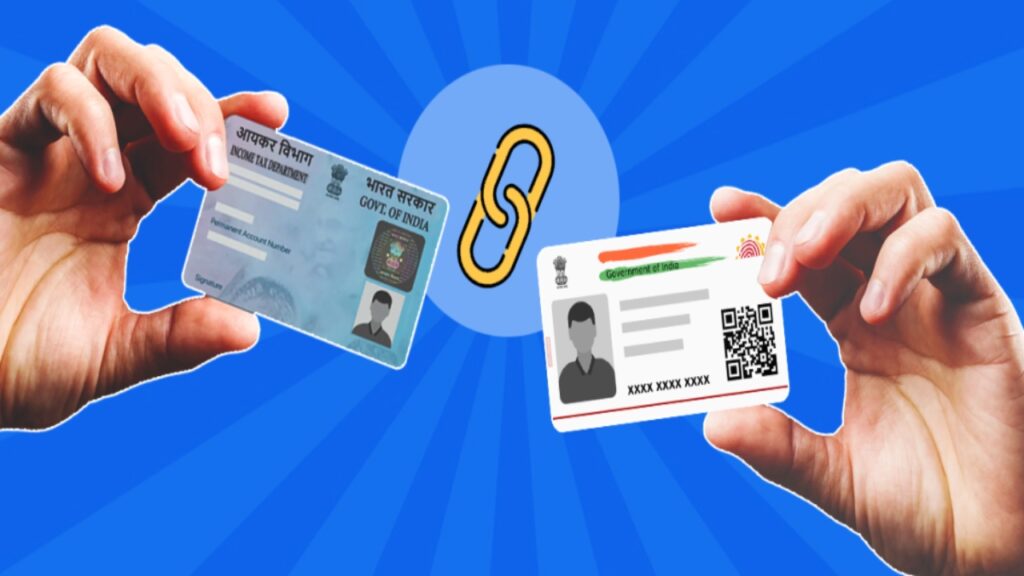
Your PAN card is a very important ID card. It is used for banking, filing income tax returns, and many other financial works. If your old address is still on it, you may face problems in linking PAN with KYC, getting refunds, or using other services. If you have moved to a new house or city, you must update the address on your PAN card. This will help government and financial information reach you on time.
How to Change PAN Card Address Online?
You can change your PAN card address online on the NSDL (Protean) portal with the help of Aadhaar-based eKYC. To do this, visit https://www.tin-nsdl.com
and select the option Change or Correction in PAN Data. After filling in the required details, choose the option Aadhaar-based eKYC address update. An OTP will be sent to your mobile number linked with Aadhaar. Once you enter the OTP, the address from your Aadhaar will be updated in your PAN card.
Check Aadhaar Address First
Before updating the PAN card, you should check your Aadhaar address on the UIDAI website or the mAadhaar app. If your Aadhaar has the wrong or old address, update Aadhaar first. This is important because the PAN address is taken directly from Aadhaar, and any mistake in Aadhaar will also show in PAN.
Important Things to Remember
Your PAN card should be linked with Aadhaar, and your Aadhaar-linked mobile number should be active to receive the OTP. In this process, you do not need to upload any extra documents. After submitting the request, you will get a 15-digit acknowledgment number that you can use to track the status of your application. The new PAN card will be delivered to your updated Aadhaar address.
Fee and Time
The fee for changing the PAN card address online is ₹96 including GST. You can make the payment using net banking, UPI, debit or credit card, or wallet. The updated PAN card will be sent to your address within 10 to 15 working days. You can also download the ePAN from the portal.