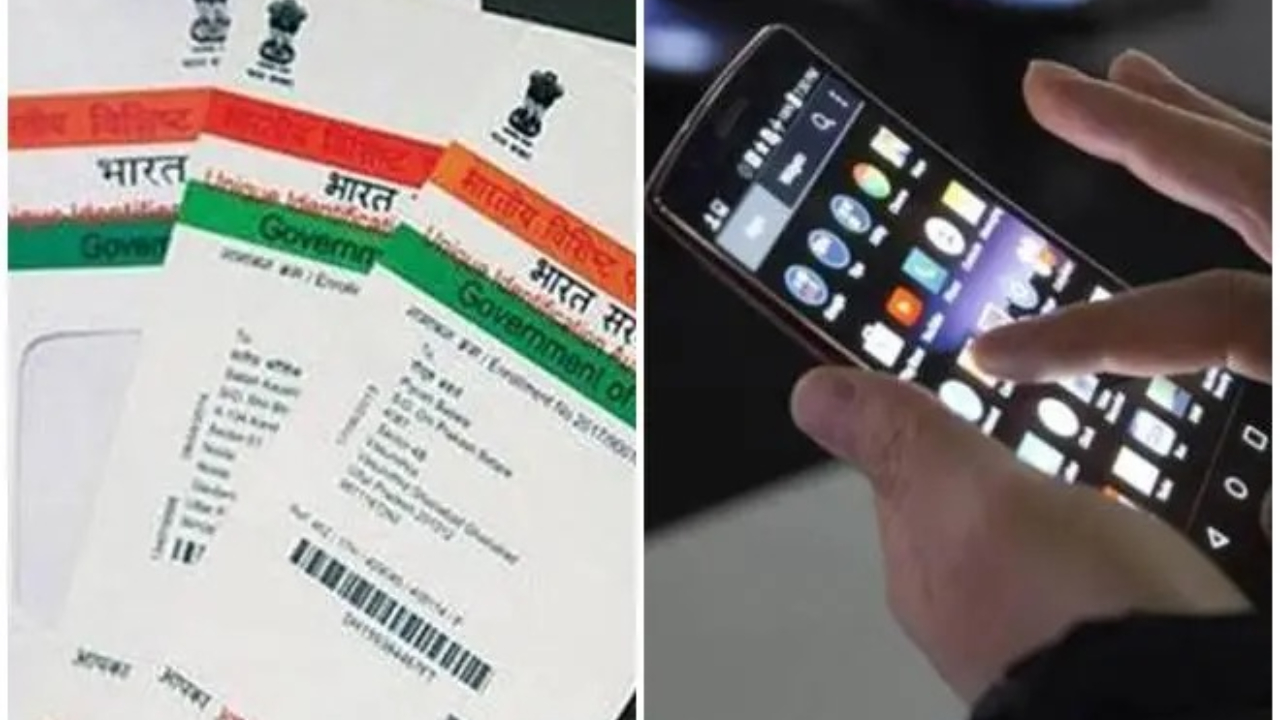
Aadhaar Card Number Update- Aadhaar card has become a very important document today. Today it is necessary to link your Aadhar card for many important works. You get the details of all these works only on the number linked to the Aadhar card. In such a situation, the number linked to Aadhar becomes important. But what will happen when the number registered in the Aadhaar card becomes inactive. In such a situation, you will have to update the new number as soon as possible. Let’s know its process.
Step by step process
Step 1- First of all you have to visit the official website of Indian Postal Service.
Step 2- After this, here you will have to enter personal information like name, mobile number, email etc.
Step 3- Then here you have to go to PPB Aadhaar Services.
Step 4- After this, you will have to select the option of Mobile/Email to Aadhaar Linking/Update given here.
STEP 5- Then you have to enter the OTP given in the mobile number.
Step 6- Now click on Confirm Service Request.
Step 7- After this your application will reach the post office near your home.
Step 8- A post office member will come to your home. He will complete the verification with a mobile biometric device. For this, you will have to pay a fee of a few rupees.
How to link Aadhaar Card with phone number?
- First of all you have to visit the official website of Uidai.
- Now here you will see the option of Book an Appointment.
- After this, after selecting the place, you will have to click on Proceed to book appointment.
- Then a new page will open in front of you, in this you will have to enter the mobile number and captcha code and click on Generate OTP.
- Enter the OTP that will be sent to your mobile number, and click on Submit OTP and Proceed.
- Then you will have to choose which details are to be updated, after this enter the other required information and submit.
- In this way you will book an appointment. Then on the given date and time, you will have to go to the selected Aadhaar center and update the mobile number.
Latest News
- Train Ticket: How to book a confirmed train ticket without an agent? Learn the Easy Steps

- Indian Railways– 155 Trains Express Declared High-Speed, Thousands of Railway Staff to Benefit

- Monsoon Alert – Warning Heavy to Very Heavy Rain alert & thunderstorms in 22 States Over Next 4 Days

- America-Iran War: मिडिल ईस्ट में तनाव होगा खत्म! ईरान ने होर्मुज रास्ते पर कही बड़ी बात

- PM Surya Ghar Yojana 2026: Get Up to Rs 78,000 Subsidy within 6 Easy Steps, Know Here

- Cheapest Available 5G Smartphones in India Under 10000

- UPSC Prelims Answer Key 2026 – How to Download UPSC Prelims Answer Key at upsc.gov.in

- 8th Pay Commission: एनपीएस और पुरानी पेंशन में कौन सी बेहतर, जानिए बड़ा अपडेट

- Xiaomi 17T Launching With Leica 5x Zoom and Huge 6,500mAh Battery Under ₹60,000

- NEET UG 2026 – Haryana & Bihar Announce Free Bus Service for Candidates on June 20-21