
How To Reactivate Aadhaar Card? Know the step by step process here
Aadhaar Card Reactivate– Aadhaar card is your identity. It is used as a document for bank, passport, school admission, office or any other such important things. But what if your Aadhaar card gets deactivated by mistake. Actually this happens when there is often some error

 Join Us
 Add as a preferred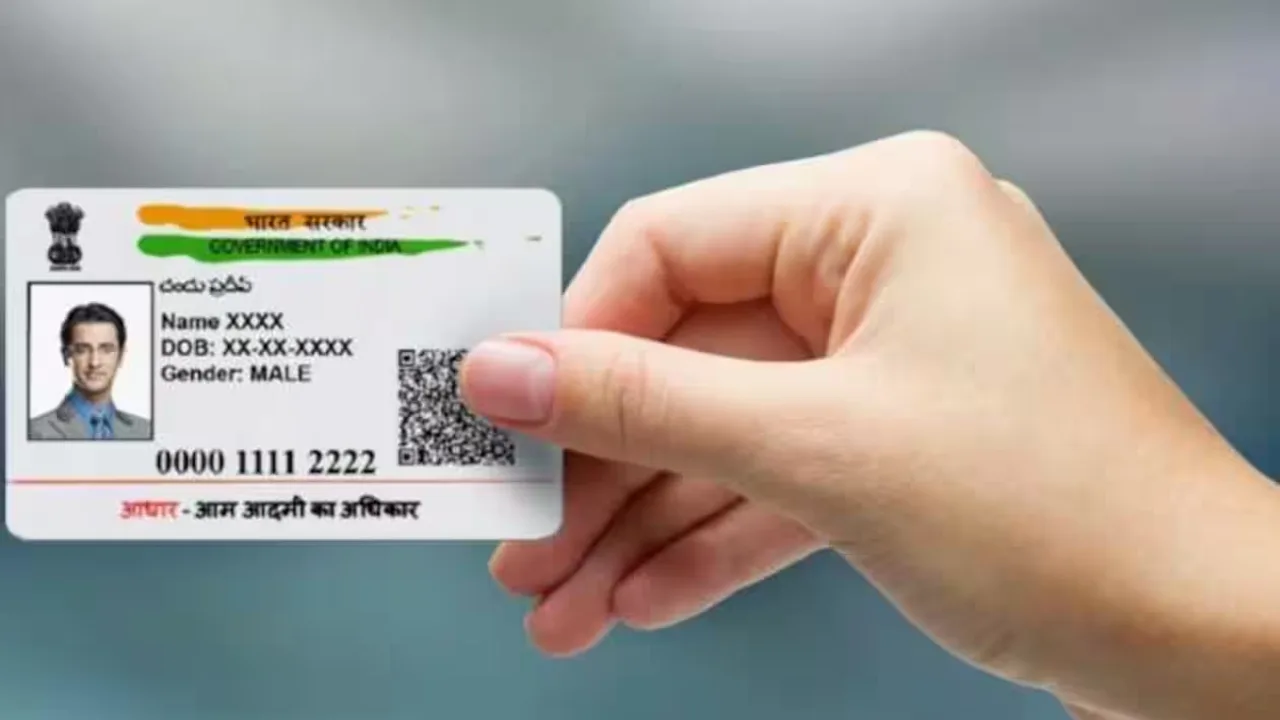
Aadhaar Card 1
Aadhaar Card Reactivate– Aadhaar card is your identity. It is used as a document for bank, passport, school admission, office or any other such important things. But what if your Aadhaar card gets deactivated by mistake. Actually this happens when there is often some error in the data, or there is some kind of mistake in the death registration process.
After this it is assumed that the Aadhaar card holder has died, however if any such incident has happened with you too, then there is no need to worry now. You activate your Aadhaar card again. Let us tell you its complete process.
How to re-activate Aadhaar Card
The Aadhaar Card holder will have to apply to reactivate his Aadhaar. For this, the holder can submit his application to the nearest office/state government by post, email or by going there in person.
After this, the concerned office will verify it. Within two weeks of receiving the application, the Aadhaar holder will be called to the Aadhaar centre to submit your biometric information such as iris, face and finger prints under the supervision of a UIDAI officer.
After this, the concerned officer will inform the holder about the status of the application within 30 days after all the information is submitted. To know the status of the application, the Aadhaar number holder will also be informed through SMS. Apart from this, you can also check it on the myAadhaar portal.
What details will be required to re-activate Aadhaar
- Aadhaar Card Number
- Name, gender and date of birth
- Mobile number and email
- Address, District and State
- Aadhaar details of parents (if below 18 years of age)
- Signature or thumb impression, place and date
- The rest of the complete format of the application is given in UIDAI.

Sweta Mitra
Next Article
UPSC CSE Prelims 2026 Admit Card Released – Download Hall Ticket at upsc.gov.in
UPSC CSE Prelims 2026 Admit Card Released: The Union Public Service Commission (UPSC) has released the e-admit card for the Civil Services Examination (CSE) Prelims 2026. The examination is scheduled to be conducted on May 24, 2026, for 933 vacancies. The admit card link has been activated on the official website, upsc.gov.in.


UPSC CSE Prelims 2026 Admit Card Released: The Union Public Service Commission (UPSC) has released the e-admit cards for the Civil Services Examination (CSE) Prelims 2026. Candidates appearing for the UPSC Prelims examination on May 24 can now download their admit cards from the official website, upsc.gov.in. To download the UPSC admit card, applicants must log in using their Registration Number and Roll Number, after which they can view their hall tickets. The examination is scheduled for May 24, 2026, to fill 933 vacancies. The admit card download link has been activated on the official website, upsc.gov.in.
How to Download UPSC CSE 2026 Admit Card?
Step 1: Visit the official website – upsc.gov.in
Write a Comment