

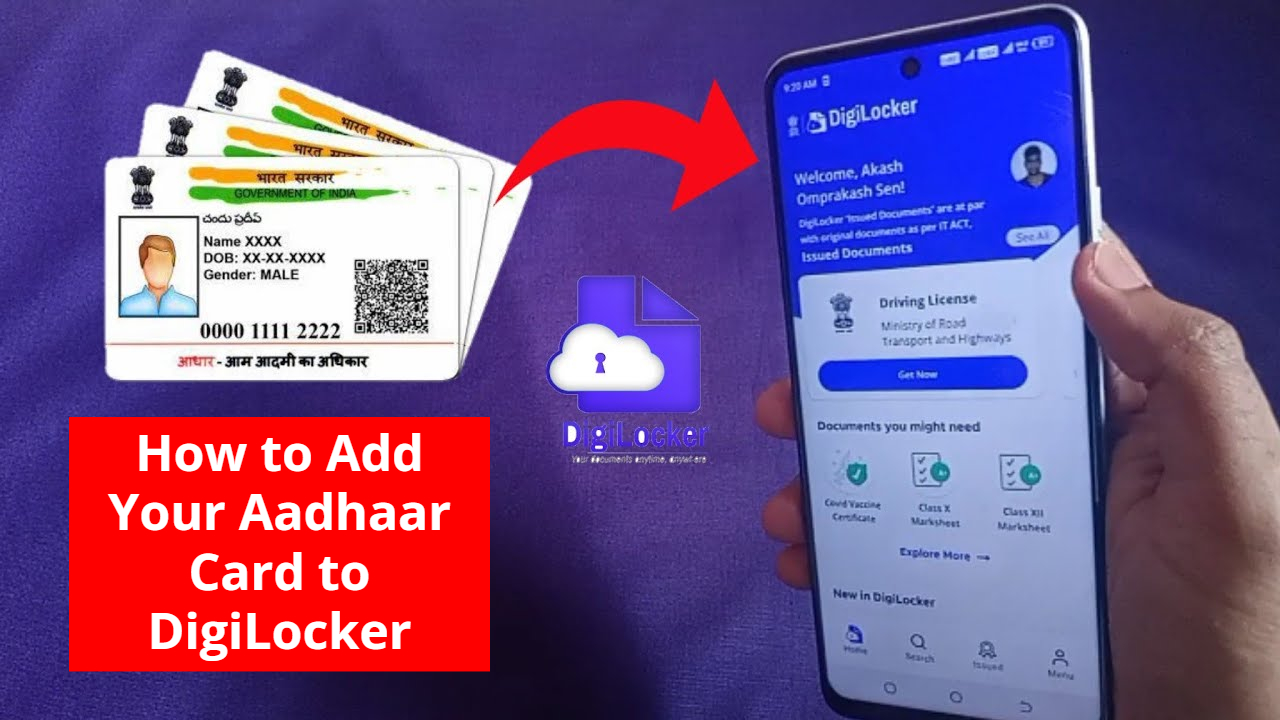
After India became digital,everything has started becoming digital. While on one hand,systems like UPI are being used rapidly,on the other hand,the digital platform DigiLocker was launched in the year 2015 under Digital India Corporation (DIC) by the Ministry of Electronics and Information Technology. With DigiLocker,you do not need to keep your documents physically. You can keep your documents with you in electronic form. The documents kept in DigiLocker are like physical documents.
Read Here- Mahindra Top SUV In India: Perfect Mix of High Performance And Features
You can easily share the documents kept in DigiLocker with any agency or institution in electronic form. It is just like you store and share your data on Google Cloud.
How to sign up for DigiLocker?
- For this,go to the website and click on sign-up and enter your mobile number,Aadhaar number,and other details.
- After setting your security pin for factor authentication,the number will be authenticated by sending an OTP.
- This way,your DigiLocker account will be created.
How to link Aadhaar with DigiLocker?
- First,log in to your DigiLocker account.
- On the dashboard,you will get the option to link your Aadhaar number. After entering the Aadhaar number,select the check box.
- Click on the ‘Link Now’ button.
- After this,enter the OTP received on your mobile.
- Then click on the ‘Verify’ button.
Read Here- Yamaha Launches Updated 2025 Hybrid Scooters: Ray ZR & Fascino Get New Features & Colors
It is important to note that if your mobile number is not linked to the Aadhaar card,then you will not be able to link Aadhaar to DigiLocker. After linking Aadhaar,you can see your Aadhaar profile in your DigiLocker account ‘Profile’ section. After linking Aadhaar,you can see the Aadhaar card in the issued documents section. You can download your Aadhaar card at any time by clicking on the PDF icon.