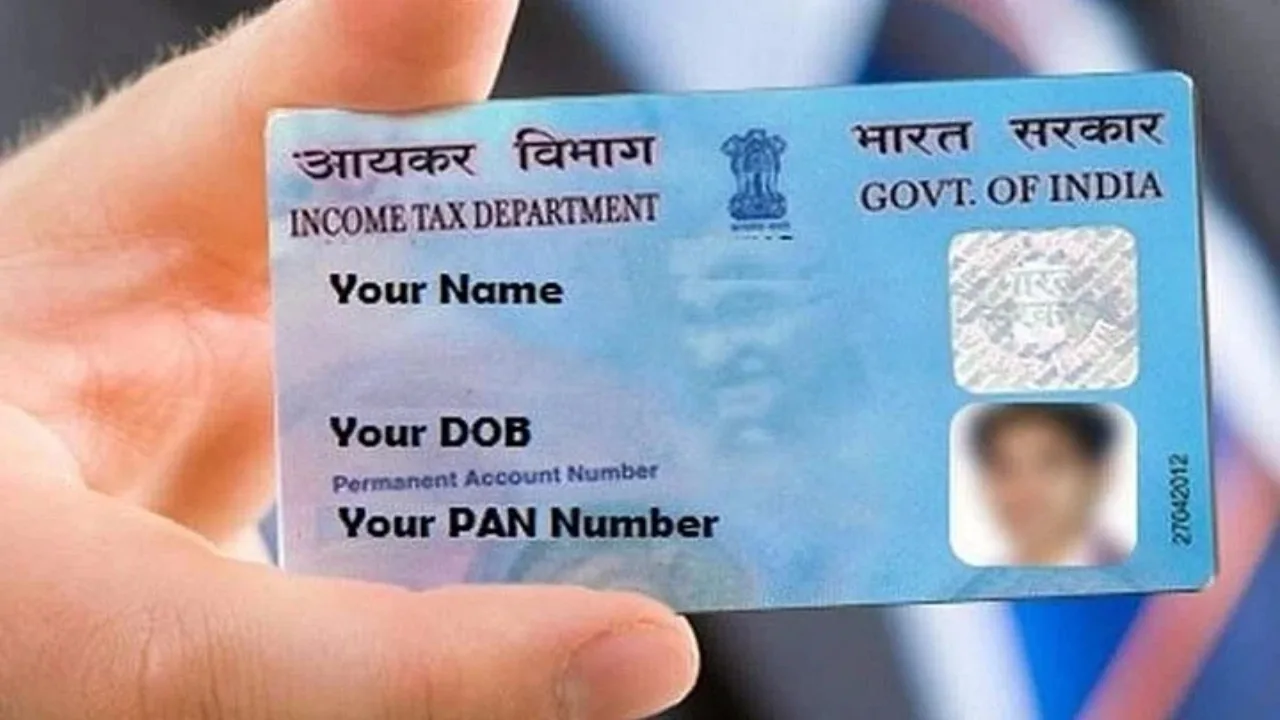
How to apply for an e-PAN Card: If you are a regular taxpayer, a PAN card becomes one of the most important documents for you. A PAN card is required for banking, filing tax returns, and many government and financial transactions. If you don’t have a PAN card yet, it’s essential to get one soon.
The offline process of getting a PAN card usually takes a lot of time, but now the government has introduced the e-PAN facility, which allows you to get a PAN card very quickly. The e-PAN is completely digital and is issued electronically, saving a lot of time.
Read Here: RBSE 10th 2026 – Check & Download Rajasthan Board Class 10 date sheet subject-wise
What is the e-PAN facility?
The e-PAN is also called an instant PAN card. This facility is for those who have a valid Aadhaar card. The e-PAN is generated based on the Aadhaar e-KYC data and is a digitally signed PAN card. The e-PAN is issued in PDF format, and there is no fee for it.
This service is available to individual taxpayers who have not yet been issued a physical PAN card but have an Aadhaar card. With the help of Aadhaar and the linked mobile number, anyone can get an e-PAN for free.
After receiving the e-PAN, you can update your PAN details according to the Aadhaar e-KYC. You can also create an account on the e-filing portal and perform tasks related to income tax returns.
What are the benefits of e-PAN?
The process of getting an e-PAN is completely online and paperless. It only requires an Aadhaar card and a mobile number linked to Aadhaar. The e-PAN is fully valid for all government and financial transactions and is accepted everywhere.
Read Here: EPFO Insurance Update: Families Eligible for EDLI Even After Short Service Gaps
How to apply for e-PAN
To apply for an e-PAN, first, you need to visit the official e-filing website of the Income Tax Department. On the website’s homepage, click on the Instant e-PAN option. Then select the Get New e-PAN option. A new page will now open, where you will need to enter your 12-digit Aadhaar number. After that, select the consent option and proceed. An OTP will then be sent to the mobile number linked to your Aadhaar, which you will need to enter to verify your Aadhaar details.
Once all the information is found to be correct, apply it. Upon submission, you will receive a success message, which will also include an acknowledgment number. Your e-PAN will then be issued, which you can download and use.
Latest News
- Weather warning – Heavy Rain, thunderstorms, lightning Alerts for 13 States Over Next 3 Days

- UP TGT Exam City Slip 2026 Released – Download at upessc.up.gov.in, Exam June 3-4

- ATM Alert: एटीएम में फंस जाए डेबिट कार्ड तो घबराएं नहीं, फटाफट यह काम करने से होगा समाधान

- Post Office Scheme – 7.5% Interest Rate, ₹5 Lakh Becomes ₹7,24,974 in 5 Years, Start with Just ₹1,000

- Best AI Video Editing Laptops Under 60,000 INR: Top Picks Her

- Best CNG Cars: पेट्रोल के बढ़ते दाम के बीच ये सीएनजी गाड़ी खरीदकर खर्च करें कम, माइलेज भी जबरदस्त

- Samsung Stable One UI 8.5 Update to Galaxy Tab S10 FE and Tab S10 FE+

- बुढ़ापे की लाठी बनेंगी ये तीन स्कीम्स, निवेश से पहले जानिए कितना मिल रहा ब्याज

- OnePlus Nord CE 6 vs Samsung Galaxy A57: Which Mid-Range 5G Phone Wins?

- Lenovo LOQ 15 Gen 11 Review: Best Budget Gaming Laptop?