
Forgot Your IRCTC User ID or Password? Here’s the Easiest Way to Recover It
Many people buy tickets from the counter, while many people book tickets themselves through an IRCTC account. From ticket booking to checking seat status on IRCTC, all the work is done through this account. But many times people forget their login details, i.e., user ID

 Join Us
 Add as a preferred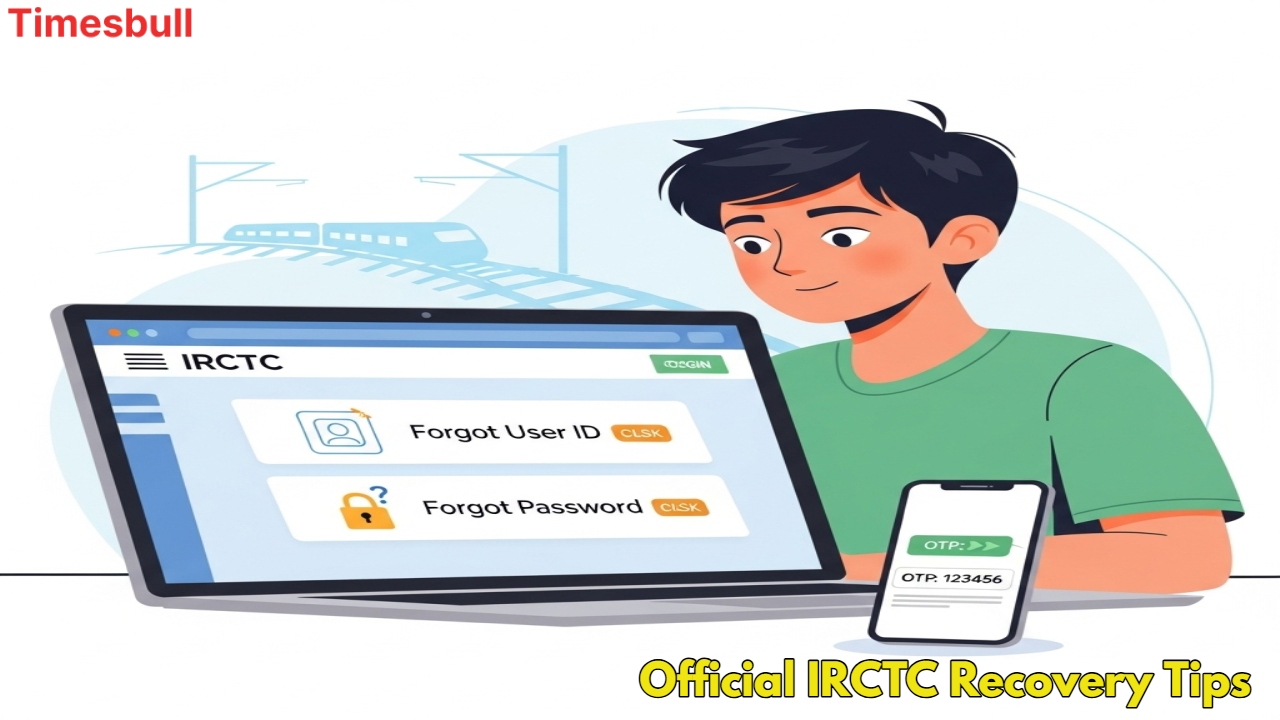
Official Irctc Recovery Tips
Many people buy tickets from the counter, while many people book tickets themselves through an IRCTC account. From ticket booking to checking seat status on IRCTC, all the work is done through this account. But many times people forget their login details, i.e., user ID or password. In such a situation, there is no need to panic! IRCTC has provided a very easy way through which you can get back both your username and password.
Forgot IRCTC User ID and Password
IRCTC is the online ticket booking service of Indian Railways, which is used by every passenger. But when we do not remember our IRCTC username or password, we may face problems. In such a situation, it is very important to know how we can recover our account. This process is very simple and safe.
How to find the IRCTC user ID
If you have forgotten your IRCTC username, i.e., ID, then it is very easy to recover it. Follow the steps given below to complete this process:-
First of all, visit the official website of IRCTC and select the ‘Forgot User ID’ option on the login page.
Enter your registered mobile number and email ID here. This should be the same email ID and mobile number that you provided while creating the account.
After this process, your user ID will be sent by IRCTC to your registered mobile number or email.
Other options
If this method does not work, check your old emails. Your user ID is written in the email received from IRCTC at the time of ticket booking.
If you had booked the ticket through a travel agent, you can also get your user ID from them.
Follow this process to know the password

If you have forgotten your IRCTC password, resetting it is also very easy. Follow the steps given below to complete this process:
First of all, visit the IRCTC website and click on ‘Forgot Password’ on the login page.
Next, enter your username, registered mobile number, and captcha code.
After completing this process, an OTP (One-Time Password) will be sent to your registered mobile number or email.
After verifying the OTP, you will get the option to set a new password. Create a new password, confirm it by re-entering it, and submit.
Now your new password is created. You can log in with this new password.

Vikram Singh
Next Article
Best Samsung Phones in India from Samsung Galaxy A37 5G to Samsung Galaxy S25 FE
Best Samsung Phones: Which Samsung phone provides the best performance among devices that cost less than ₹50000 in India? The best Samsung smartphones of 2026 include two main features which are AMOLED displays and AI capabilities and extended battery life and high-performance cameras.

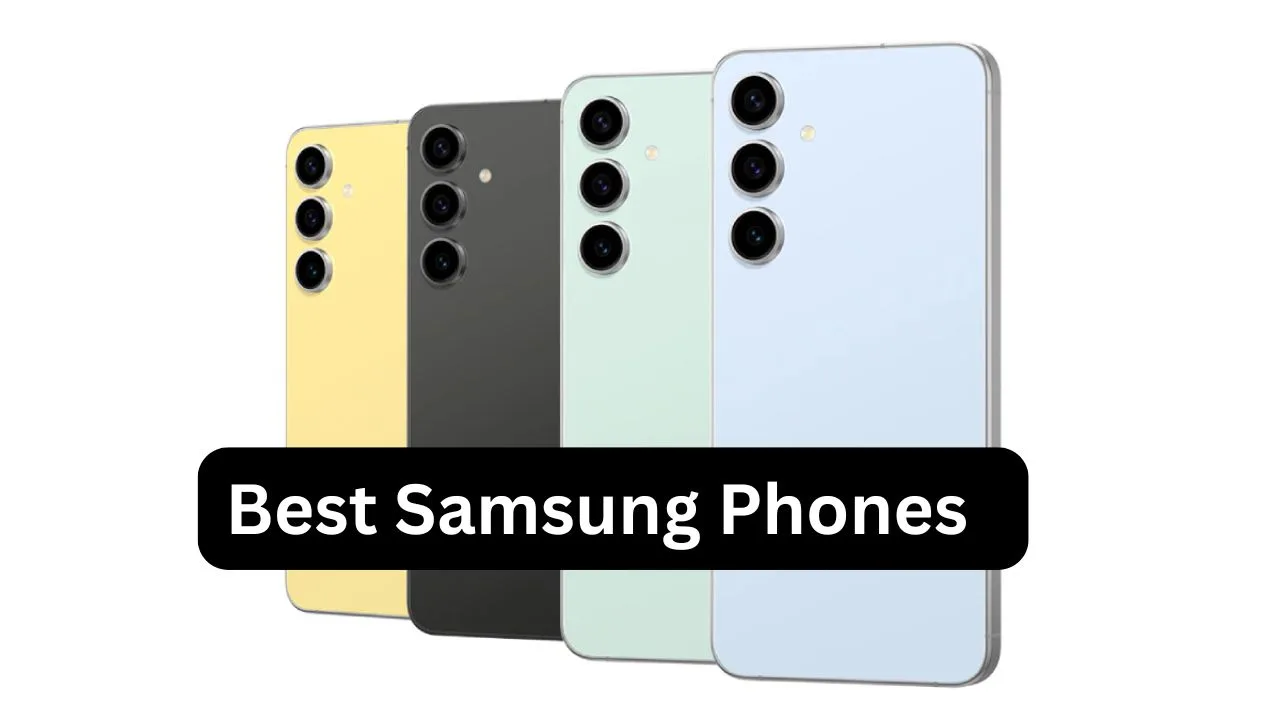
Samsung maintains its leadership position in India through its high-end mid-range smartphones which deliver flagship specifications at prices below ₹50,000. The Samsung phones provide Indians in 2026 three important benefits through their AMOLED displays and AI functions and extended software updates and dependable cameras.
Samsung Galaxy S25 FE
The Samsung Galaxy S25 FE is currently one of the best Samsung phones available under ₹50,000 during sale events and exchange offers. The official price begins at a higher point yet Amazon and Flipkart offer discounts which bring the price range to between ₹47,000 and ₹49,000.
Write a Comment