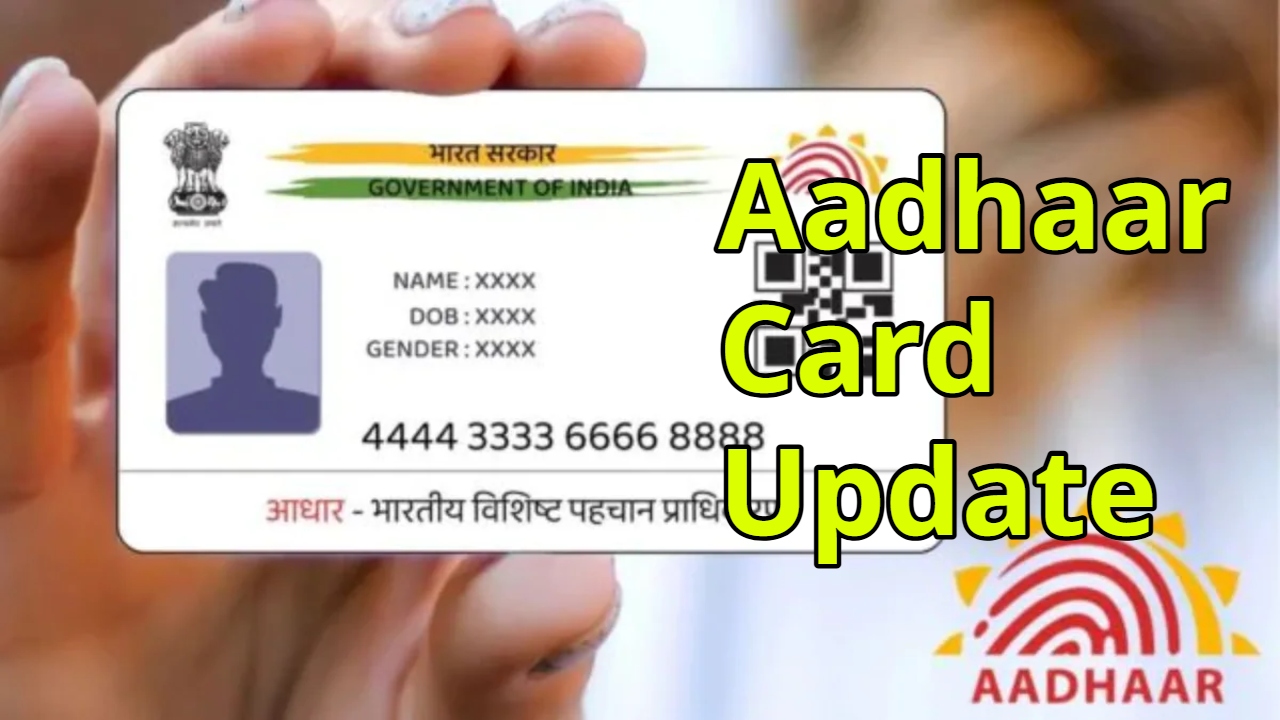
Aadhaar Card Update: The Aadhaar card has become the most widely used identity document in India today. Without an Aadhaar card, it becomes difficult to do anything. Opening a bank account, availing government schemes, or even school admissions require an Aadhaar card. The Aadhaar card is issued by the UIDAI.
Often, people forget to carry their Aadhaar card with them or misplace it. Sometimes, they even forget where they kept it safely. In such situations, this can cause problems during important tasks. The solution to this problem is the digital Aadhaar card.
Read Here: Major Alert on PAN Card – It Will Become Inactive If You Do not do this in 2 days
What is a Digital Aadhaar Card?
A digital Aadhaar card is an electronic form of the Aadhaar card that can be viewed and used from anywhere via a mobile phone or laptop. It is completely valid and recognized by the UIDAI. Having a digital Aadhaar eliminates the need to carry the physical card.
How to Download Aadhaar
To download your digital Aadhaar card, first download the mAadhaar app on your smartphone. This app is available on both the Google Play Store and the App Store. After installing the app, open it and select the Aadhaar download option.
Then, you will need to enter your 12-digit Aadhaar number or 28-digit EID number. After that, enter the mobile number linked to your Aadhaar and generate an OTP. Enter the OTP received on your mobile phone in the app to complete the verification. After verification, click on the download Aadhaar option, and the digital Aadhaar card will be saved on your phone.
Read Here: Government Issues Alert Regarding Passports, You will Be Shocked to Know
Benefits of Digital Aadhaar
You can access your digital Aadhaar card anytime and anywhere. It is secure and can be shown instantly when needed. This also eliminates the worry of losing or forgetting your Aadhaar card.
Latest News
- Apple MacBook Neo Deal Alert: Get It For Under ₹58,000 on Amazon Right Now

- Pakistan Attack: आत्मघाती हमले से दहला पाकिस्तान, 23 लोगों की मौत, 50 से ज्यादा घायल, जानें

- Honor Magic 9 Series Leaks: Flagship Upgrades with Massive 8,000mAh Battery and 200MP Cameras

- Motorola Edge 60 Fusion Review: Mid-Range King or Outdated?

- FD Update– Breaking Your FD Early? Know the consequences

- Bank Holiday–RBI Announces Closure of SBI, HDFC and All Banks Next Week, Save the Dates

- Samsung Galaxy S26 Ultra Amazon Deal – Get ₹23,509+ Discount with Bank Offers and Exchange Benefits

- Best Scooters For College Girls 2026 – Perfect Mix Of Mileage, Style And Lightweight Design

- Kodak Matrix QLED Google TV 2026 Series Launched in India Just Under 10,999

- Senior Citizen FD Rates: सीनियर सिटीजन को यहां से मिल रहा बंपर ब्याज, जल्द करें निवेश