सैलरीड लोगों के लिए खास टैक्स प्लानिंग, जानें ओल्ड टैक्स रिजीम कैसे है फायदेमंद
EPF Balance on Mobile: Check Your PF Amount Instantly Without Internet
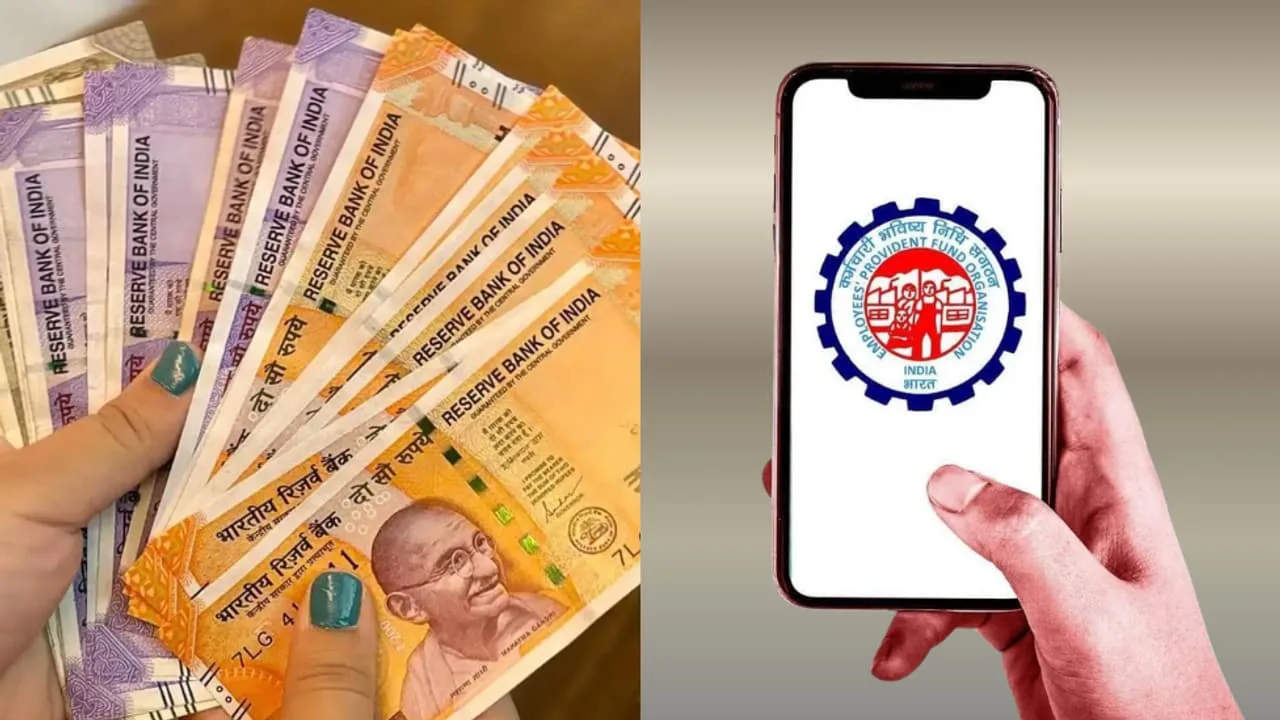
EPF Balance on Mobile: For working individuals, EPF is not just a fund, but the biggest asset for their future. People are often curious to know how much money has accumulated in their PF account over the past five years, but lacking information, they resort to cyber cafes or outside experts. This not only wastes precious time but also exposes them to the risk of personal data theft and online fraud.
Today, we’ll tell you the easiest and safest EPFO methods that allow you to check your full balance from your smartphone without any assistance. Whether you have internet access or not, these methods will work in every situation and provide you with an accurate account of your hard-earned money.
Balance Check with Just a Missed Call
If you don’t use a smartphone or don’t have internet access, this method is a boon. All you need to do is give a missed call to 9966044425 from your registered mobile number. After two rings, the call will automatically disconnect, and within a few seconds, you will receive a message on your phone with complete details of your PF balance. To avail this facility, your UAN must be active and linked to your Aadhaar or PAN card.
Get a complete overview of your PF account via SMS
Checking your balance via SMS is ideal for those who want information in their regional language. EPFO has provided this facility in 10 languages, including Hindi and English. You can get the details by sending a text message from your registered mobile number to 7738299899. For example, for information in English, type EPFOHO UAN ENG, or for information in Hindi, type EPFOHO UAN HIN. As soon as you send this message, you will receive an SMS from the department with detailed information.
UMANG App and the Official Portal
For smartphone users, the UMANG app is the most secure and government-certified way to download your entire passbook in PDF format. Simply register on the app, go to the EPFO section, and select the “View Passbook” option.
Similarly, if you’re using a computer or laptop, you can log in directly by visiting the official website, passbook.epfindia.gov.in, and entering your UAN and password. After logging in to the portal, you’ll need to select your member ID, and clicking “View Passbook” will display all your deposits and interest earned on the account.
Important requirements before checking your balance
You can successfully use the above methods only if your account’s KYC is complete. According to EPFO rules, your Universal Account Number (UAN) must be active, and the correct mobile number must be recorded. Additionally, your account must be linked to your Aadhaar, PAN, and bank account details. If these things are not complete, then first update your KYC by visiting the portal; otherwise, you will not be able to avail the facility of checking balance through digital means.
Latest News
Must Read
Holi 2026 Special Trains: Special Trains for UP, Bihar & Gujarat– See Full List
Most Viewed
Tata Curvv 2026 Price 9.66 Lakh – Sporty Coupe SUV Under Rs 10 Lakh
Most Viewed
Salary Hike Update: When Will Rs 18,000 Be Credited to Shikshamitras Accounts? Know here
Most Viewed
TVS Orbiter – Futuristic Electric Scooter That Change Your Daily Ride Experience
Most Viewed
Best Phones For Parents Under ₹15,000 in 2026
Most Viewed
Trending Now
New Bank Locker Rules: What Happens If Your Valuables Disappear? Know here
Pension Hike Update: What Is the New Wage Ceiling and How Much Will Your Pension Increase?
FIR to be registered against Shankaracharya Avimukteshwaranand in sexual exploitation case”
Yogi Adityanath Govt Gives Big Relief to Teachers with Free Treatment up to ₹5 Lakh
Senior Citizens can Earn High Interest by Investing in Fixed Deposits in These Bank
Holi Special Trains: होली स्पेशल ट्रेन का ऐलान, यूपी, बिहार और गुजरात जाने वालों के लिए खुशखबरी
EPF Balance on Mobile: Check Your PF Amount Instantly Without Internet
T20 World Cup 2026: साउथ अफ्रीका संग मैच से पहले टीम इंडिया को लगा झटका, मोहम्मद सिराज को घुटने पर लगी चोट
Who is responsible if items are lost from a bank locker? Know RBI New rules
📁 CATEGORIES