

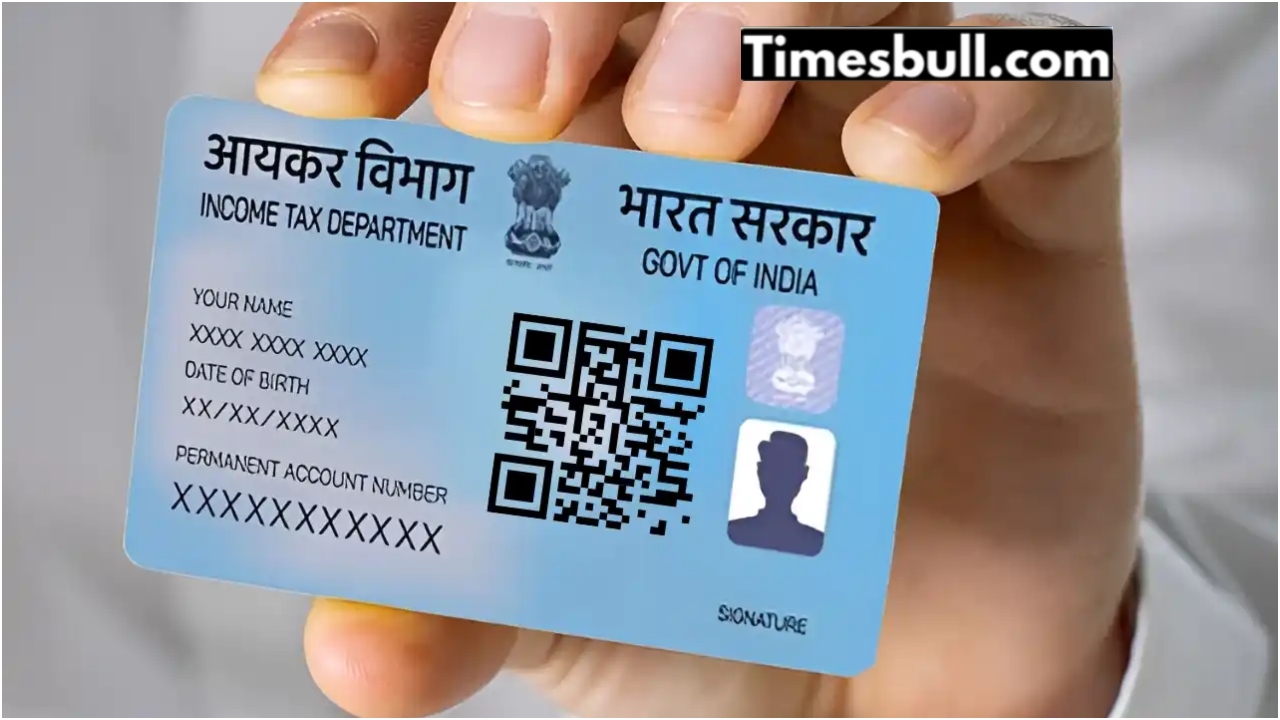
E-PAN-Just like Aadhaar card is necessary for all Indian citizens, PAN card is also one of the necessary documents. Permanent Account Number is provided by the Income Tax Department for taxation and other identification purposes. Through this, opening a bank account, getting a gas connection and other financial works can be done. However, if your PAN card is not made yet and you are thinking of getting it made, then you have to follow a long process to get a physical PAN card. Whereas, for e-PAN card you do not have to go through any long process.
How much time does it take for a physical PAN card?
Usually, if you want to get a physical PAN card, it takes a lot of time to get it. One reason for this is verification, then print and then mail. Due to this long process, the physical PAN card can reach you in at least two weeks, but it is also important that the application is correct in all respects. However, to speed up this process, e-PAN is being issued by the Income Tax Department.
What is e-PAN service?
The Income Tax Department has started the e-PAN service, through which instant PAN card can be obtained. However, this service will benefit those applicants who have a valid Aadhaar number. Let us tell you that e-PAN is a digital sign card in digital form which depends on the details of e-KYC from the Aadhaar number. It can be obtained for free in PDF format.
How to get an e-PAN card via Aadhaar number?
- Visit the site of the Income Tax Department’s e-filing portal .
- On the homepage of the portal, you will see the option of “Instant e-PAN”, click on it.
- After this click on “Get New e-PAN”.
- Now the application page will open, enter your 12-digit Aadhaar Card number in it.
- Mark the checkbox to confirm your agreement and then click ‘Continue’.
- The page for OTT verification will open, read the terms and click on ‘Continue’.
- After this, a 6 digit OTP will come on the phone number linked to the Aadhar card, enter it.
- Select the checkbox to verify Aadhaar details with UIDAI and click on ‘Continue’.
- After this, click on ‘I Accept’ and then ‘Continue’ and submit.
- After this, you will be able to view E-PAN and also get the option to download it.
Latest News
- PM Kisan Samman Nidhi Yojana: नहीं मिल रही 2000 रुपये की किस्त तो किसान तुरंत करवा लें यह काम

- Aadhaar Card Update Rules – How Many Times Can You Change Address, DOB & Number?

- Train Ticket: How to book a confirmed train ticket without an agent? Learn the Easy Steps

- Indian Railways– 155 Trains Express Declared High-Speed, Thousands of Railway Staff to Benefit

- Monsoon Alert – Warning Heavy to Very Heavy Rain alert & thunderstorms in 22 States Over Next 4 Days

- America-Iran War: मिडिल ईस्ट में तनाव होगा खत्म! ईरान ने होर्मुज रास्ते पर कही बड़ी बात

- PM Surya Ghar Yojana 2026: Get Up to Rs 78,000 Subsidy within 6 Easy Steps, Know Here

- Cheapest Available 5G Smartphones in India Under 10000

- UPSC Prelims Answer Key 2026 – How to Download UPSC Prelims Answer Key at upsc.gov.in

- 8th Pay Commission: एनपीएस और पुरानी पेंशन में कौन सी बेहतर, जानिए बड़ा अपडेट

