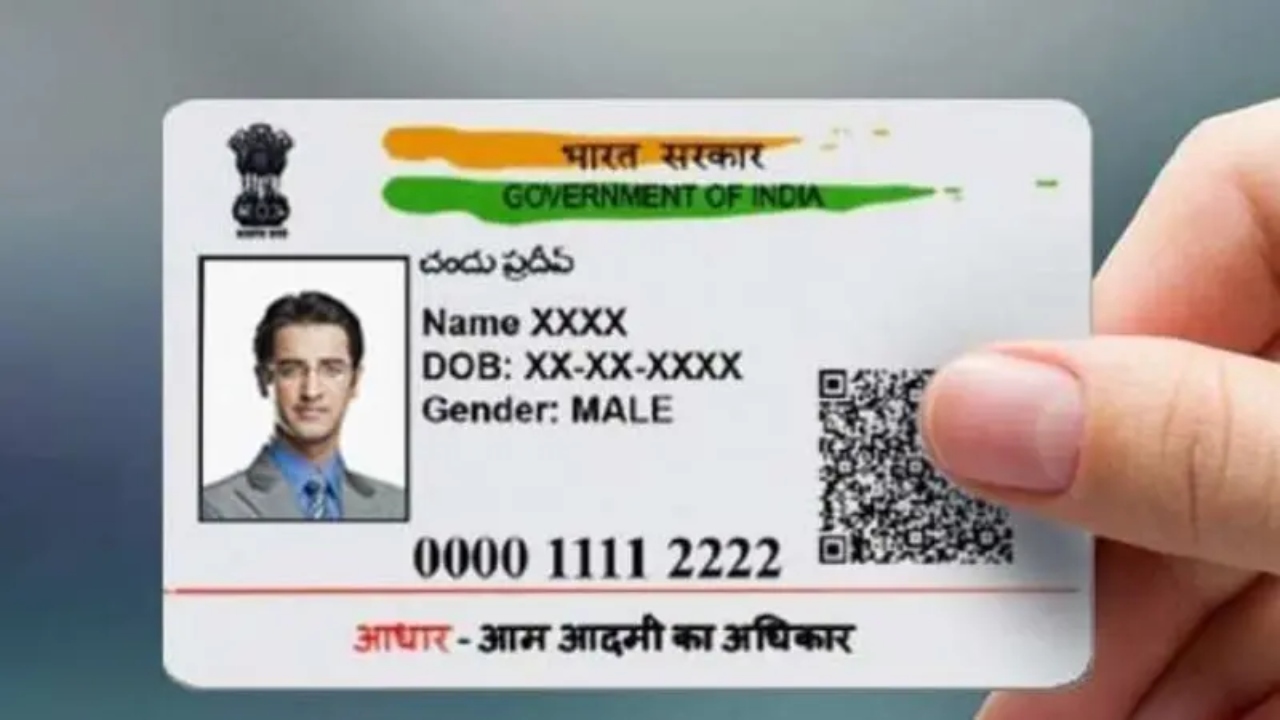
Aadhaar Card Status: The Aadhaar number is a 12-digit unique and random identification number issued by the Unique Identification Authority of India (UIDAI). It provides a unique identity to every citizen. Although the Supreme Court struck down some provisions of the Aadhaar Act 2016, Aadhaar is still accepted as proof of identity and address in the country. Its role in government schemes, banking services, and digital verification is constantly increasing.
How to Check if Your Aadhaar Card Has Been Generated
If you have enrolled for Aadhaar and want to check whether the card has been generated, the official UIDAI website makes this easy. First, open the website uidai.gov.in. Go to the “My Aadhaar” section on the homepage and select the “Check Aadhaar Status” option. Then, enter the EID number received at the time of enrollment and the security code displayed on the screen. After entering the information, click “Check Status” to display the current Aadhaar status.
Read Here: Top Hybrid Cars in India 2025 – Best Mileage, Comfort & EV-Like Driving Experience
How to Retrieve Aadhaar by Name and Mobile Number
People often face difficulties when they lose their Aadhaar number or enrollment ID. UIDAI has provided an online recovery facility to address this issue. To do this, go to the UIDAI homepage and select the “Retrieve Lost or Forgotten EID/UID” option under the “My Aadhaar” section. Here, users must enter their name, mobile number, and email ID.
After entering their personal information, enter the security code on the screen and click on the “Send OTP” option. An OTP will then be sent to your registered mobile number. Once this OTP is entered in the designated field and verified, the Aadhaar number or enrollment ID will be sent to your mobile via SMS.
How to Download e-Aadhaar
Once you have your Aadhaar number or enrollment ID, you can download e-Aadhaar by visiting the website eaadhaar.uidai.gov.in. Here, under the “I have” option, select the Aadhaar or enrollment ID. Then, you need to enter relevant information such as your name, PIN code, mobile number, and security code. After receiving and verifying the OTP, your e-Aadhaar is downloaded. Your area’s PIN code serves as a password to open the downloaded file.
Latest News
- Indian Railways– 155 Trains Express Declared High-Speed, Thousands of Railway Staff to Benefit

- Monsoon Alert – Warning Heavy to Very Heavy Rain alert & thunderstorms in 22 States Over Next 4 Days

- America-Iran War: मिडिल ईस्ट में तनाव होगा खत्म! ईरान ने होर्मुज रास्ते पर कही बड़ी बात

- PM Surya Ghar Yojana 2026: Get Up to Rs 78,000 Subsidy within 6 Easy Steps, Know Here

- Cheapest Available 5G Smartphones in India Under 10000

- UPSC Prelims Answer Key 2026 – How to Download UPSC Prelims Answer Key at upsc.gov.in

- 8th Pay Commission: एनपीएस और पुरानी पेंशन में कौन सी बेहतर, जानिए बड़ा अपडेट

- Xiaomi 17T Launching With Leica 5x Zoom and Huge 6,500mAh Battery Under ₹60,000

- NEET UG 2026 – Haryana & Bihar Announce Free Bus Service for Candidates on June 20-21

- PM Kisan 23rd Installment: Farmers to get Rs 2000 in June? Know Here