

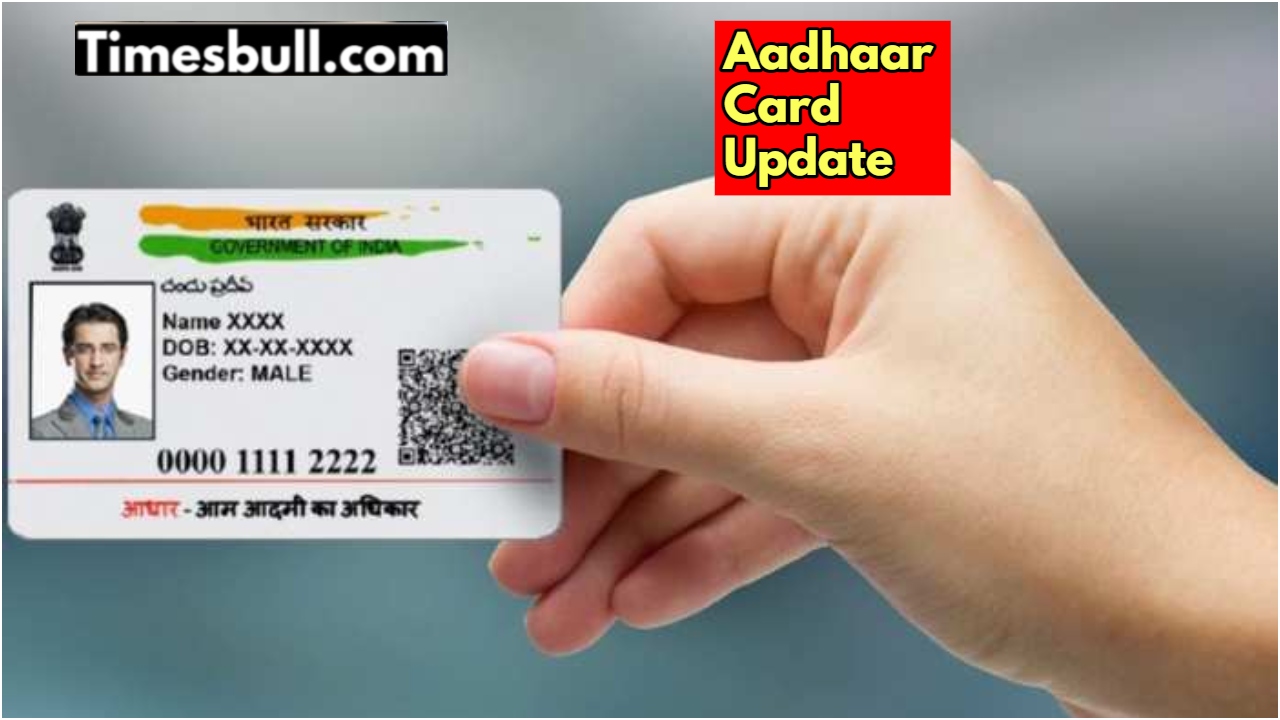
Nowadays, the Aadhaar card has become the most important document of our identity. Whether it is to take advantage of a government scheme, open a bank account, get a passport, or get children admitted, it is required everywhere. In such a situation, if there is even a small mistake in your name, it can become a big problem. But now you do not need to worry about it. You can correct the mistake in the name on the Aadhaar card from your mobile phone, sitting at home.
An easy way to correct the name on the Aadhaar card
UIDAI has given an easy process on its website, through which you can correct your name.
First, go to uidai.gov.in.
After visiting the website, click on the ‘My Aadhaar’ section.
Now choose the option of ‘Update Aadhaar’.
Enter your 12-digit Aadhaar number and registered mobile number. An OTP (One-Time Password) will come to your mobile. After filling it, you can log in.
After logging in, choose the option of ‘Update Demographics Data’. From here, select the information you want to correct, such as name, date of birth, or address.
While correcting the name, fill in the correct spelling very carefully.
Now you have to upload a scanned copy of a supporting document, such as a PAN card, voter ID, or passport.
After filling in all the information, check it once again and then submit the request.
Track status with SRN number
As soon as you submit the request, you will get an SRN (Service Request Number). With the help of this number, you can track the status of your request.
Keep these things in mind
While correcting the name, upload only the correct and valid documents. According to UIDAI rules, you can change your name a maximum of twice in your life. Therefore, take special care to avoid mistakes. This process will save you from the hassle of going to the Aadhaar center, and your work will be completed while sitting at home.
Latest News
- Weather Warning Delhi-NCR – Rain Alert & Dust Storm in Next 2-3 Hours, IMD Issues Yellow Alert

- PM Kisan Samman Nidhi Yojana: नहीं मिल रही 2000 रुपये की किस्त तो किसान तुरंत करवा लें यह काम

- Aadhaar Card Update Rules – How Many Times Can You Change Address, DOB & Number?

- Train Ticket: How to book a confirmed train ticket without an agent? Learn the Easy Steps

- Indian Railways– 155 Trains Express Declared High-Speed, Thousands of Railway Staff to Benefit

- Monsoon Alert – Warning Heavy to Very Heavy Rain alert & thunderstorms in 22 States Over Next 4 Days

- America-Iran War: मिडिल ईस्ट में तनाव होगा खत्म! ईरान ने होर्मुज रास्ते पर कही बड़ी बात

- PM Surya Ghar Yojana 2026: Get Up to Rs 78,000 Subsidy within 6 Easy Steps, Know Here

- Cheapest Available 5G Smartphones in India Under 10000

- UPSC Prelims Answer Key 2026 – How to Download UPSC Prelims Answer Key at upsc.gov.in

