

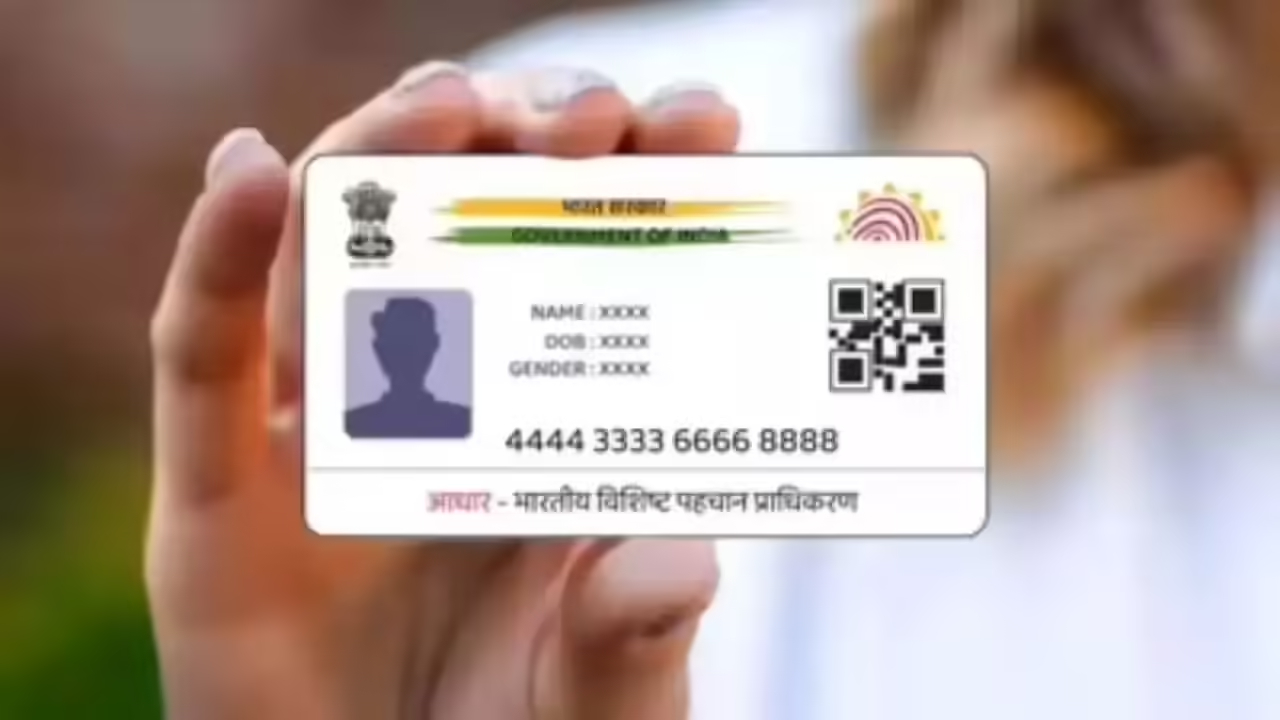
There is no mobile number link in Aadhaar card? Let’s see how to link mobile number with Aadhaar card. You can also change the mobile number in Aadhaar card and link a new number by following a few steps. Before linking mobile number to Aadhaar card, we need to know whether there is any mobile number link in our Aadhaar card already. And if there is, then which mobile number is linked. Now you can easily check it from the Aadhaar card portal.
How to Check if a Mobile Number is Linked to Aadhaar Card
- Go to the My Aadhaar Portal. You can directly visit it using the link below.
- Click on Check Aadhaar Validity on the homepage.
- Enter your Aadhaar number and the captcha code, then click Proceed.
- Check if a mobile number is linked to your Aadhaar. If a number is linked, you will see the last 3 digits of the number. If no number is linked, the mobile section will be empty.
Here’s how to link your mobile number to your Aadhaar card
- Go to uidai.gov.in. You can directly navigate to the site using the following link: uidai.gov.in.
- Select your language (Bangla/English).
- On the homepage, select My Aadhaar on the menu bar.
- Click on Update Your Aadhaar.
- Click on Update Aadhaar at Enrolment/Update Center.
- Pick the nearest Aadhaar Seva Kendra by booking an appointment.
- Choose Aadhaar Update and enter the mobile number you’d like to link and login.
- Enter your Aadhaar number, name, and date of birth, and click Next.
- In the Mobile Number Link box, enter your mobile number. You may also link your Gmail ID if you want, included the box with check and enter that information also for Gmail. Click Next.
- Pay ₹75 online to link the mobile number (and the Gmail ID if applicable). Submit the application and enter the date you will visit the Aadhaar centre.
- Go to the nearest Aadhaar center on appointment date with a copy of your application and Aadhaar card to link the mobile number to your Aadhaar.
Latest News
- PM Kisan Samman Nidhi Yojana: नहीं मिल रही 2000 रुपये की किस्त तो किसान तुरंत करवा लें यह काम

- Aadhaar Card Update Rules – How Many Times Can You Change Address, DOB & Number?

- Train Ticket: How to book a confirmed train ticket without an agent? Learn the Easy Steps

- Indian Railways– 155 Trains Express Declared High-Speed, Thousands of Railway Staff to Benefit

- Monsoon Alert – Warning Heavy to Very Heavy Rain alert & thunderstorms in 22 States Over Next 4 Days

- America-Iran War: मिडिल ईस्ट में तनाव होगा खत्म! ईरान ने होर्मुज रास्ते पर कही बड़ी बात

- PM Surya Ghar Yojana 2026: Get Up to Rs 78,000 Subsidy within 6 Easy Steps, Know Here

- Cheapest Available 5G Smartphones in India Under 10000

- UPSC Prelims Answer Key 2026 – How to Download UPSC Prelims Answer Key at upsc.gov.in

- 8th Pay Commission: एनपीएस और पुरानी पेंशन में कौन सी बेहतर, जानिए बड़ा अपडेट
