

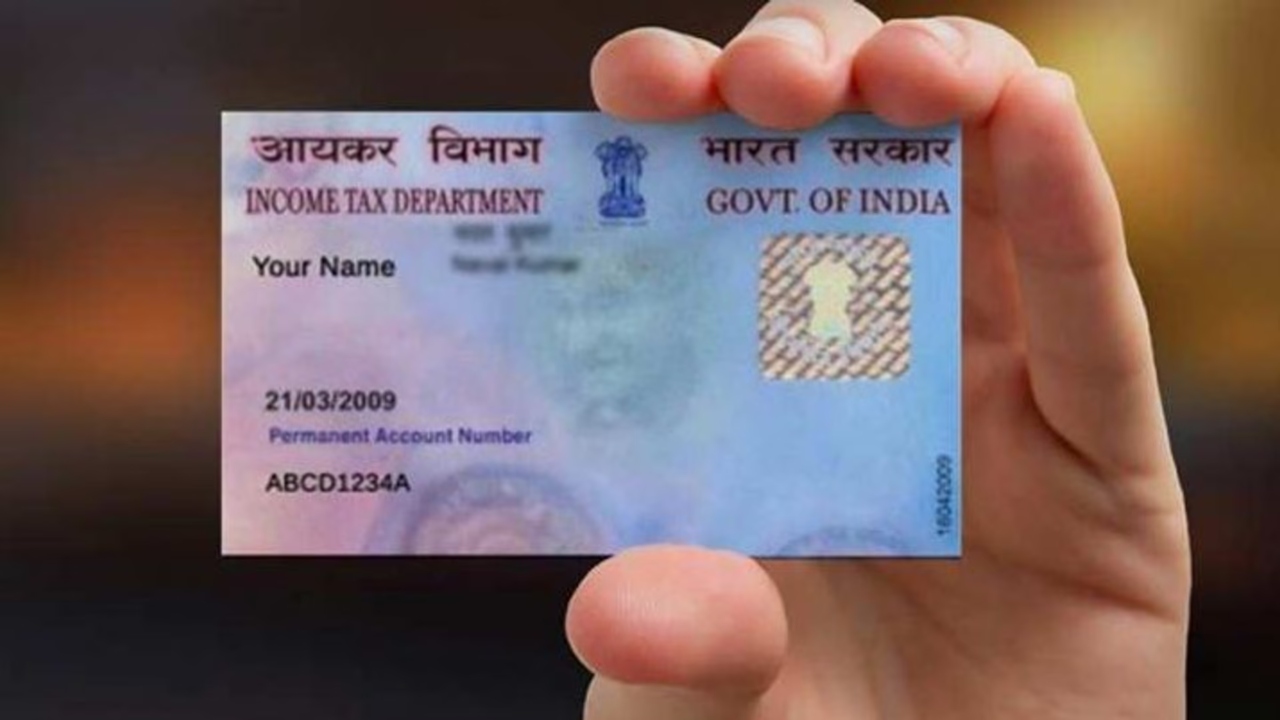
How to Make a Duplicate PAN Card: Today,the PAN card has become very important for any financial work. If you go to open a bank account,then you must have a PAN card. At the same time,a PAN card is also very important for paying taxes. Without this,you are not able to fill out any government form. At the same time,if your PAN card is lost somewhere or you have forgotten it,then it becomes a cause of trouble for you,but now you do not need to worry. You can easily download a duplicate PAN card sitting at home; it is called e-PAN. E-PAN is valid everywhere; it is exactly like your original PAN card. This card has been given government recognition.
Read Here: Apple iOS 26 Beta 7 Update : Complete Information on What’s New and Improved
Who makes a PAN card?
For information,let us tell you that a PAN card is made in the country through NSDL and UTIITSL. Apart from this,a PAN card can also be made from the Income Tax website. If you do not know how to get a PAN card,you can easily get a PAN card made. For this,you do not have to do much. Let us know in this article how to download a PAN card.
How to get a PAN card from NSDL
For information,first click on the link of NSDL,then fill in the PAN number,Aadhaar number,and date of birth. After this,an OTP will come,which will be verified. This OTP comes to your registered mobile number. For this,only Rs 8.26 has to be paid. After payment,the e-PAN will be easily downloaded.
Read Here: iPhone 17 series may be launched on this day; check out if the pricing is lower or higher
How to download a PAN card from UTIITSL
For this,first go to the website of UTIITSL. After this,click on the option to download e-PAN. After doing this,a page will open,in which fill in the PAN number,date of birth,and Aadhaar number. Now OTP will come to your registered mobile number. Which has to be entered and verified. After this,the e-PAN card will be downloaded.
Download from the Income Tax website
If you had gotten an instant PAN card made using Aadhaar,then you have to go to the Income Tax website and go to the Instant e-PAN section. There,you have to enter the PAN and Aadhaar number,verify the OTP,and download the e-PAN immediately.