


Ola Move OS 5 Update: Ola Electric has released the Move OS 5 update for its scooters, which introduces a range of new smart features making the ride smoother and more personalized. While the updates are convenient and provide control, there is one setting that can cause a safety problem if not handled well. Here is everything you want to know before availing these new features.
Move OS 5 Update Now Available
Ola’s new Move OS 5 is available for every user and can be updated online. The update introduces various smart additions designed to improve the riding experience. Riders can now control speed and torque with the new DIY Mode. This provides users with more control over how the scooter operates depending on the riding style.
Risky Setting in Side Stand Feature
Even with all the advantages, one option in the new update is dangerous if enabled. Ola has reworked the side stand functionality in Move OS 5. Scooters can be started and even driven without having to lift the side stand. If a person rides by mistake with the side stand not lifted, the likelihood of the vehicle toppling over is greater. It also maximizes the risk of stand damage.
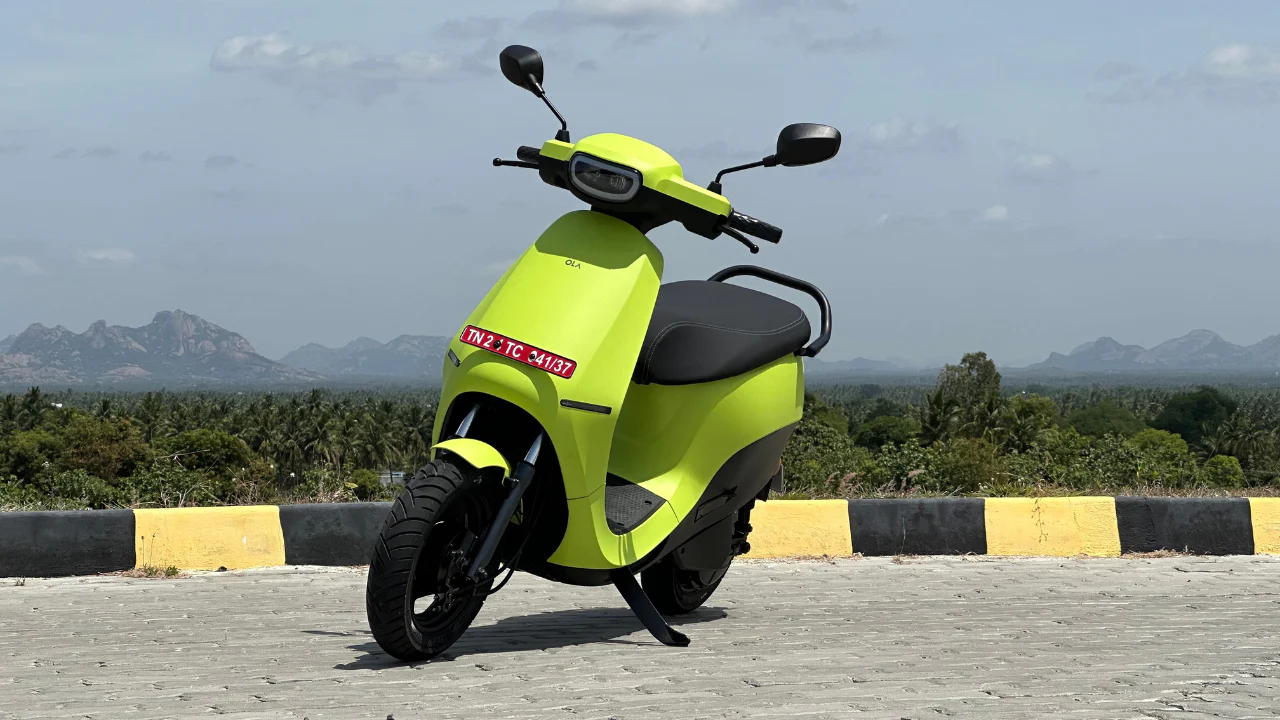
This is why Ola suggests leaving this setting off. Fortunately, by default the setting is off. But if you or someone else leave it turned on, you can go to the Menu > Riding > Side Stand Option, then swipe down to turn it off again.
Side Stand Setting Must Stay Off
This new update may seem small, but it can lead to serious accidents if not handled correctly. Even though the scooter might still function with the stand down, it’s best to keep this feature disabled to avoid injury or scooter damage. Always double-check this setting after updating to Move OS 5.
Also Read: Big relief in summer this car AC feature saves you from ₹10000 in repairs know how
Latest News
- Weather Warning Delhi-NCR – Rain Alert & Dust Storm in Next 2-3 Hours, IMD Issues Yellow Alert

- PM Kisan Samman Nidhi Yojana: नहीं मिल रही 2000 रुपये की किस्त तो किसान तुरंत करवा लें यह काम

- Aadhaar Card Update Rules – How Many Times Can You Change Address, DOB & Number?

- Train Ticket: How to book a confirmed train ticket without an agent? Learn the Easy Steps

- Indian Railways– 155 Trains Express Declared High-Speed, Thousands of Railway Staff to Benefit

- Monsoon Alert – Warning Heavy to Very Heavy Rain alert & thunderstorms in 22 States Over Next 4 Days

- America-Iran War: मिडिल ईस्ट में तनाव होगा खत्म! ईरान ने होर्मुज रास्ते पर कही बड़ी बात

- PM Surya Ghar Yojana 2026: Get Up to Rs 78,000 Subsidy within 6 Easy Steps, Know Here

- Cheapest Available 5G Smartphones in India Under 10000

- UPSC Prelims Answer Key 2026 – How to Download UPSC Prelims Answer Key at upsc.gov.in
