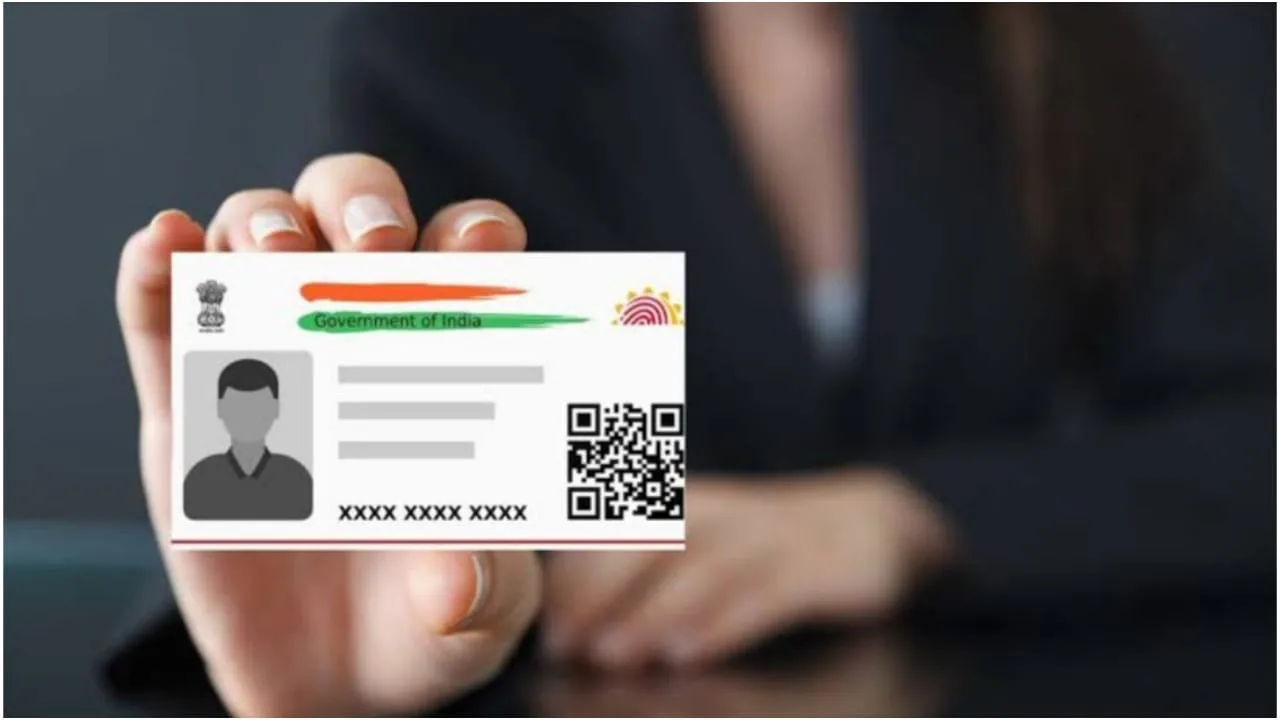
Aadhaar Card: Today, the Aadhaar card is linked to the identity of every citizen of the country. Without it, you cannot perform any important task. If an important item like your Aadhaar card is lost or stolen, and you don’t remember your Aadhaar number or your mobile number is not linked to it, how will you be able to recover it? Let us understand how you can recover your Aadhaar card without knowing its number and without linking your mobile number.
How to recover Aadhaar card?
Because your Aadhaar is not linked to your mobile number, and you don’t remember your Aadhaar number, you won’t be able to download it from home.
You will have to visit the enrollment center to recover your Aadhaar card.
Here you will have to provide the 28 digit enrolment ID number which you received while making Aadhaar.
After this, the employee present at the enrollment center will do your biometric verification.
You will be asked for some basic details. After this, your e-Aadhaar will be readily available. You will only need to pay 30 rupees for this.
If your mobile number is linked to Aadhaar, then you can easily download a new Aadhaar sitting at home.
How to download?
- Step 1- For this you will have to visit the official website of UIDAI.
- Step 2- Now go to the My Aadhaar section here.
- Step 3- After this you have to click on Retrieve Lost or Forgotten UID/EID.
- Step 4- Now you have to enter the required information like name, date of birth and mobile number or email linked to Aadhaar.
- Step 5- You will receive an OTP on your registered mobile number or email address. Enter this OTP here.
- Step 6- As soon as you enter the OTP, every detail related to Aadhaar will be shown to you.
- Step 7- With this, Aadhaar will be sent to your email.
- You don’t even need to pay any fees for this.
Related Stories
 Gadgets
 Gadgets
 Business
 Business
 Auto
Auto Hindi News
 Auto
Auto Hindi News
 Business
 Gadgets