Aadhaar-Mobile Linking: In today’s digital age, Aadhaar is not just an identity card, but the key to your digital identity. Whether opening a bank account, linking a PAN card, or availing government subsidies, Aadhaar is required everywhere. For all these services, it’s essential to have an active mobile number linked to Aadhaar because all OTPs sent for security purposes arrive on that number.
People often forget the number they provided when applying for Aadhaar, or sometimes important tasks are interrupted due to the old number being disabled. Therefore, it’s crucial to periodically check which mobile number is registered with your Aadhaar.
Importance of Linking a Mobile Number to Aadhaar
Having the correct mobile number linked to Aadhaar has countless benefits that simplify your daily life. The biggest advantage is that you can easily perform tasks ranging from purchasing a SIM card to updating your bank account through e-KYC from the comfort of your home. Additionally, a registered mobile number is mandatory for using DigiLocker, e-verifying income tax returns, and receiving installments from government schemes like PM Kisan.

If your number is updated, you can also make corrections to your address and other information online through the Aadhaar portal (myAadhaar). Conversely, if the linked number is disabled, you may lose access to all these digital benefits, and your security may be compromised.
How to check your linked mobile number online
UIDAI (Unique Identification Authority of India) has made this process very simple and transparent, which you can easily do from your smartphone or computer. First, you need to visit UIDAI’s official website, myaadhaar.uidai.gov.in. Here, you need to select the option ‘Check Aadhaar Validity’ or ‘Verify Email/Mobile Number.’
Then, enter your 12-digit Aadhaar number and the mobile number you want to check. Once you enter the captcha code on the screen and click ‘Proceed’, the system will tell you whether the number is linked to your Aadhaar. If the number is correct, a message stating ‘The mobile number you have entered is already verified with our records’ will appear on the screen.
How many SIM cards are active in your name
For security reasons, it’s crucial to know how many mobile numbers are active using your Aadhaar card. The Department of Telecommunications (DoT) has provided a dedicated portal called TAFCOP. To avail this facility, you can visit the tafcop.sancharsaathi.gov.in portal, where you enter your current mobile number and OTP.
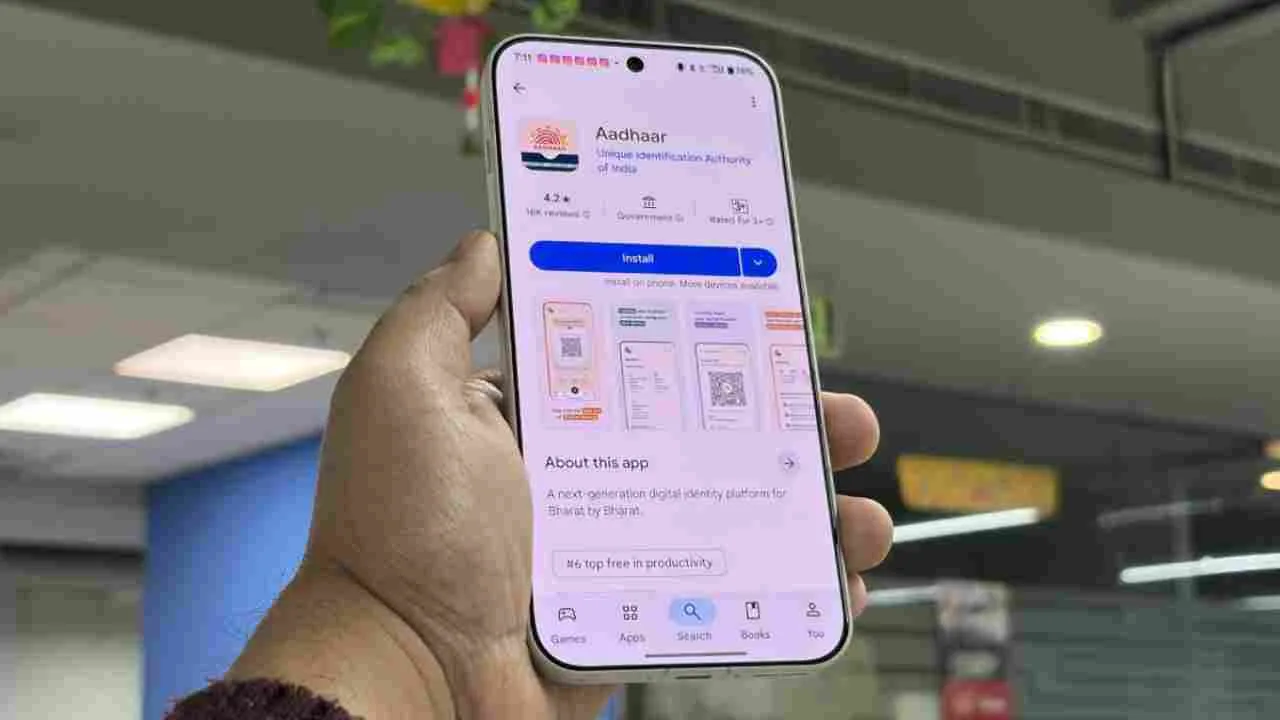
Upon logging in, a list of all mobile numbers registered with your Aadhaar will appear on the screen. If you see a number on this list that you don’t recognize or that doesn’t belong to you, you can immediately report it and have it blocked. This portal is extremely helpful in preventing digital fraud and the misuse of fake SIM cards.
What to do if your number is disabled
If you discover that your linked mobile number has been disabled, keep in mind that it cannot be changed online. For security reasons, you must visit your nearest Aadhaar Seva Kendra to update your mobile number. There, you can update your new number without any documents, simply through biometric verification. To strengthen your digital security, ensure that the number linked to your Aadhaar is always active and with you.

Vikram Singh
Related Stories
 Gadgets
 India
India Business
 Auto
Auto Business
 Education
 Education
 Gadgets
 Auto
Auto Gadgets