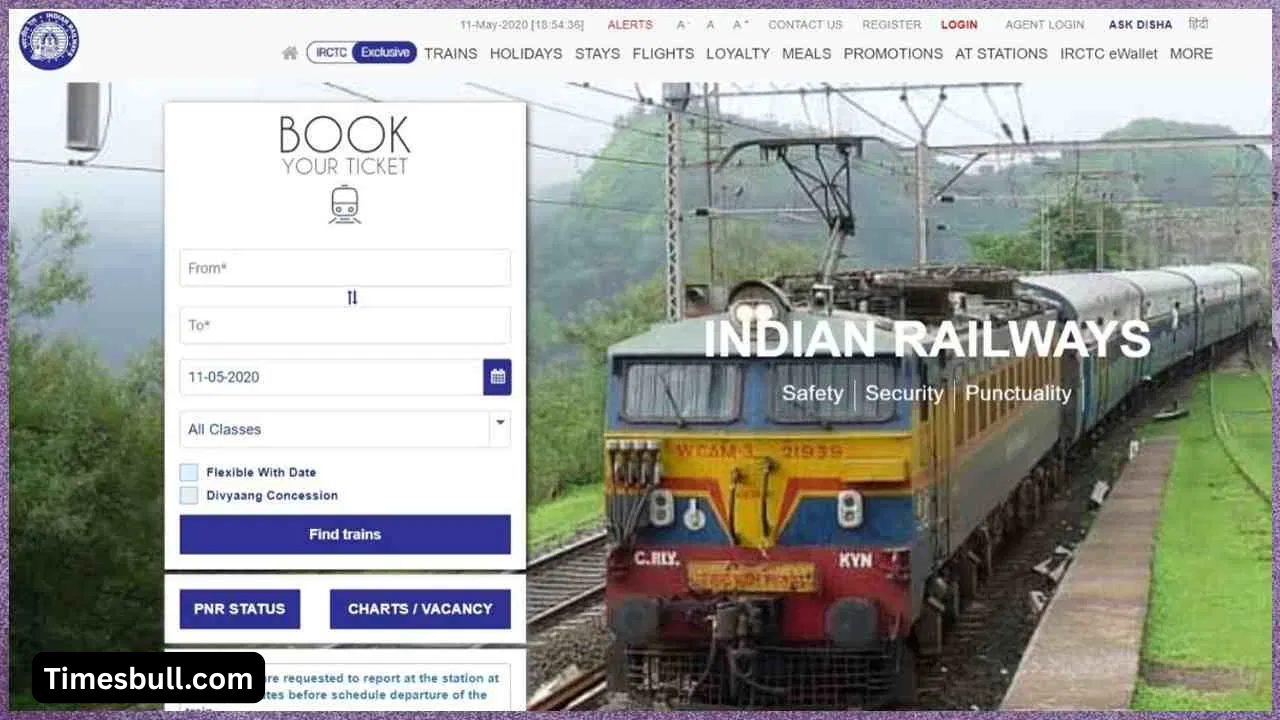
IRCTC (Indian Railway Catering and Tourism Corporation) has become a daily necessity for millions of rail travellers across the country. From train ticket booking to catering and tourism services, everything is done through this single platform. Launched in 2002, IRCTC was created to relieve people from long lines at railway stations and enable them to book tickets from the comfort of their homes. With digital convenience comes a common problem: forgetting passwords. But now you don’t need to worry. IRCTC has made the password reset process extremely easy.
Why is a password reset necessary
It’s common to forget your IRCTC password after not logging in for a long time. Sometimes, changing your mobile number or updating your email address can also cause problems. For security reasons, IRCTC recommends changing your password regularly. If you enter the wrong password too many times, your account may be temporarily locked.
In such a situation, resetting your password is the easiest option. Fortunately, this doesn’t require traveling anywhere or contacting customer service. A new password can be created from the comfort of your home in just a few minutes, and your account is ready to use again.
Also Read-UPS vs NPS: Finance Ministry Reveals Switch Data in Parliament, Know What She Said
How to reset your IRCTC account password
To reset your password, follow these simple steps and set your new password without any hassle:
1. First, open www.irctc.co.in in your browser. Click on the three-line menu in the top right corner of the homepage and select the ‘Login’ option.
2. On the login page, you’ll see the “Forgot account details?” option. Click on it.
3. On the new page, enter your IRCTC username or registered email address. You must provide the same information that’s associated with your account.
4. Next, enter the captcha displayed on the screen and click ‘Next’. An OTP will be sent to your registered mobile number or email address. Once you receive the OTP, enter it in the designated field.
5. After entering the OTP, you will be able to set a new password. Create a strong password that includes letters, numbers, and special characters. After entering all the information, click ‘Update Password’.
Now, you can easily log in with your new password and book tickets for your trip.
Also Read-Business Idea-Earn Steady Income by Starting a Security Agency—Here’s How
Related Stories
 Business
 Business
 Business
 Business
 Business
 Business
 Business
 Business
 Business
 Business