


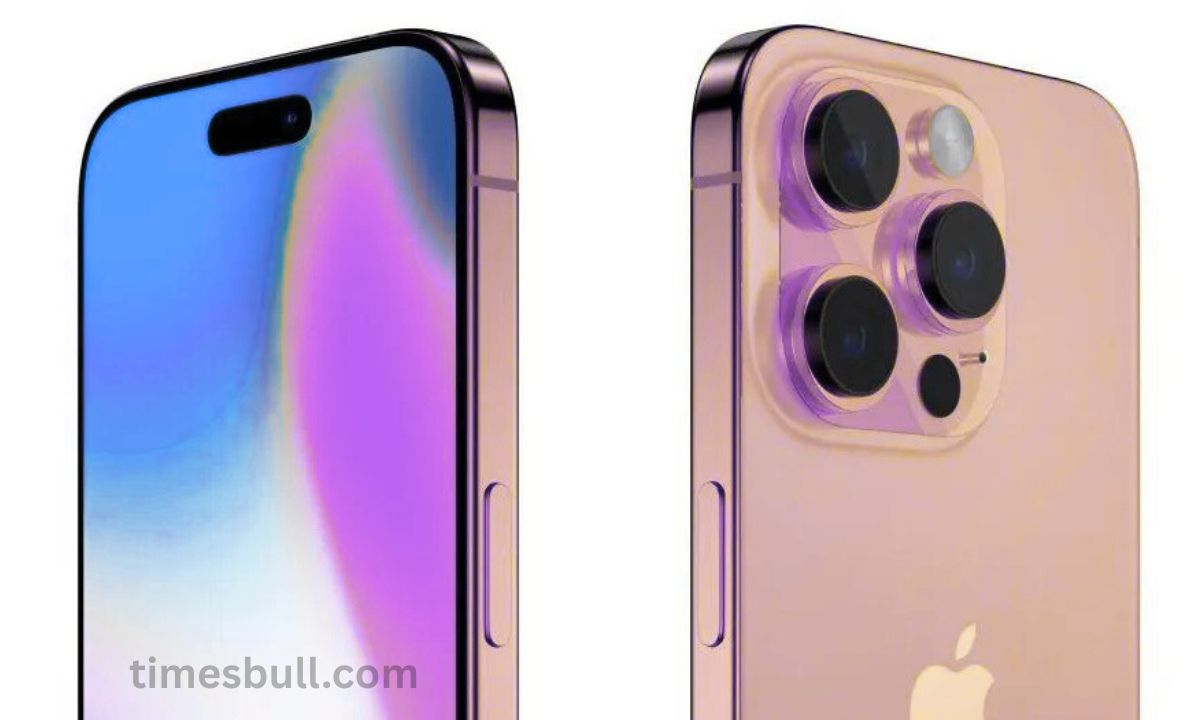
iPhone: Considerable savings are available on Android and iPhone devices from Amazon and Flipkart. Customers are buying expensive variants like the iPhone 16 Pro Max as a result of this. People frequently question whether the phone they are purchasing is a fake as a result of this.
Flipkart BBD Sale and Amazon Great Indian Festival Sale have started. Great discounts are available on items such as things home appliances, and electronics during these specials. Also, there are substantial savings available on iPhone and Android smartphones. Customers are buying expensive variants like the iPhone 16 Pro Max as a result of this. This frequently prompts them to wonder if the phone they buy during the sale is a fake. We will go over how to tell if the iPhone that was delivered to your house is real or fraudulent if you have similar worries. Let us investigate…
Verify the serial number and IMEI.
Check the serial number on the iPhone’s box as soon as it arrives in an open-box delivery. Enter this serial number on Apple’s official website to accomplish this. You can check there to see if the phone has been pre-activated. If your phone was pre-activated by the seller, you should activate it as soon as you accept delivery. Should the message read “Device Not Activated,” the phone is brand-new. Likewise, a phone can be located using its IMEI number.
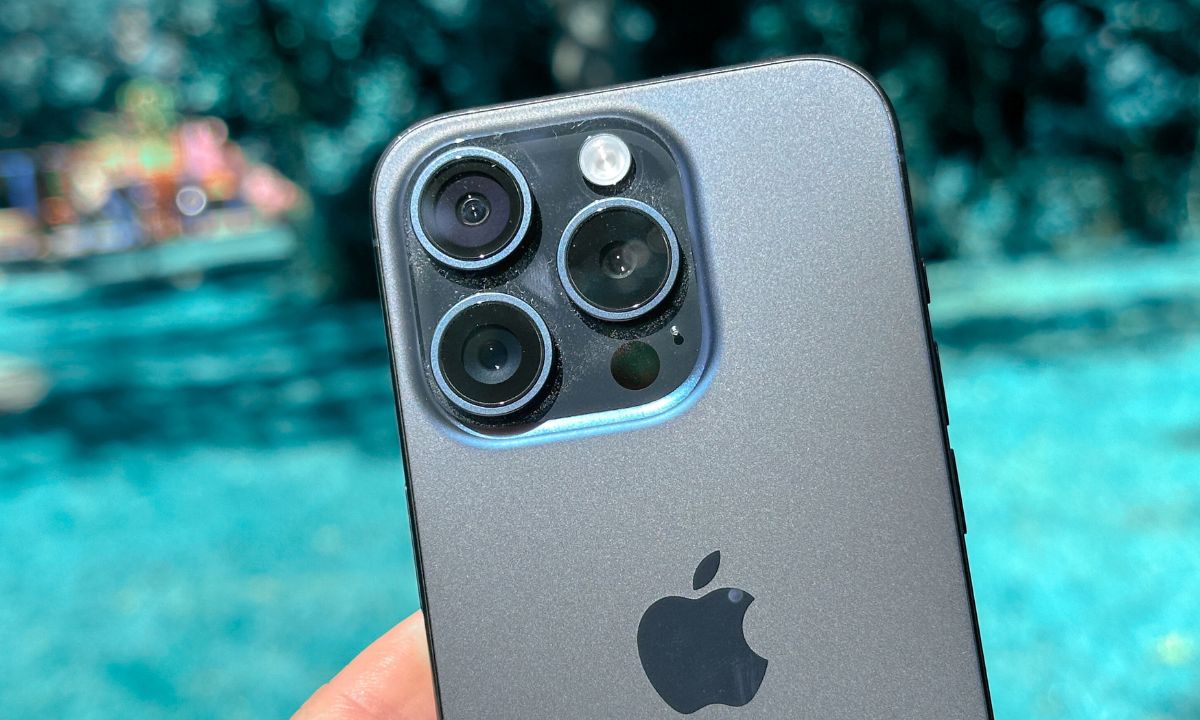
All of the phone’s history can be found by entering the model number.
By examining the model number, you may also tell if the phone that was supplied to you is authentic or not. Actually, some codes that disclose the phone’s secrets are provided following the model number. To put it simply, a phone is often new if the model number starts with M. The phone is refurbished if the first letter is F. N denotes a replacement gadget. P denotes a customized gadget. Also, the model number should finish in H/NA, indicating that the phone is not a demo device but rather one that is manufactured for sale in India.
Get the OS (operating system).
The iOS operating system is at the core of a real iPhone. Android and Apple’s iOS are entirely different in appearance and functionality. Fraudsters frequently use a customized version of Android that mimics iOS, but it is easy to tell if it is legitimate.
First, navigate to the settings on your iPhone. Be cautious if the software appears strange or if you notice Android parts, such as a separate notification panel or an icon from the Google Play Store. Keep in mind that a phone is completely fraudulent if it is not running iOS.