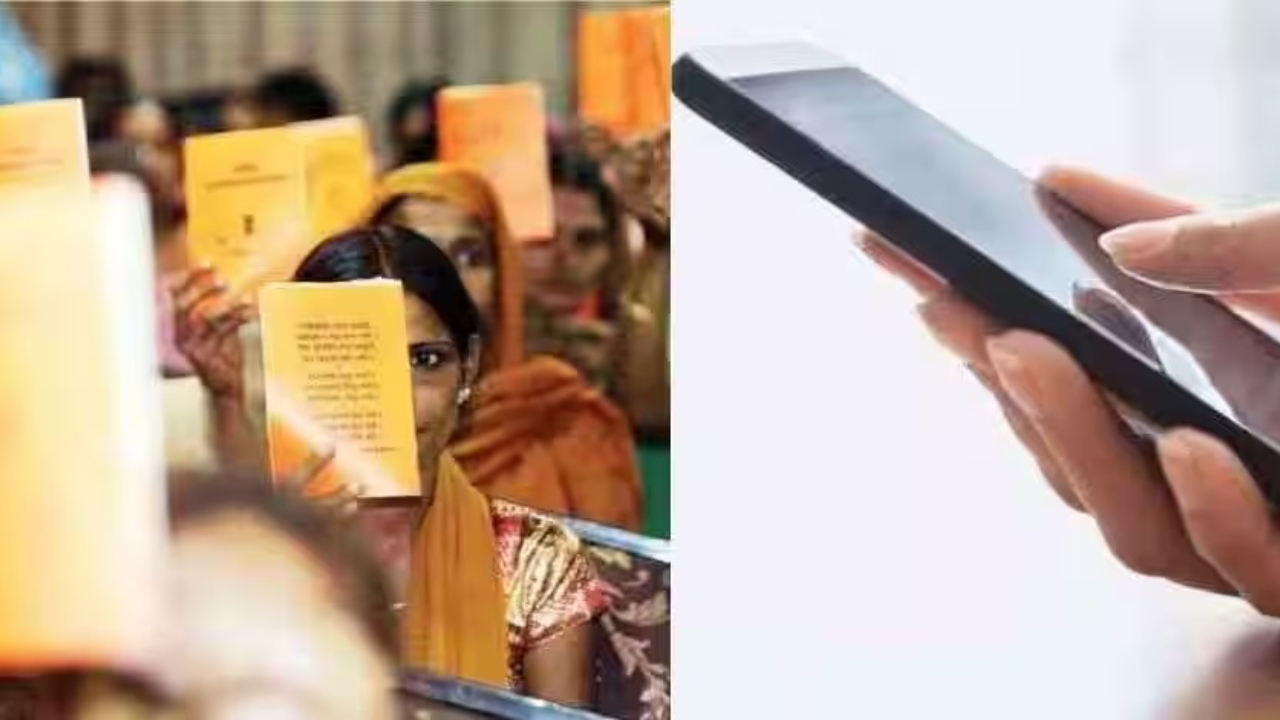
Ration Card – Ration cards provide rations like rice, wheat, and other essential items to those in need. This ration is available free of charge. However, eligibility criteria apply. Completing your ration card’s KYC is now mandatory. If you’re currently being asked to complete your Ration Card’s KYC (e-KYC), be sure to update your mobile number first. You won’t be able to complete your ration card KYC without updating your mobile number. However, not all ration card holders need to update their mobile number.
Who needs to update mobile number?
If you’ve recently changed your mobile number and are no longer using the one listed on your ration card, you’ll need to update it. An OTP is sent to your registered mobile number during KYC. Without an OTP, KYC is impossible.
How to update mobile number in ration card?
Step 1- First of all you have to go to the National Food Security Portal.
Step 2- Here you will find the Citizens Corner option. Click on it.
Step 3- After this you will have to go to Register/Change Mobile Number.
Step 4- Then you will need to enter your Aadhaar card number, followed by your ration card number.
Step 5: Finally, enter the number you want to register or change and click Save.
If the internet service is poor in your area, you will also have to go to the Food Department and submit the form.
Along with the form, you will have to submit necessary documents like Aadhar card and ration card.
In this way, you can update your mobile number on your ration card both online and offline. After updating your mobile number, you can also complete your ration card KYC from the comfort of your home. Without completing your ration card KYC, you may face difficulties in getting ration.
How to do Ration Card e-KYC?
Step 1- First of all you have to download My KYC and Aadhaar FaceRD.
Step 2- After this, open the app and enter the location.
Step 3- Then you have to enter Aadhaar number, captcha and received OTP.
Step 4: All the information will be displayed on the screen. Select the Face-e-KYC option.
Step 5- After which the camera will turn on, click the photo and submit it.
Step 6- Finally your e-KYC will be completed.

Sweta Mitra
Working in the media for last 7 years. The journey started in the year 2018. For the past few years, my working experience has been in Bengali media. Currently working at Timesbull.com. Here I write like Business, National, and Utility News. My favorite hobbies are listening to music, traveling, food,...
Related Stories
 Business
 Business
 Business
 Business
 Business
 Business
 Business
 Business
 Business
 Business