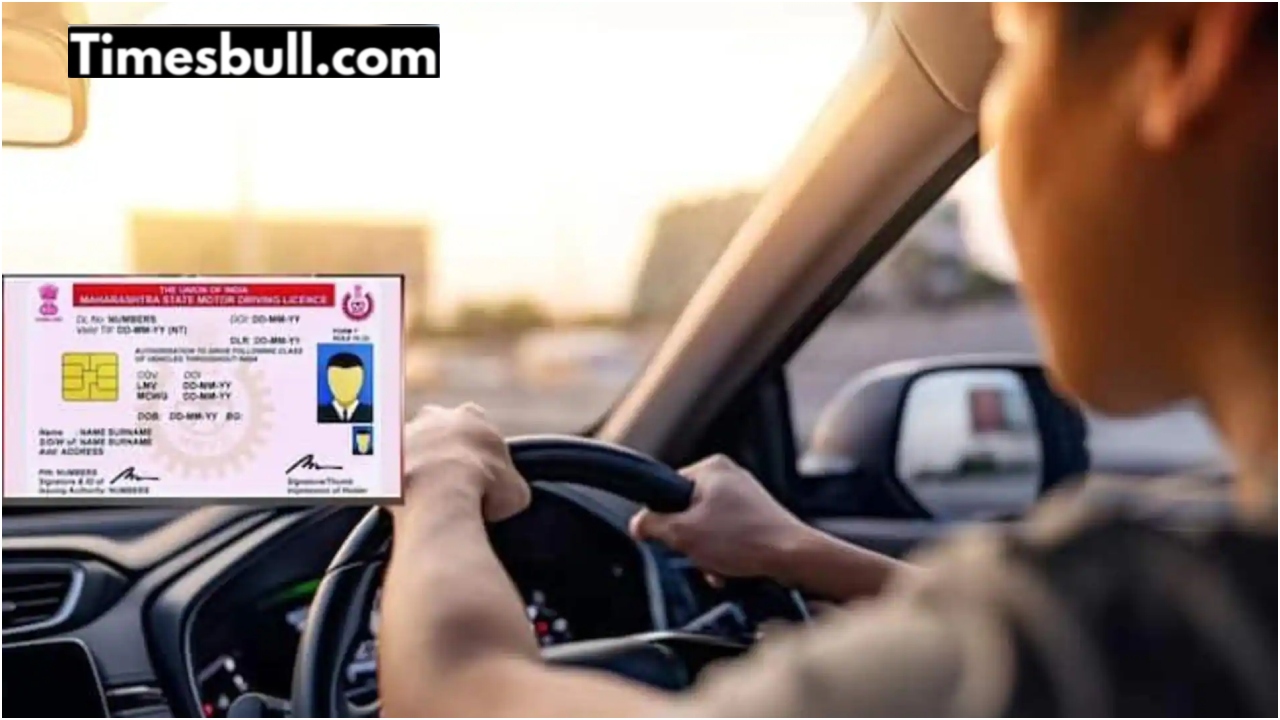
New Delhi: If you have a vehicle, then now you will have to take care of the necessary rules. You can update your mobile number from the vehicle parked near you. If you do not do this, then you may have to face problems. The Union Ministry of Road Transport and Highways has sent a message to people and appealed to link their mobile number and Aadhaar card with their vehicle.
Apart from this, you can also link your driving license to your Aadhaar card. You will not have to bother to do this. To do this, you have been asked to take the help of parivahan.gov.in. If you get this work done, then you can take advantage of transport-related facilities. How can you update your mobile number for the vehicle simply?
How to update the mobile number for the vehicle?
First of all, to update the mobile number, you will need to go to parivahan.gov.in.
After this, you will have to click on the option of Update Mobile Number via Aadhaar.
Then the work of asking for the details of the vehicle or driving license will be done. This will include information like registration number, date of birth and chassis number.
Then you can update your phone number by getting OTP verification done through your Aadhaar number.
Then your Aadhaar and phone number update work will be done easily, along with the vehicle.

How to connect a mobile number to a driving license
First of all, you will need to go to the government portal parivahan.gov.in.
Then the Sarathi QR code will have to be scanned.
Then, details related to the driving license will be asked.
Then the information has to be provided carefully and correctly.
In this, the date of birth, the name of your state and the captcha code have to be entered.
Then, after entering the complete information, you will be able to update the mobile number for your DL by clicking on the submit button appearing below.
Then your phone number and Aadhaar can be updated with DL.

vipin kumar
Vipin Kumar is An experienced journalist with 8 years in the media industry, having worked with prominent news platforms including Dainik Jagran and News24. Currently serving at Timesbull.com for almost four years, dedicated to delivering truthful, transparent, and people-centric news that informs and empowers readers. Committed to transparent, ethical, and...
Related Stories
 Business
 Business
 Business
 Business
 Business
 Business
 Business
 Business
 Business
 Business