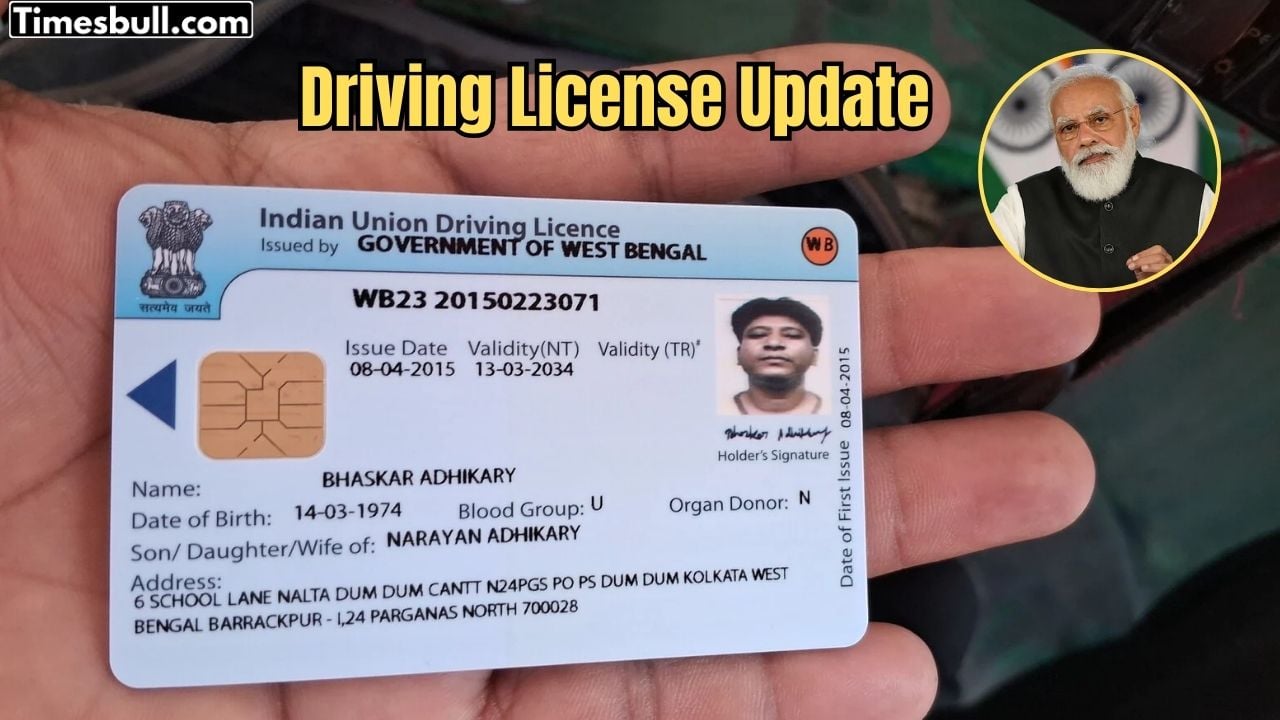
DL (Driving License) is an important document for every person. Driving without it can lead to challans. Even if you are learning to drive, you must have a learning driving license.
To get a learning driving license, people usually have to give a test. Many avoid it because of this, and then they have to pay challans many times. Going to the RTO office and standing in long queues is also a big problem. However, now you can give the test online sitting at home. Yes, you can get a learning driving license in just a few minutes by giving the test online. Let’s see how it works.
How to Apply Online for Learning License
To get a learning driving license, first go to the Parivahan Sewa website. You can also reach the website directly by clicking here.
After that, click on the option for online test/appointment. A new window will open.
On the home screen, select your state. You will then reach the Parivahan Sarathi page. Here you will see many options like applying for a learning license or checking payment status.
Click on learning license. First, you have to apply for an online learning license. Follow all the options shown on the screen to complete your application. You will need some documents to apply.
Steps to Give the Online Test
After applying, you will get an application number. Note it down.
Go back to the Parivahan Sarathi page, where you clicked on Apply for Learner Licence. Scroll down and click on Online LL Test (STALL).
Enter your LL application number, then enter the captcha code and submit. After this, you will be able to give the test online.
You can also watch a tutorial for the LL test on the Parivahan Sarathi page. You will need your application number to see the tutorial. After watching the video, the system will ask for confirmation, and then you can proceed to the test.
Note: Currently, the online test service is available only in some states. If it is not available in your state, you can book a slot online and go to the RTO office to give the test.

Avijit
Related Stories
 Business
 Business
 Business
 Business
 Business
 Business
 Business
 Business
 Business
 Business