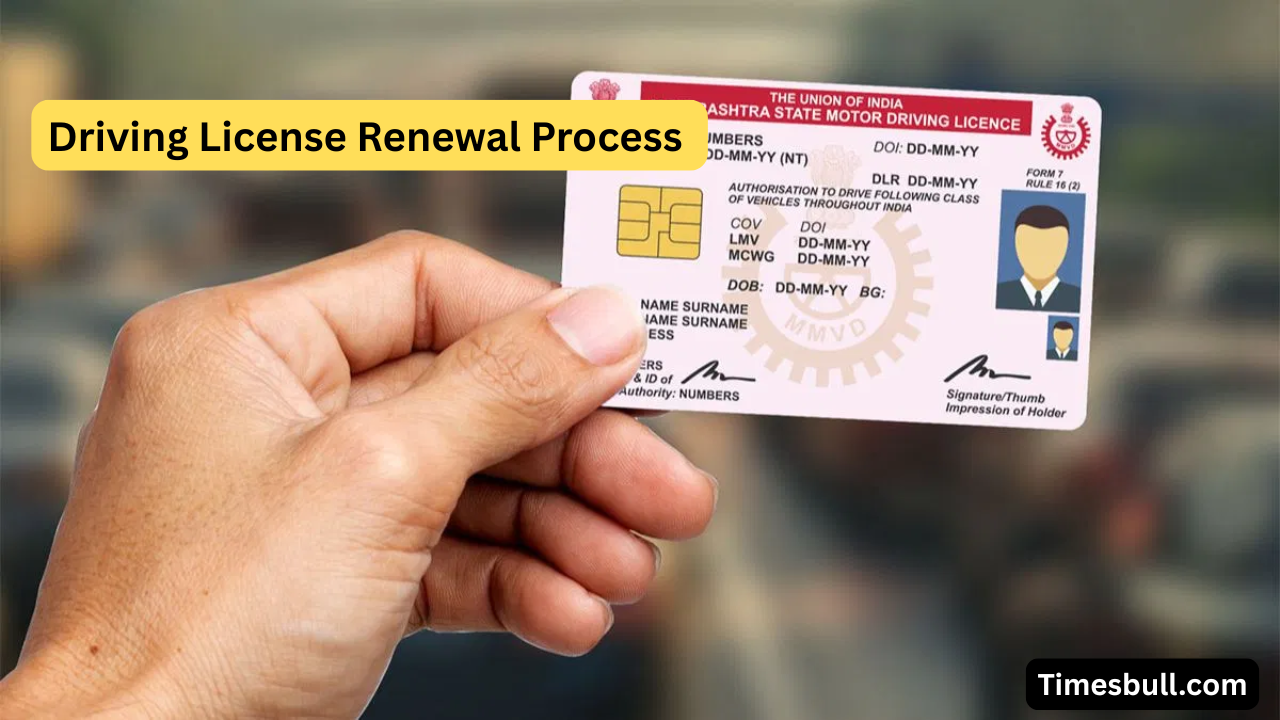
Driving License Renewal. It is necessary to have a driving license to drive a vehicle in the country. If you are caught driving without it, you can be fined heavily. In different states of the country, the validity of a driving license is 20 years or till the license holder reaches the age of 50 years. If the validity of your license is about to expire, then you can renew it in this easy way. We are telling you an easy way to renew a driving license.
According to the rules made by the government, after the validity of the driving license expires, it can be renewed. For this, the license holder gets one year. If the license is not renewed within this period, then it expires forever. After this, to drive again, the process of driving license will have to be done afresh.
Read More:-Former Governor Satyapal Malik’s Untimely Demise Shocks Nation
If you want to avoid this problem, then you can renew your DL online on PC sitting at home. The government has provided this facility.
Process of renewing DL online
If you want to renew your driving license online, sitting at home, then you have to follow the process mentioned here, for which the method is given.
- First of all, go to the official website of Parivahan Seva https://parivahan.gov.in/.
- Now, on the homepage of the website, click on online services.
- After this, click on the services related to the driving license.
- A new page will open in front of you, where you select the name of your state.
- After selecting the state, a new page will open.
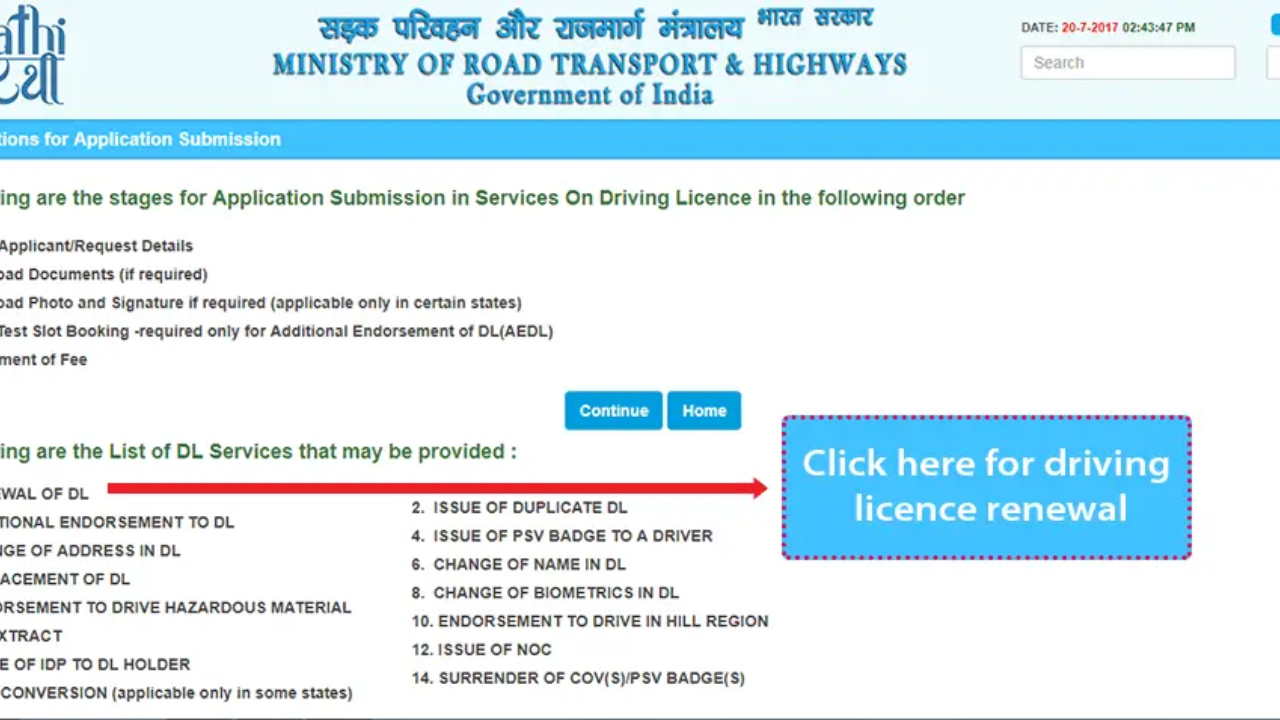
- There will be many options on this new page; click on the option Apply for DL Renewal.
- After this, you will see the guidelines for applying.
- Here you fill in the request details carefully.
- Now you have to upload the required documents on the website.
- Apart from this, you may also be asked to upload only a photo and a signature.
- After completing this process, you will have to pay the fee.
- After this, the new driving license will be sent to your address through the post.
Related Stories
 Business
 Business
 Business
 Business
 Business
 Business
 Business
 Business
 Business
 Business