


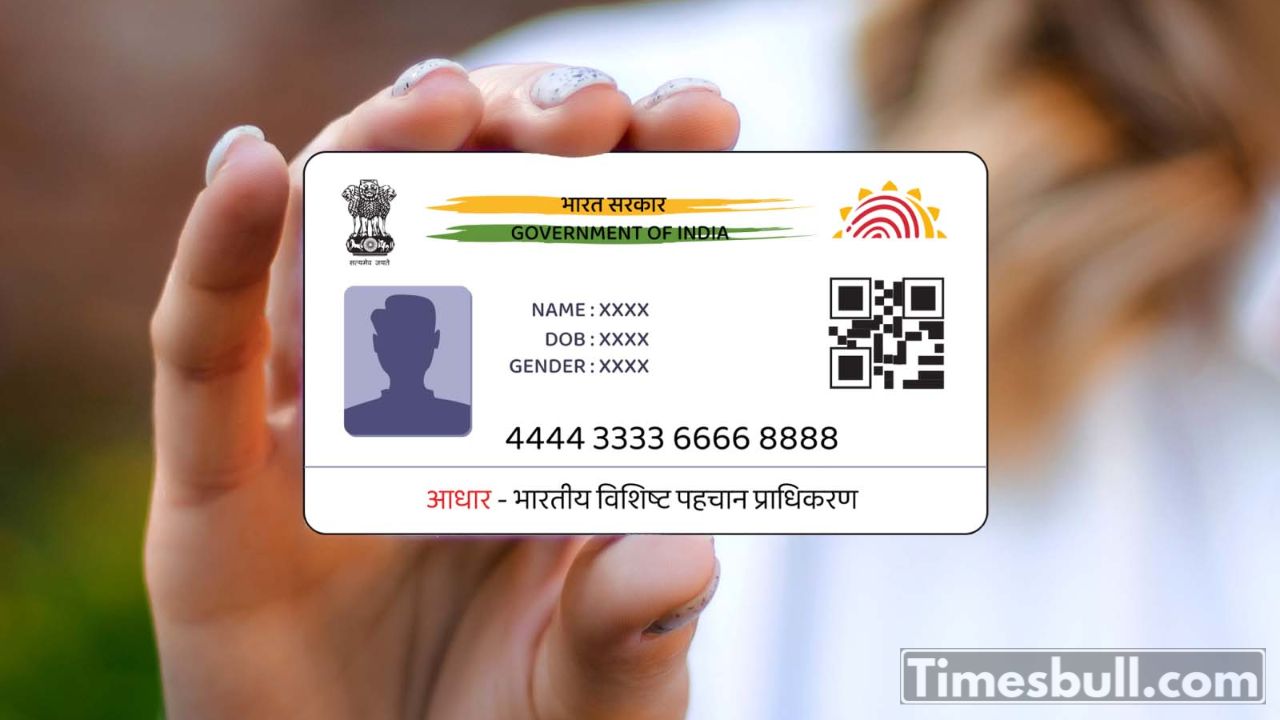
The Aadhaar card has become a very important document today. It is needed for many important tasks. You get all the updates and details only on the mobile number linked to your Aadhaar card. So, the number linked to Aadhaar is very important.
But what if the mobile number linked to your Aadhaar becomes inactive? In that case, you need to update your new number as soon as possible. Let’s understand the step-by-step process to update it.
How to Update Mobile Number in Aadhaar Through Post Office
Step 1 – Go to the official website of India Post.
Step 2 – Fill in your name, mobile number, email, and other details.
Step 3 – Click on PPB Aadhaar Services.
Step 4 – Choose Mobile/Email to Aadhaar Linking/Update.
Step 5 – Enter the OTP received on your phone.
Step 6 – Click on Confirm Service Request.
Step 7 – Your request will go to the nearest post office.
Step 8 – A post office person will visit your home. They will check your details with a mobile biometric device. You need to pay a small fee for this.
How to Link Aadhaar with Mobile Number (If No Number Is Linked)
Step 1 – Visit the UIDAI website: https://uidai.gov.in
Step 2 – Click on Book an Appointment.
Step 3 – Choose your city, then click Proceed to Book Appointment.
Step 4 – Enter your mobile number and captcha code, then click Generate OTP.
Step 5 – Enter the OTP and click Submit OTP and Proceed.
Step 6 – Choose the details to update, fill the form, and submit.
Your appointment will be booked. Go to the Aadhaar center on the selected date and time to update your mobile number.