


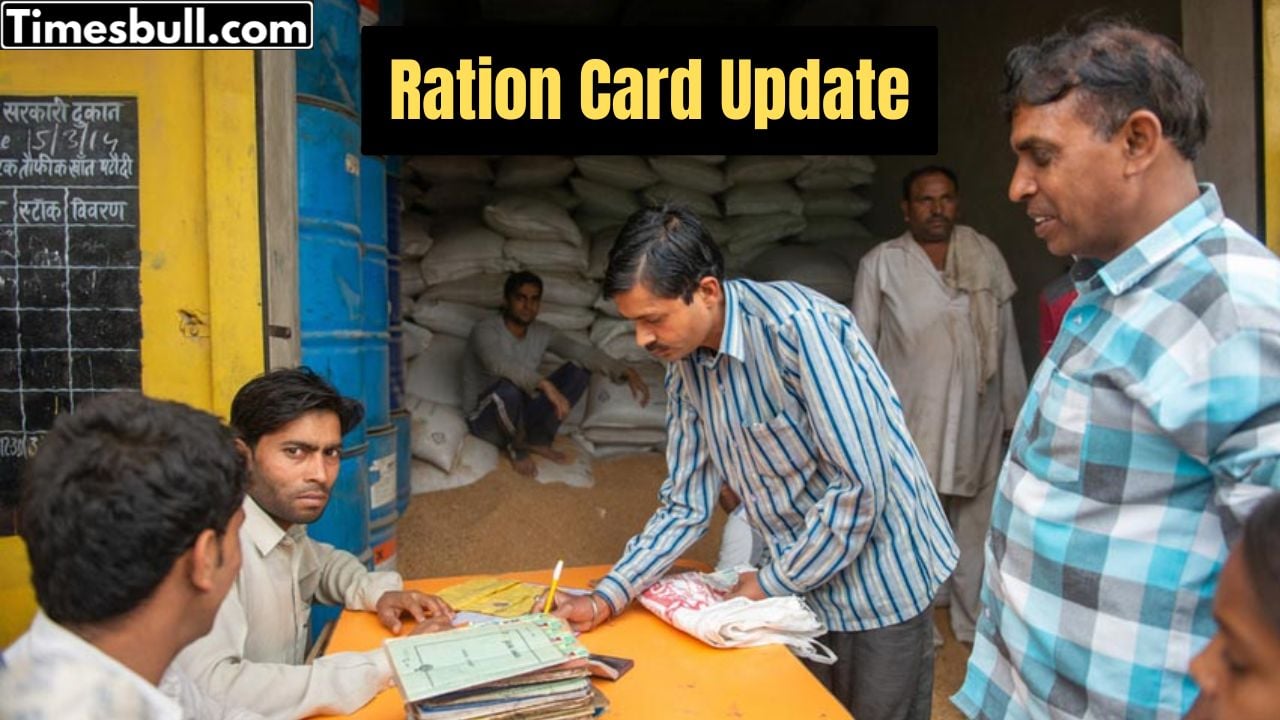
The Government of India gives cheap or free ration to crores of people through ration cards under the National Food Security Act (NFSA). This card is not only used to get food but also works as an important identity card. Now the government wants to make sure that only eligible people get the benefits of this scheme. That’s why the government has made e-KYC (electronic Know Your Customer) mandatory.
As per the rules, e-KYC of the ration card must be done every five years. Many people last did this in 2013, so now it is important to update it again. The good news is that you can now do e-KYC of your ration card online while sitting at home. Let’s see the easiest way to do it.
How to Do e-KYC of Ration Card from Mobile
Follow these simple steps:
- Open Play Store
- Install the ‘Mera KYC’ app
- Install the ‘Aadhaar FaceRD’ app
- Open the App and Enter Location
- Open the ‘Mera KYC’ app
- Enter your location or state
- Enter Aadhaar Details
- Enter your Aadhaar number
- Fill the captcha code
- Enter the OTP received on your mobile
- Select Face e-KYC Option
- After your Aadhaar info shows on the screen
- Choose ‘Face e-KYC’ option
- Scan Your Face
- Your camera will open automatically
- Scan your face clearly
- Tap on the ‘Submit’ button
- e-KYC is Done
- After submitting, your e-KYC process will be completed
How to Check if e-KYC is Completed or Not
- Open the ‘Mera KYC’ app
- Enter your location
- Enter Aadhaar number, captcha, and OTP
After login, check the status:
- If it shows Status: Y, then your e-KYC is done
- If it shows Status: N, then your e-KYC is not done