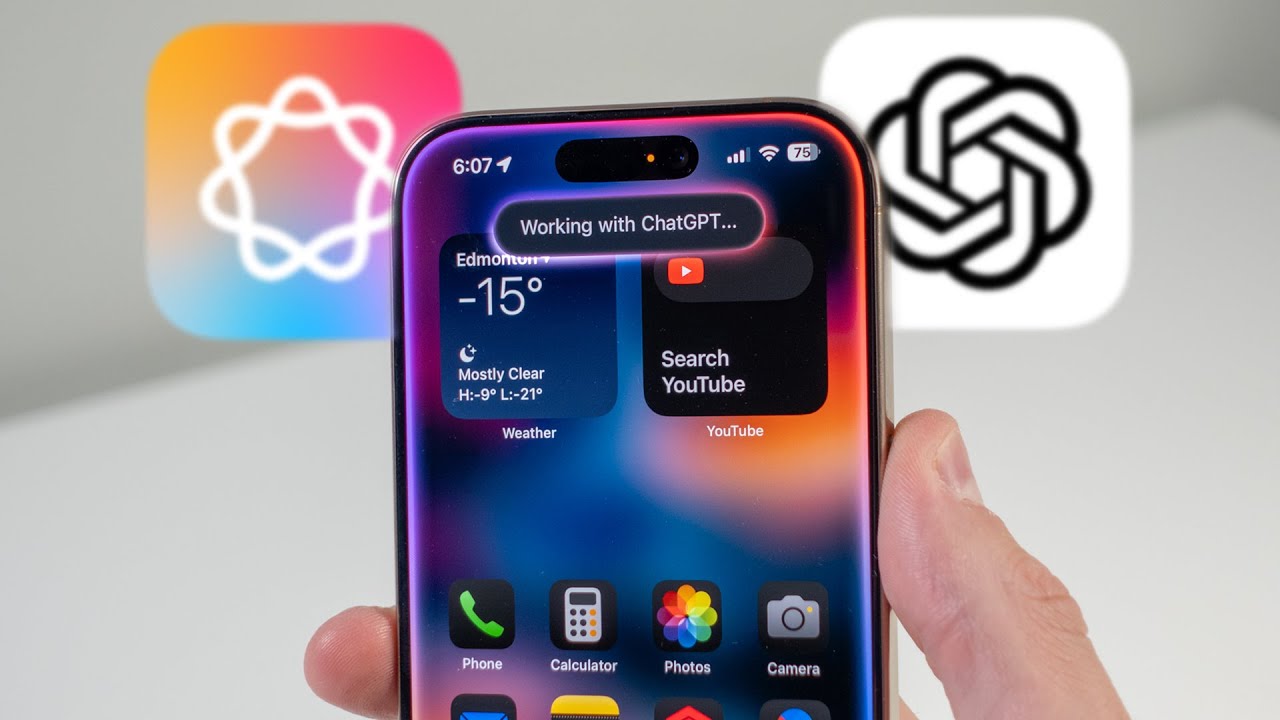
Apple’s latest iOS 18.4 update is brimming with practical upgrades, especially for iPhone users who rely on the Control Centre for day-to-day activities. iOS 18.4 brings three new features to the platform that simplify multitasking and enhance productivity. Ranging from hearing ambient sounds to having ready access to AI tools, these features simplify day-to-day usage and make iPhone users worldwide, including India, more efficient.
Ambient Music for Different Moods
Apple introduced Ambient Music in Control Centre in iOS 18.4. Ambient Music helps users stay focused or calm with background music based on mood. You can now choose from four: sleep, productivity, chill, and well-being. Whatever you do, work, sleep, or just chill, this feature lets you easily switch to a sound fit for your time, all via the Control Centre.
Visual Intelligence Shortcut Now Available
Previously only on iPhone 16 series through the camera capture button, Visual Intelligence is now within easier access. From iOS 18.4, this shortcut is now found in the Control Centre and Action Button. It allows users on iPhone 15 Pro and above to use AI features such as translating text, copying data, or asking questions. It makes powerful AI within easy reach, without the need for app switching or tapping menus.
Immediate access to Siri Voice Mode
Siri is easier to use with this update. Users can include a Siri shortcut in the Control Centre, making Apple’s voice assistant readily accessible in a snap. The feature can instantly do web searches, answer questions, or execute little tasks immediately. Although Siri was always accessible via typing or voice, including it in the Control Centre makes it more convenient to access, especially for users who want instant, hands-free control.
What’s Next After iOS 18.4
Since iOS 18.4 has been released, Apple has begun working on iOS 18.5. The next version should also include more feature upgrades and enhancements. Meanwhile, Apple is preparing for its next major software release, iOS 19, which will be released in June. Rumor has it that this version will come with a new interface layout and more Apple Intelligence features.
How to Turn on These New Features
To use these features, users need to install the latest iOS 18.4 update. After that, go to Settings > Control Centre and press the ‘+’ button next to the Ambient Music, Visual Intelligence, and Siri features. Once included, they will be included in the Control Centre so they can be accessed at any time. It’s an easy process that allows users to easily experience the greatest benefits of iOS 18.4’s most valuable updates.