

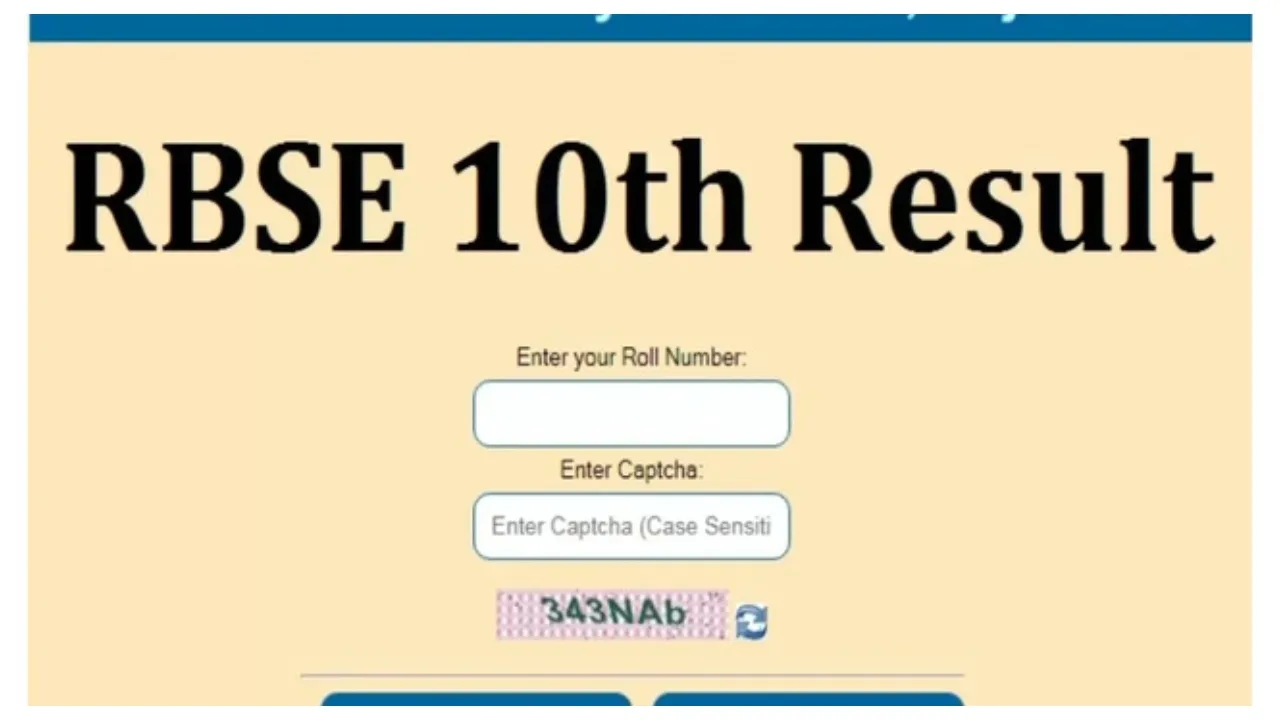
RBSE Rajasthan Board 10th Result 2026: The wait for Rajasthan Board Class 10 students is about to end very shortly. The RBSE will announce the results of the Class 10 board examinations today at 1:00 PM. According to Board Secretary Gajendra Singh Rathore, the examination results will be released on March 24, 2026, at 1:00 PM.
The results will be announced by Education Minister Madan Dilawar and Shri Shakti Singh Rathore from the Board headquarters located in Ajmer. The examinations were conducted between February 12 and February 28. It is anticipated that the results this time will be better than those of the previous year. Students of the Rajasthan Board can check their results by visiting the official website: rajeduboard.rajasthan.gov.in. In addition to the website, students can also access their scores via SMS and DigiLocker.
How to Check Results Without the Internet
Students can check their results even without an internet connection. They can do so via SMS. To use this method, open your messaging app, type “RJ10” followed by your Roll Number, and send it to 5676750 or 56263. You will receive your result shortly after sending the message.
Examinations to be Held Twice a Year
Starting from the upcoming academic session—i.e., 2026-27—the RBSE will conduct the Class 10 board examinations twice a year. The first session of the board examinations will be held in February, and the second in May.
Minimum Marks Required to Pass
To pass the Rajasthan Class 10 board examinations, students must secure a minimum of 33 per cent marks in each subject.
How to check the RBSE Rajasthan Board 10th Result 2026?
Visit the official website of RBSE rajeduboard.rajasthan.gov.in
Now click on ‘Exam Result’
A new page will open on your screen
Click on the link to view the RBSE Class 10th Result 2026.
Now fill in your roll number and check the result
Candidates can download their results and take a printout for future reference.
How to Download Results on DigiLocker?
- Visit the official DigiLocker website at digilocker.gov.in
- Click on ‘Login/Register’.
- Register or log in using your mobile number and Aadhaar number.
- Now, select the RBSE Board in the ‘Issued Documents’ section.
- Enter your details and click the submit button.
- Your result and marksheet will appear on the screen.