

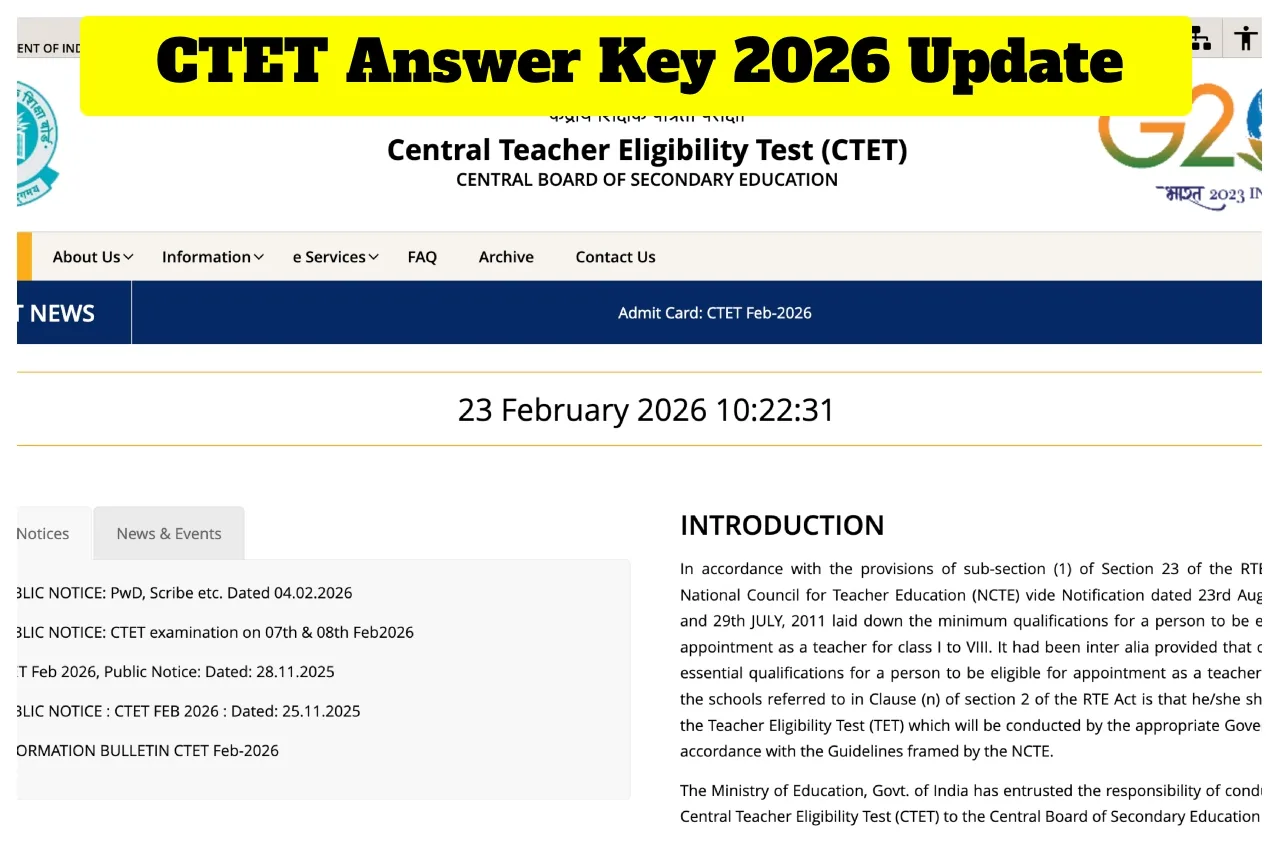
CTET Answer Key 2026 Out Soon:- Lakhs of candidates who appeared for the Central Teacher Eligibility Test (CTET) 2026, conducted by the Central Board of Secondary Education, are eagerly awaiting the release of the answer key. After the exam, candidates are eagerly awaiting their answer key and results. Candidates who applied for the Central Teacher Eligibility Test can find the provisional key link through the official CBSE CTET website, ctet.nic.in. The CTET February exam was held on February 7 and 8, 2026. The exam was held in two sessions: the first session from 9:30 am to 12:00 pm and the second session from 2:30 pm to 5:00 pm. The exam was held in 140 cities across the country.
CTET Answer Key 2026 – How to download the provisional key?
Visit the official website of CBSE CTET at ctet.nic.in
Click the CTET Answer Key 2026 link on the website’s home page.
A new page will open, and enter your login details.
Click on submi,t and your answer key will be displayed.
Check the answer key and download it.
When will the results be released?
Typically, the CBSE releases the answer keys within 15 to 20 days of the exam’s completion, and the results are declared within the next two weeks. It is expected that the CTET 2026 results will be released by the end of this month or early next month. Students can check their scorecards on the official website, ctet.nic.in.
CBSE CTET Answer Key 2026 – Highlights
Exam Name: CTET Feb 2026
Exam Date: February 7 and 8, 2026
Board Name: Central Board of Secondary Education
Answer Key Date: February 2026 (Tentative)
Official Website: ctet.nic.in
CTET 2026: How to Check Answer Key on DigiLocker
Step 1: First Go to the official CTET website at ctet.nic.in
Step 2: Find the section on the homepage dedicated to the CTET 2026 Answer Key.
Step 3: Kindly provide the required exam details.
Step 4: Download the CTET 2026 Answer Key once it becomes Live on the website.
Step 5: Access DigiLocker through the official website or app.
Step 6: Log in to your DigiLocker account and retrieve your digital marksheets using the credentials communicated by CTET officials.
Latest News
- Weather Warning Delhi-NCR – Rain Alert & Dust Storm in Next 2-3 Hours, IMD Issues Yellow Alert

- PM Kisan Samman Nidhi Yojana: नहीं मिल रही 2000 रुपये की किस्त तो किसान तुरंत करवा लें यह काम

- Aadhaar Card Update Rules – How Many Times Can You Change Address, DOB & Number?

- Train Ticket: How to book a confirmed train ticket without an agent? Learn the Easy Steps

- Indian Railways– 155 Trains Express Declared High-Speed, Thousands of Railway Staff to Benefit

- Monsoon Alert – Warning Heavy to Very Heavy Rain alert & thunderstorms in 22 States Over Next 4 Days

- America-Iran War: मिडिल ईस्ट में तनाव होगा खत्म! ईरान ने होर्मुज रास्ते पर कही बड़ी बात

- PM Surya Ghar Yojana 2026: Get Up to Rs 78,000 Subsidy within 6 Easy Steps, Know Here

- Cheapest Available 5G Smartphones in India Under 10000

- UPSC Prelims Answer Key 2026 – How to Download UPSC Prelims Answer Key at upsc.gov.in

