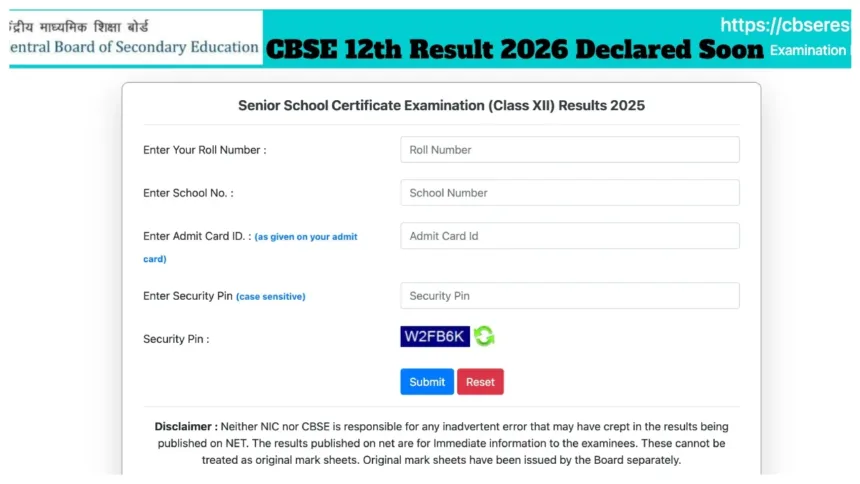
CBSE 12th Result 2026 Update:- Students who appeared for the CBSE Class 12 Board Exams are eagerly awaiting their results. According to media reports, the CBSE Senior Secondary results are expected to be released by April 30. However, there has been no official confirmation regarding this yet. It is reported that the evaluation of answer sheets has been completed, and the results could be announced at any moment now.
CBSE 12th Result 2026 – Key Highlights
- Result Expected Soon – CBSE Class 12 Results 2026 are expected to be released by April 30, 2026.
- No Official Confirmation Yet – CBSE has not officially confirmed the exact result date.
- Total Students Appeared – A total of 18.5 lakh students appeared for the CBSE Class 12 Board Examinations this year.
- Check Result via IVRS:
- Delhi Students – Call 24300699
- All Other Regions – Call 011-24300699
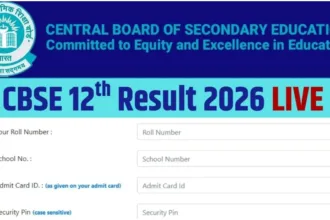
- Details Required to Check Result:
- Roll Number
- Date of Birth
- School Number
- Admit Card ID
The results will be made available for download on the official CBSE website (cbse.gov.in) and the DigiLocker portal (digilocker.gov.in). Students can check their results by entering their Roll Number and Date of Birth. This year, 18.5 lakh students appeared for the Class 12 examinations. To check their results on DigiLocker, students will need to enter their Roll Number and Date of Birth. The results may also be released during the first week of May.
IVRS Numbers:
To check results via the IVRS (Interactive Voice Response System), students must contact 24300699 (for students in Delhi) or 011-24300699 (for students in all other regions).
Check Results on These Websites:
cbse.gov.in
cbseresults.nic.in
cbse.nic.in
digilocker.gov.in
results.gov.in
How to Check Class 12th Result Online
students must visit the official website at cbse.gov.in
click on the ‘CBSE 12th Result 2026’ link.
Enter their Roll Number, School Number, and Admit Card ID.
The result will then appear on the screen.
Now Download the Online Marksheet and to take a printout for future use.
How to Check Results via DigiLocker
first visit digilocker.gov.in or open the DigiLocker app on your mobile device.
need to log in using your registered mobile number or Aadhaar number.
navigate to the ‘Issued Documents’ section.
From there, select the ‘CBSE’ option.
click on ‘Class 12 Marksheet 2026’.
enter your Roll Number and the Year of Passing.
You will then be able to download your digital marksheet
Keep visiting cbse.gov.in and results.cbse.nic.in for official updates.