




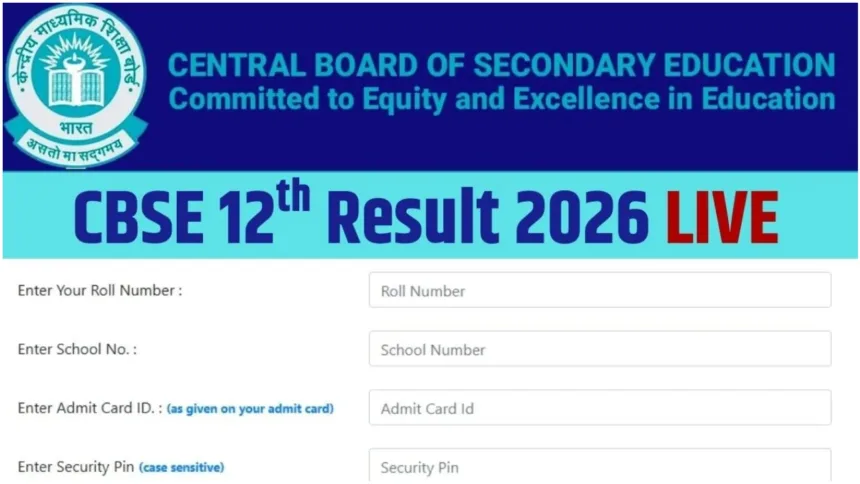
New Delhi: CBSE Class 12 students are eagerly awaiting their examination results. A question lingers in the minds of all students: when will the CBSE Class 12 results be released? The Central Board of Secondary Education has already released the Class 10 results. It is expected that the CBSE Class 12 results may be released during the first week of May; the results are anticipated to be favourable. However, regarding the exact date of the result’s release, no official statement has been made by anyone yet.
key highlights
Check on the official website
- Visit cbse.gov.in or results.cbse.nic.in
- Click on the Class 12 Result 2026 link
- Enter Roll Number & School Code
- Click Submit
- Result displayed on screen
📱Check via DigiLocker
- Visit digilocker.gov.in or open the app
- Register/log in with Aadhaar & mobile
- Go to the “Issued Documents” tab
- Search “CBSE Board”
- Enter School Code & Roll Number
- Click Submit → marksheet opens
- Save as PDF or print
Where to Check the Results
The Central Board of Secondary Education could release the Class 12 results on any given day. Students will be able to check their examination results with ease. To do so, students must visit the Board’s official websites: cbse.gov.in, cbseresults. nic.in, results.gov.in, or digilocker.gov.in. Here, students will be required to enter their Roll Number and Date of Birth. The CBSE Class 12 examinations were conducted from February 17 to April 10, 2026.
How to Check Examination Results
To check the results, students must first visit the official CBSE websites: cbse.gov.in or cbseresults.nic.in.
Next, navigate to the homepage and click on the “CBSE Class 12th Result 2026” link.
You will then need to enter your Roll Number and Date of Birth.
Subsequently, your result will appear on your screen.
Finally, you can click on the “Download” option at the bottom to save the result to your system.
Check Results via DigiLocker
Students must first visit digilocker.gov.i or open the DigiLocker app on their mobile phones.
Next, log in using your registered mobile number or Aadhaar number.
Then, navigate to the “Issued Documents” section.
From there, select the “CBSE” option.
Click on “Class 12 Marksheet 2026.”
Enter your Roll Number and the Year of Passing.
Your digital marksheet will then appear on your screen.
How Many Marks Are Required to Pass?
According to the Central Board of Secondary Education (CBSE), securing a minimum of 33 per cent marks is mandatory to pass Class 12. Consequently, if a student obtains marks below this minimum threshold in one or two subjects, they will be placed in the ‘Compartment’ category. However, if a student scores less than 33 per cent in more than two subjects, they will be considered to have failed.