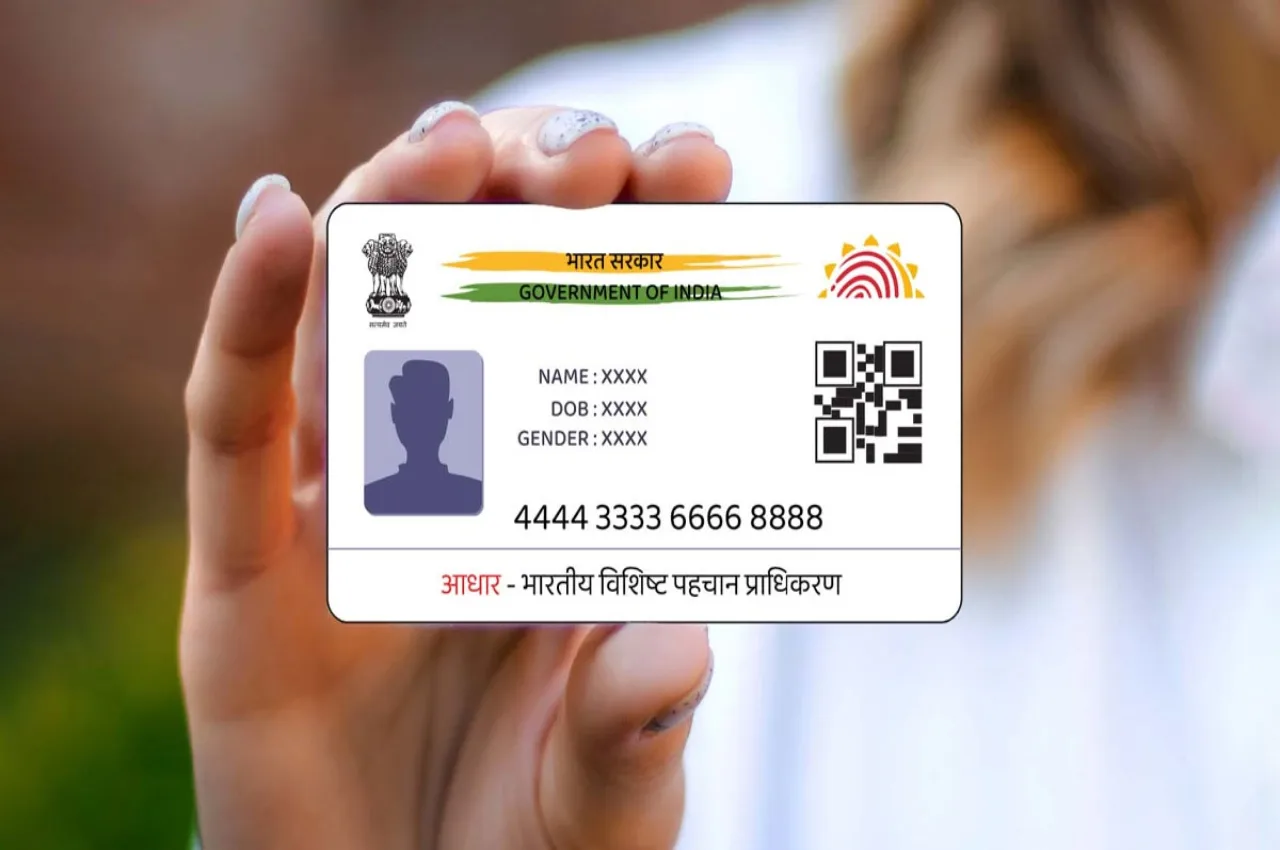
E-Aadhaar Card Download: In today’s time, the Aadhaar card has become an extremely important document for any government or private work related to identity. Whether it’s opening a bank account, taking a loan, or availing the benefits of a government scheme, the Aadhaar card is required everywhere. This card is issued to Indian citizens by the Unique Identification Authority of India (UIDAI).
The Aadhaar card contains a person’s biometric information (such as fingerprints and iris scans) and general details. Besides the physical Aadhaar card, there is also an e-Aadhaar card, which proves very useful in today’s digital age. Let’s learn what e-Aadhaar is and how to download it.
Read Here: A Rs 50 Old Note in Your Pocket Can Make You a Millionaire, Know the Full Story
What is an E-Aadhaar Card?
An e-Aadhaar card is a digital copy of your original Aadhaar card. It can be downloaded from the official UIDAI website or mobile app. You can save it on your mobile, laptop, or computer and use it anywhere when needed. Importantly, the e-Aadhaar is considered a completely valid document.
Process for Downloading E-Aadhaar Card
If you haven’t downloaded your e-Aadhaar yet, you can download it completely free of charge. There are no fees involved.
First, go to the official UIDAI website: https://myaadhaar.uidai.gov.in/genricDownloadAadhaar/en
On the website, you will see three options.
Select the “Aadhaar Number” option.
Now enter your 12-digit Aadhaar number.
Read Here: Mahindra BE.05 EV vs Tata Curvv EV – Range, Performance & Daily Usability Compared
Then fill in the captcha code displayed on the screen.
Click on the “Send OTP” button.
An OTP will be sent to the mobile number linked to your Aadhaar.
Enter this OTP in the given box.
Then click on the “Verify & Download” button.
As soon as you do this, your e-Aadhaar card will be downloaded.