

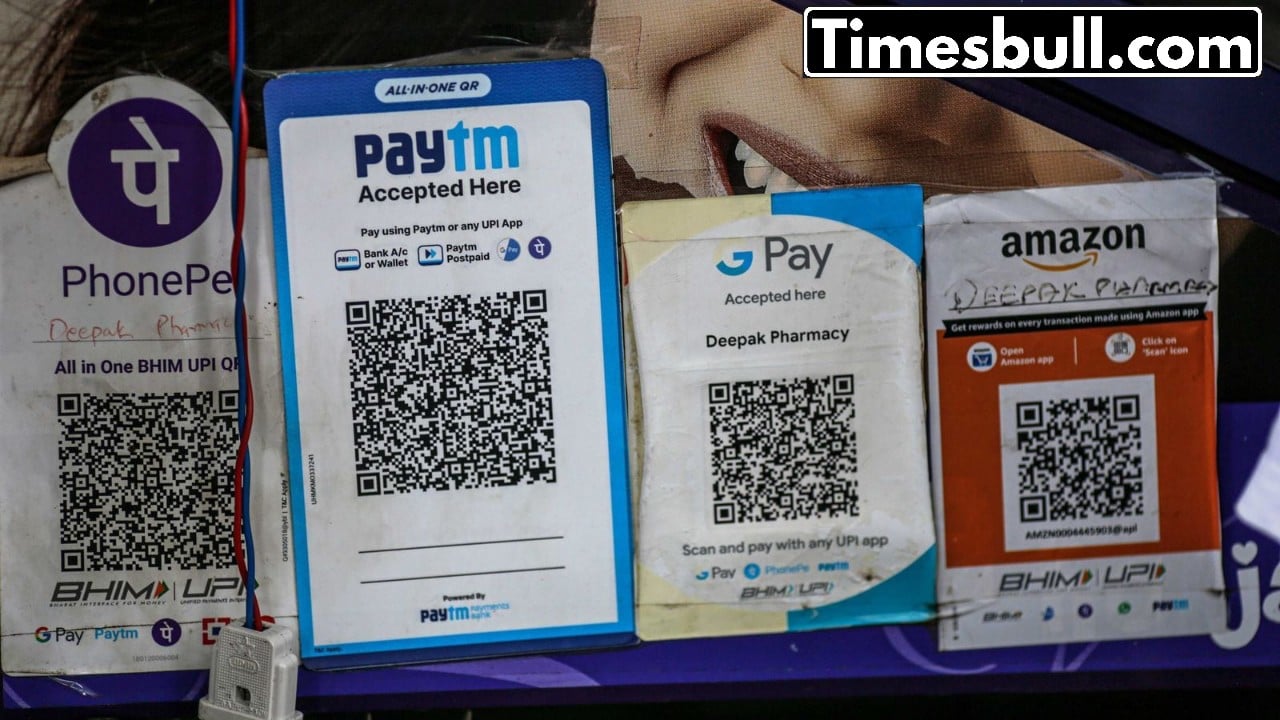
UPI Auto Pay: These days, nearly everyone relies on various services like electricity, water, gas, internet, mobile recharges, and OTT platforms. Bills for these services are typically charged on a monthly or yearly basis. To facilitate timely payments, NPCI has rolled out UPI AutoPay. This feature allows for automatic deductions from your account on the designated date.
However, there are times when we may not even notice that money is being deducted from our accounts each month. We might subscribe to an app, only to find that we no longer need it, yet the charges continue. Many individuals are left wondering how to stop this. If you’re interested, this article could provide some useful insights. For those using AutoPay in UPI applications like Paytm, PhonePe, or Google Pay, we’ll explain how to pause or cancel the AutoPay feature in these three apps. This empowers users to manage their auto-debit payments effectively.
Understanding UPI Auto Pay
UPI AutoPay is a feature designed to automate recurring payments, including electricity bills, mobile postpaid charges, OTT subscriptions, or app services. Once you authorize it, the specified amount is deducted automatically.
Where Do Mistakes Occur?
Often, we set up auto-payments to take advantage of a “free trial” for an app. Once the trial period concludes, we may stop using the app but forget to cancel the payment. Consequently, money is deducted each month without our awareness, sometimes for months on end. Simply uninstalling the app won’t halt the payments; you must manually cancel the mandate.
Smart User Tips
Make it a habit to review your AutoPay list at least once a month.
When signing up for any free trial, set a reminder to ensure you can cancel it in time.
Remember, small amounts can accumulate into significant expenses over a year, so keep only essential services on auto-pay.
How to Disable AutoPay in PhonePe?
First, launch your UPI app.
Tap on your profile picture located in the top left corner.
Next, navigate to the Payment Management section.
Here, you will find the AutoPay option; click on it.
You will then see a list of all services with AutoPay enabled.
Select any service you wish to manage.
Select Pause AutoPay if you want to pause it temporarily.
To turn it off completely, scroll down and tap Delete AutoPay.
How to turn off AutoPay in Paytm?
Open the app and go to the profile section.
Click on UPI Settings.
Automatic Payments or Payment Management choose।
Select the payment you want to stop.
Confirm by clicking on Cancel Automatic Payment.
How to cancel AutoPay in Google Pay?
Open the app and go to the You tab.
Click on AutoPay option.
Go to the Live section.
Select the service you want to stop.
Click on Cancel AutoPay and enter the UPI PIN.