

If the 20th installment of ₹ 2000 has not come to your account under the Pradhan Mantri Kisan Samman Nidhi Yojana, then do not panic. With this wonderful scheme of the Government of India, farmers get ₹ 6,000 every year, which is sent directly to their bank account. Recently, ₹ 20,500 crores have been sent to the accounts of more than 9.70 crore farmers as the 20th installment. But if, for some reason, your installment is stuck, it means that a small mistake has been made somewhere. Here we will tell you about all those mistakes and also teach you an easy way to correct them.
Why your 20th installment can get stuck
If you have not received the money from the PM Kisan Yojana, then there can be some special reasons behind it. By knowing these reasons, you can easily correct your mistake. If you have not completed your e-KYC yet, then your installment may get stuck. If your mobile number is not linked to Aadhaar, you may also face problems. Money may be stopped even if the information related to the farm is not verified. If the DBT (Direct Benefit Transfer) option is turned off in your bank account, then money will not be able to come to your account. Any mistake in the name, address, mobile number, or Aadhaar number may result in your application being canceled.
How to do e-KYC
The method of completing e-KYC is very easy, and you can do it sitting at home.
First of all, go to the official website of PM Kisan.
Go to the “Farmers Corner” section and click on the “e-KYC” option.
Enter your Aadhaar number and registered mobile number.
An OTP (One Time Password) will come to your mobile. As soon as you enter the OTP, your e-KYC will be completed.
How to link Aadhaar to a mobile
If your mobile number is not linked to Aadhaar and e-KYC is not being done with a thumb impression, then you can do e-KYC with face by downloading the PM Kisan Samaan Nidhi App from the Play Store.
How will land verification be done
For land verification, you have to follow the steps given below:
Go to your nearest Agriculture Department office.
Take the required application form and submit all the documents as per the instructions.
The documents may include your PM Kisan registration number and farm-related documents (Khasra / Khatauni).
After reviewing the application and documents, if your application is approved, your land seeding will be completed.
How to do bank seeding
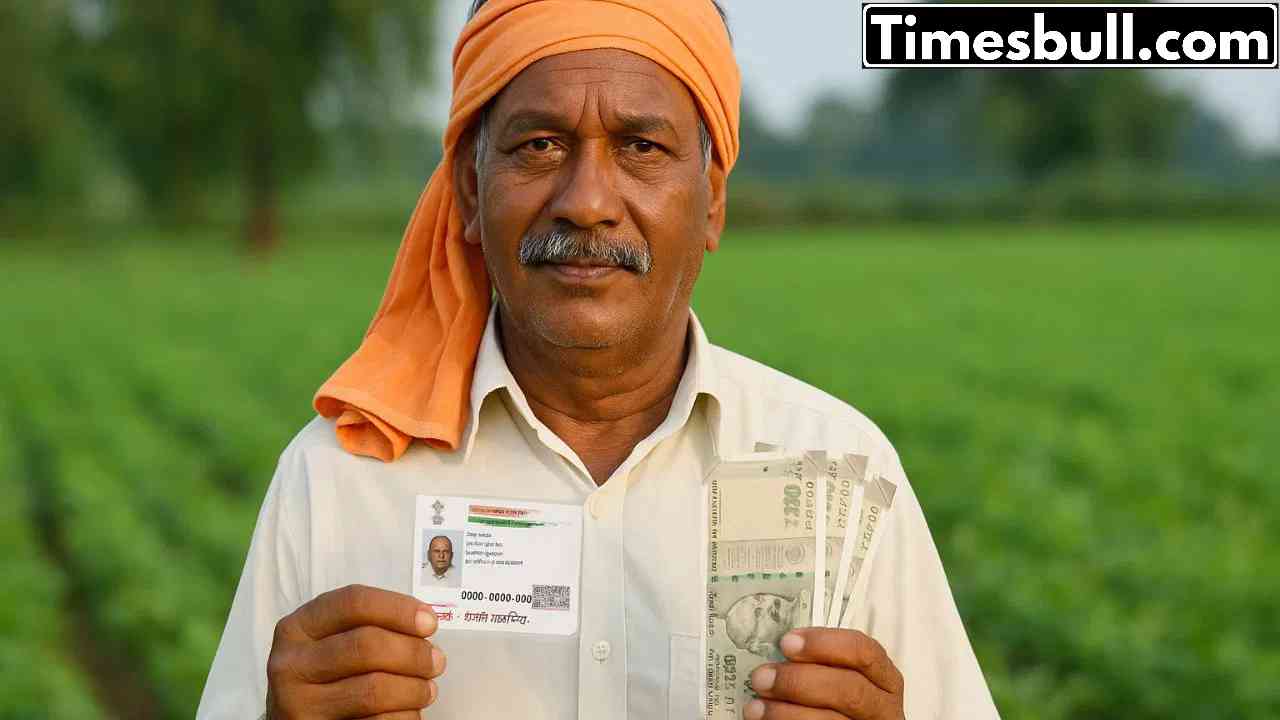
For bank seeding, you have to get NPCI (National Payments Corporation of India) done in your bank account.
For this, go to your nearest bank branch with your bank passbook and Aadhar card.
Ask the bank employee to link to NPCI. As soon as this process is completed, the DBT option will be activated in your account.
How to do Farmer Registry
If you want to do a farmer registry, then this process is also very easy.
First of all, visit the official website http://www.upfr.agristack.gov.in.
Enter your mobile number and Aadhaar number and verify with OTP.
After this, enter the details of your land and bank account.
After submitting the information, you will get the registry number.
PM Kisan Helpline Number

For any problem related to the PM Kisan Yojana, you can contact these helpline numbers:
Email ID: pmkisan-ict@gov.in
Helpline Number: 155261 or 1800115526 (toll-free) or 011-23381092
How to check your name in the list
If you want to know whether your name is in the beneficiary list or not, then follow these easy steps:
Go to the official website.
Click on “Farmers Corner”, a new page will open.
Select the option of “Beneficiary List” here.
A form will open in which you have to select your state, district, block, and village name.
After filling in all the information, click on “Get Report”.
The list of PM Kisan Yojana beneficiaries of your village will appear in front of you. If your name is in this list, then money will come to your account.
Latest News
- PM Kisan Samman Nidhi Yojana: नहीं मिल रही 2000 रुपये की किस्त तो किसान तुरंत करवा लें यह काम

- Aadhaar Card Update Rules – How Many Times Can You Change Address, DOB & Number?

- Train Ticket: How to book a confirmed train ticket without an agent? Learn the Easy Steps

- Indian Railways– 155 Trains Express Declared High-Speed, Thousands of Railway Staff to Benefit

- Monsoon Alert – Warning Heavy to Very Heavy Rain alert & thunderstorms in 22 States Over Next 4 Days

- America-Iran War: मिडिल ईस्ट में तनाव होगा खत्म! ईरान ने होर्मुज रास्ते पर कही बड़ी बात

- PM Surya Ghar Yojana 2026: Get Up to Rs 78,000 Subsidy within 6 Easy Steps, Know Here

- Cheapest Available 5G Smartphones in India Under 10000

- UPSC Prelims Answer Key 2026 – How to Download UPSC Prelims Answer Key at upsc.gov.in

- 8th Pay Commission: एनपीएस और पुरानी पेंशन में कौन सी बेहतर, जानिए बड़ा अपडेट

