

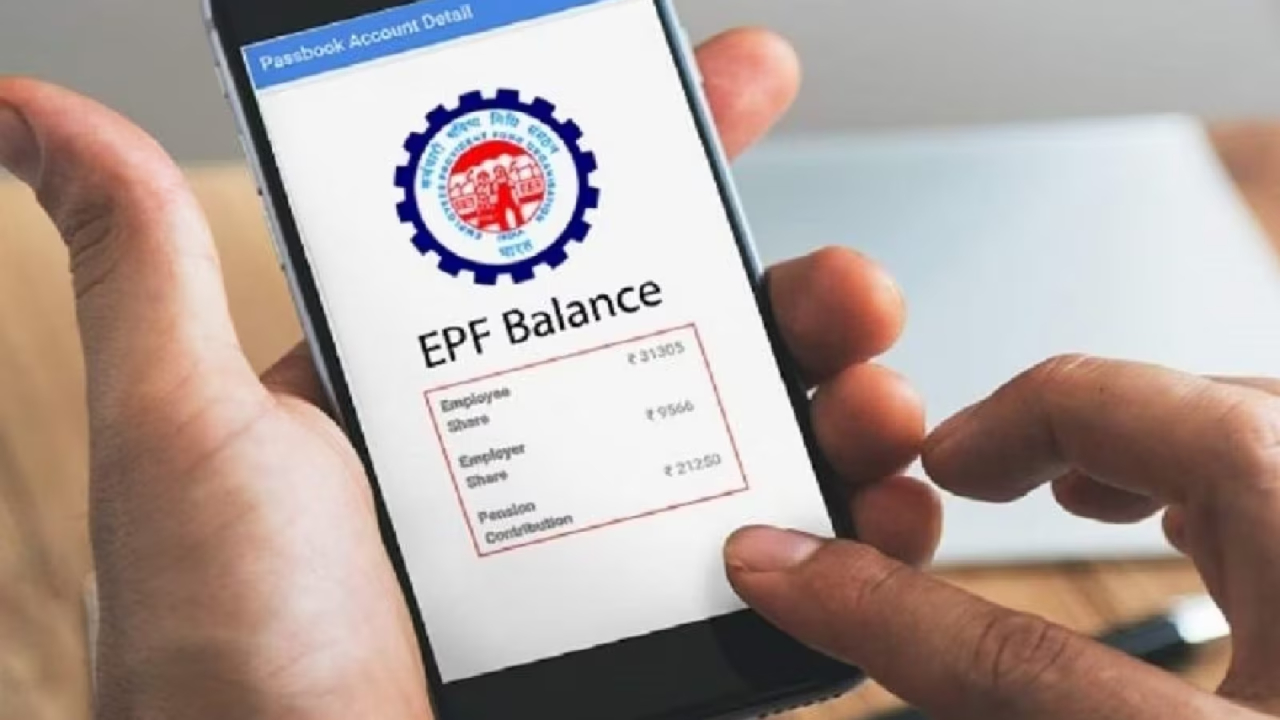
EPFO: Switching jobs is key for advancing your career. Many people look for new positions to get better pay, improved work environments, and more. However, a common issue that many face when switching jobs is moving their old PF account funds to a new one. Although transferring PF to a different account has become simpler, the ATMs of the previous employer can often pose challenges, leading to additional complications.
It’s not uncommon for HR departments to be reluctant to approve PF transfer requests when an employee departs, or sometimes the previous company may have shut down entirely. As a result, countless individuals leave their PF money behind and forget about it. But here’s the good news: EPFO has streamlined this process so much that you no longer need to beg your old HR for help! You can now merge your PF without needing a digital signature from your previous employer. Let’s break down this ‘solution’ step-by-step.
Why is merging your PF important?
Some folks believe that just leaving their old PF money untouched is the best option. But that’s a huge mistake! If you don’t transfer the funds from your old account to your new one, it could become inactive after three years and stop earning interest. Plus, if you withdraw directly from your old account, you might face taxation (TDS). By merging your service records, you enhance your total service history, which allows for tax-free withdrawals once you hit five years of service. Additionally, merging accounts means your pension service gets added to your overall service, helping you secure a bigger pension when you retire.
How will things function without the old company?
Previously, the policy was that PF transfer requests could only be approved by the HR of the previous company. But now, the EPFO has given employees a new option.
You can now send your transfer request to your current employer.
All you need is to ensure that your KYC is updated with your current company and that your UAN is active.
So, if the HR of your new company digitally signs your request, you won’t need to visit the old company.
Step-by-step process for online transfer
Follow these steps to complete your task without involving HR.
Step 1: Log in to the EPFO portal.
First, head over to the ‘Unified Member Portal’ and log in using your UAN number and password. Don’t forget to fill in the captcha code.
Step 2: Choose ‘One Member – One EPF Account’
Once logged in, click on the ‘Online Services’ tab at the top. You’ll find the option ‘One Member – One EPF Account (Transfer Request)’; click on that.
Step 3: Confirm your details.
A page will appear showing your current job details. Make sure your name, bank account, and Aadhaar details are accurate.
Step 4: Input your old company’s information.
Hit the ‘Get Details’ button. You’ll now see your old PF account information. Here, you need to decide whether to send your request to your old company or the new one. This is where you’ll select your current employer.
Step 5:
Enter your UAN and click ‘Get OTP’. You’ll receive an OTP on your registered mobile number. Enter it and submit. Your request will then be forwarded to your new company’s HR team.
4. What if the old company has shut down?
The biggest issue arises when the company has closed or vanished, but the law supports you.
If the company is closed and there’s no one to sign, you can also have the request attested by the bank manager.
5. Will you incur taxes on PF withdrawal?
It’s also crucial to understand the withdrawal process.
If you combine your total service to more than 5 years, then PF withdrawal is completely tax-free.
What should PF holders keep an eye on?
Make sure all your previous jobs have the same UNA. If they don’t match, you need to merge them first.
If there’s a mismatch in your name or date of birth between your old company records and Aadhaar, your online transfer could get rejected.
So, get that sorted out with a ‘Joint Declaration Form’ first.
Also, double-check that your previous employer has updated your Date of Exit on the portal. Without that, you can’t transfer your funds.
Goodbye to HR headaches
Your PF money is your hard-earned cash; don’t let it slip away due to a company’s oversight. In this Digital India age, you hold the reins. If the HR from your old company isn’t picking up your calls or is giving you a hard time, just put in a request through your new company using the steps mentioned earlier. Your funds should start showing up in your new account within 15 to 20 days.
Latest News
- Apple MacBook Neo Deal Alert: Get It For Under ₹58,000 on Amazon Right Now

- Pakistan Attack: आत्मघाती हमले से दहला पाकिस्तान, 23 लोगों की मौत, 50 से ज्यादा घायल, जानें

- Honor Magic 9 Series Leaks: Flagship Upgrades with Massive 8,000mAh Battery and 200MP Cameras

- Motorola Edge 60 Fusion Review: Mid-Range King or Outdated?

- FD Update– Breaking Your FD Early? Know the consequences

- Bank Holiday–RBI Announces Closure of SBI, HDFC and All Banks Next Week, Save the Dates

- Samsung Galaxy S26 Ultra Amazon Deal – Get ₹23,509+ Discount with Bank Offers and Exchange Benefits

- Best Scooters For College Girls 2026 – Perfect Mix Of Mileage, Style And Lightweight Design

- Kodak Matrix QLED Google TV 2026 Series Launched in India Just Under 10,999

- Senior Citizen FD Rates: सीनियर सिटीजन को यहां से मिल रहा बंपर ब्याज, जल्द करें निवेश

